
Vitek VT-3782: ПРОСЛУШИВАНИЕ ЧЕРЕЗ НАУШНИКИ ПОДКЛЮЧЕНИЕ К ЗВУКОВЫМ СИСТЕМАМ ОБСЛУЖИВАНИЕ ЧИСТКА КОРПУСА ЧИСТКА ЛИНЗЫ
ПРОСЛУШИВАНИЕ ЧЕРЕЗ НАУШНИКИ ПОДКЛЮЧЕНИЕ К ЗВУКОВЫМ СИСТЕМАМ ОБСЛУЖИВАНИЕ ЧИСТКА КОРПУСА ЧИСТКА ЛИНЗЫ: Vitek VT-3782
Оглавление
- Гарантийный талон
- УСЛОВИЯ ГАРАНТИЙНОГО ОБСЛУЖИВАНИЯ
- СПЕЦИФИКАЦИЯ ПЕРЕНОСНОЕ УСТРОЙСТВО РАДИО ЗВУК ОСНОВНЫЕ ТЕХНИЧЕСКИЕ ХАРАКТЕРИСТИКИ
- ПРОСЛУШИВАНИЕ ЧЕРЕЗ НАУШНИКИ ПОДКЛЮЧЕНИЕ К ЗВУКОВЫМ СИСТЕМАМ ОБСЛУЖИВАНИЕ ЧИСТКА КОРПУСА ЧИСТКА ЛИНЗЫ
- АНТИШОК 40 СЕКУНД ПРОСЛУШИВАНИЕ РАДИО ПРОГРАММИРОВАНИЕ РАДИОСТАНЦИЙ
- ПОВТОР ОДНОЙ ДОРОЖКИ ПОВТОР ВСЕХ ДОРОЖЕК ПРОИГРЫВАНИЕ В РЕЖИМЕ “INTRO” ВОСПРОИЗВЕДЕНИЕ ДОРОЖЕК В ПРОИЗВОЛЬНОМ ПОРЯДКЕ
- ВЫБОР РАЗЛИЧНЫХ РЕЖИМОВ ПРОИГРЫВАНИЯ ПРОГРАММИРОВАННОЕ ВОСПРОИЗВЕДЕНИЕ КОМПАКТДИСКА
- АВТОМАТИЧЕСКОЕ ВКЛЮЧЕНИЕ И ВЫКЛЮЧЕНИЕ ПЛЕЕРА ВОСПРОИЗВЕДЕНИЕ КОМПАКТДИСКА
- ПРОИГРЫВАНИЕ ДИСКА
- ЗАРЯД И ИСПОЛЬЗОВАНИЕ ПЕРЕЗАРЯЖАЮЩИХСЯ БАТАРЕЙ ИСПОЛЬЗОВАНИЕ КОМПАКТДИСКОВ
- ЭЛЕМЕНТЫ УПРАВЛЕНИЯ ПИТАНИЕ ОТ БАТАРЕЙ
- УВАЖАЕМЫЙ ПОКУПАТЕЛЬ! РАСПОЛОЖЕНИЕ ЭЛЕМЕНТОВ УПРАВЛЕНИЯ ВАЖНЫЕ ПРИМЕЧАНИЯ
ENGLISH
РУССКИЙ
In this case, cherge and discharge the batteries several times.
3. Найдите нужную передающую станцию, используя регулятор “ TUNING”(2 или 3).
4. Нажмите на кнопку “STORE” (9) и на дисплее высветится индикатор “М”.
HANDLING COMPACT DISCS
5. Пока на дисплее мигает индикатор “М”, нажмите одну из пяти кнопок
This unit is designed to play compact bearing the identification
программирования радиостанций и выбранная вами радиостанция будет
logo. Discs that do not carry this logo may not conform to the CD
запрограммирована.
standard and may not play properly.
Обращаем ваше внимание на то, что шаги 1 5 должны быть сделаны достаточно
Dirty scratched or warped discs may cause skipping or noise.
быстро.
Pay attention to the following: Handle the disc only by the
6. Для того, чтобы занести в память 4 других радиостанции, повторите шаги 4 5.
edges. To keep the disc clean, do not touch the surface of the
disc.
7. Каждая из пяти кнопок способна запомнить до двух радиостанций. Одну для FM,
1. Discs should be returned to thei case after use to avoid serious scratches that
другую для AM.
could cause the leser pickup to skip.
После выключения плеера запрограммированные радиостанции остаются в памяти
2. Do not expose disc to direct sunlight, high humidity, or high temperatures for extended
примерно 30 секунд.
periods. Prolonged exposure to high temperatures can warp the disc.
3. Do not apply paper or write anything on either side of the compact disc. Sharp
ПРОСЛУШИВАНИЕ ЧЕРЕЗ НАУШНИКИ
writing instruments, or the inks used in some felttip pens, may damage the
Для прослушивания через наушники установите регулятор уровня
surface of the disc.
громкости (13) в положение "MIN", вставьте наушники в гнездо плеера
(14), установите уровень громкости (13) на ваш вкус.
DISC PLAYING
Be sure to reduce the volume before plugging in or unplugging the hea
ПОДКЛЮЧЕНИЕ К ЗВУКОВЫМ СИСТЕМАМ
phones/earphones.
Вставьте кабель стерео связи в ЛИНЕЙНЫЙ ВЫХОД (12) и во входные
1. Slide CD/RADIO FUNCTUION switch (17) to CD position.
гнезда CD/AUX звуковой системы.
2. Plug the cord from a pair of earphone into the PHONES jack (14).
ПРЕДУПРЕЖДЕНИЕ: Прежде чем соединить плеер со звуковой системой,
Cautions: Listening at high power for a long moment could damage users`ears.
не забудьте отключить приборы от сети.
3. Slide the CD DOOR OPEN switch (21) to open the CD door.
4. Hold the disc with the label side up and press it onto the spindle until it “clicks”
ОБСЛУЖИВАНИЕ
into place.
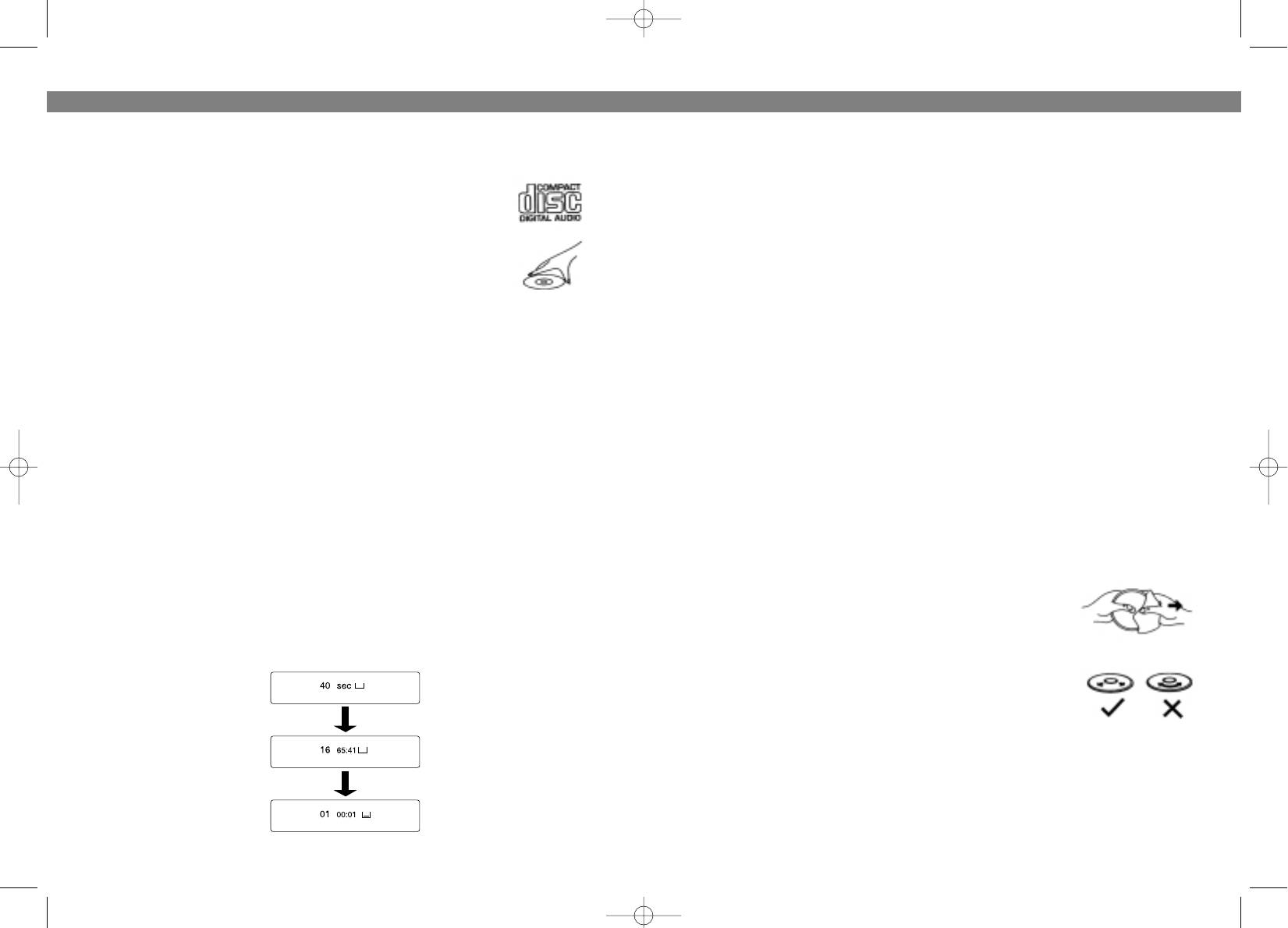
5. Close the disc compartment, press PLAY/PAUSE button (10), the disc will
ЧИСТКА КОРПУСА
• Протирайте корпус плеера слегка влажной тканью.
begin to spin, the display will indicate “40 sec” (flashes) and then the total
number of tracks and total playing time will appear on the disc. Play will begin
• Не используйте для чистки растворители, бензин,
from track number 1 automatically.
абразивные средства.
• Не допускайте попадания жидкости вовнутрь
прибора.
ЧИСТКА ЛИНЗЫ
Пыльная линза приведет к искажению звука, и, если
линза очень загрязненная, может случиться, что дископроигрыватель не
будет работать. Чтобы удалить пыль с линзы рекомендуется на нее подуть,
а затем протереть мягкой щеточкой.
6
23
3782.qxd 02.07.03 15:38 Page 12


