
Pioneer KRL-46V: Sound Settings Power Save Settings
Sound Settings Power Save Settings: Pioneer KRL-46V
Table of contents
- Contents
- Important Safety Precautions
- Remote control unit
- Controlling other equipment using the supplied remote control unit Presetting manufacture codes Manufacture codes STB DVD
- DVR VCR BD VCR
- Using with other equipment (STB) Using with other equipment (VCR)
- Using with other equipment (DVD/DVR)
- Trademarks
- TV (Front view) TV (Rear view)
- Preparation Supplied accessories Attaching the stand unit
- Preparation Inserting the batteries Using the remote control unit
- Installation precautions
- Quick guide Initial installation overview
- Before turning on the power
- Initial auto installation
- Watching TV Daily operation
- EPG (Electronic Programme Guide) EPG Overview Useful settings for using EPG
- Selecting a programme using EPG
- Timer recording using EPG Cancelling the timer recording
- Teletext Using the MHEG-5 application (UK only)
- Connecting external devices Introduction to connections
- HDMI connection Component connection S-VIDEO/VIDEO connection
- SCART connection Controlling devices with SCART using i/o link.A
- Speaker/amplifier connection
- Inserting a smart card
- HDMI CONTROL Controlling HDMI devices using HDMI CONTROL
- HDMI CONTROL connection HDMI CONTROL Setup
- Operating an HDMI CONTROL device
- Menu operation What is the HOME MENU?
- Basic adjustment Picture Settings
- Sound Settings Power Save Settings
- Channel Settings
- Analogue channel settings
- Password/Parental lock settings Language Settings (language, subtitle, multi audio)
- Useful Viewing functions Selecting the picture size
- Other picture and audio settings
- Display Settings
- Other useful features Setting when using external devices Additional features
- Connecting a PC Connecting a PC Displaying a PC image on the screen
- Selecting input resolution
- RS-232C port specifications
- PC compatibility chart RS-232C command list
- Appendix Troubleshooting
- Updating your TV via DVB-T Reset Identification
- Specifications
- End of life disposal
Basic adjustment
Monochrome
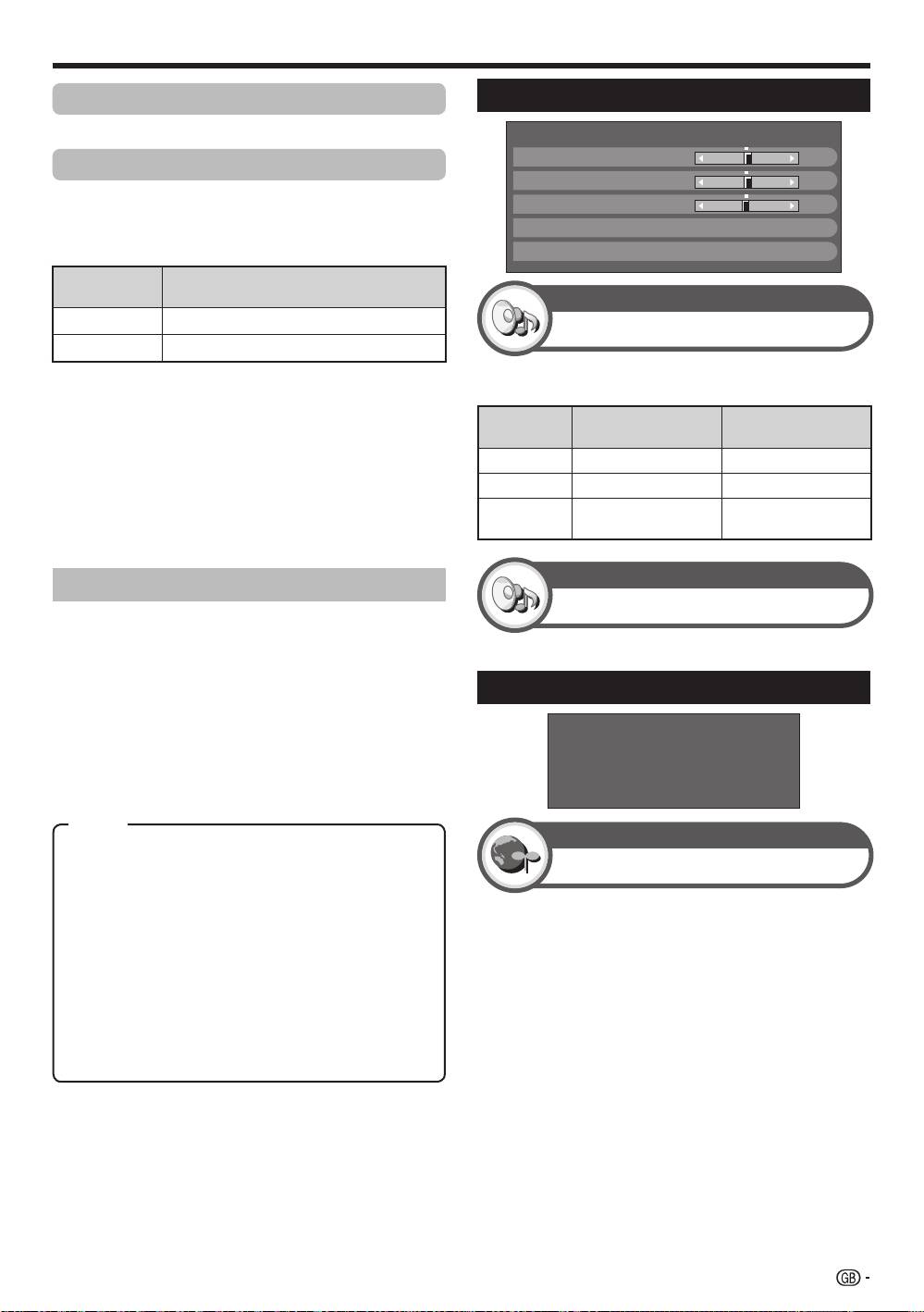
Sound Settings
For viewing a colour video in black & white.
Range of RLS
The brightness level range of the RLS’s automatic
adjustments can be set according to your preferences.
The adjustment range of the RLS can be set to a
maximum of e16 and a minimum of f16.
Selectable
Description
items
M
ax.
f
16 thr
ough e16
M
in.
f
16 thr
ough e16
NOTE
•
This function is available only when the “RLS” setting is set
to “On” or “On:Display”.
•
The maximum setting cannot be set to a smaller number
than the minimum setting.
•
The minimum setting cannot be set to a bigger number
than the maximum setting.
•
The maximum and minimum settings cannot be set to the
same number.
•
Depending on the brightness of the surrounding light, the
RLS might not operate if the adjustment range is small.
AV SELECTION
AV SELECTION gives you several viewing options to
choose from to best match the system environment,
which can vary due to factors like room-brightness,
type of programme watched or the type of image input
from external equipment.
1
Press AV S
ELEC
TION.
2
Each time you press AV SELEC
TION, the mode
changes.
•
You can also switch the mode on the “Picture” and
“Sound” menu screen by pressing AV SELECTION.
NOTE
•
The item marked with * is available only when selecting
“INPUT4”, “INPUT5”, “INPUT6” or “INPUT7” using
INPUT1–8 on the remore control unit or b on the TV.
•
The item marked with ** is available only when accepting
an “x.v.Colour” signal through an HDMI terminal.
DYNAMIC
Treble
[ 0] –15
+15
Bass
[ 0]
–15
+15
Balance
[ 0]
L
R
Surround
[Off]
Reset
Sound
Sound adjustment
Sound
Surround
This function allows you to enjoy realistic live sound.
Power Save Settings
Power Control
STANDARD: For a highly defined image in a normally
bright room.
No Signal Off
MOVIE: For viewing a movie in a darkened room.
GAME: For playing of video games.
When set to “Enable”, the TV will automatically enter
PC*: For PC.
standby mode if there is no signal input for 15 minutes.
x.v.Colour**: Produce realistic colour on the TV screen
•
Five minutes before the TV enters standby mode, the
unlike any other signal.
remaining time displays every minute.
USER
: Allows you to customise settings as desired. You
can set the mode for each input source.
NOTE
DYNAMIC (Fixed): For a clear-cut image emphasising
•
Even if a TV programme finishes, this function may not
high contrast for sports viewing (The “Picture” and
operate because of interference from other TV stations or
“Sound” settings cannot be adjusted).
other signals.
DYNAMIC: For a clear-cut image emphasising high
contrast for sports viewing.
No Signal Off
[Disable]
No Operation Off
[Disable]
Ecology
Sleep Timer
You can adjust the sound quality to your preference
with the following settings.
Selectable
c button d button
items
Treble
For weaker treble For stronger treble
Bass
For weaker bass For stronger bass
Balance
Decrease audio from
Decrease audio from
the right speaker
the left speaker
Item
31
KRL46V_GB.indd 31 2008/07/09 14:09:00
