
Pioneer KRL-46V: PC compatibility chart RS-232C command list
PC compatibility chart RS-232C command list: Pioneer KRL-46V
Table of contents
- Contents
- Important Safety Precautions
- Remote control unit
- Controlling other equipment using the supplied remote control unit Presetting manufacture codes Manufacture codes STB DVD
- DVR VCR BD VCR
- Using with other equipment (STB) Using with other equipment (VCR)
- Using with other equipment (DVD/DVR)
- Trademarks
- TV (Front view) TV (Rear view)
- Preparation Supplied accessories Attaching the stand unit
- Preparation Inserting the batteries Using the remote control unit
- Installation precautions
- Quick guide Initial installation overview
- Before turning on the power
- Initial auto installation
- Watching TV Daily operation
- EPG (Electronic Programme Guide) EPG Overview Useful settings for using EPG
- Selecting a programme using EPG
- Timer recording using EPG Cancelling the timer recording
- Teletext Using the MHEG-5 application (UK only)
- Connecting external devices Introduction to connections
- HDMI connection Component connection S-VIDEO/VIDEO connection
- SCART connection Controlling devices with SCART using i/o link.A
- Speaker/amplifier connection
- Inserting a smart card
- HDMI CONTROL Controlling HDMI devices using HDMI CONTROL
- HDMI CONTROL connection HDMI CONTROL Setup
- Operating an HDMI CONTROL device
- Menu operation What is the HOME MENU?
- Basic adjustment Picture Settings
- Sound Settings Power Save Settings
- Channel Settings
- Analogue channel settings
- Password/Parental lock settings Language Settings (language, subtitle, multi audio)
- Useful Viewing functions Selecting the picture size
- Other picture and audio settings
- Display Settings
- Other useful features Setting when using external devices Additional features
- Connecting a PC Connecting a PC Displaying a PC image on the screen
- Selecting input resolution
- RS-232C port specifications
- PC compatibility chart RS-232C command list
- Appendix Troubleshooting
- Updating your TV via DVB-T Reset Identification
- Specifications
- End of life disposal
Connecting a PC
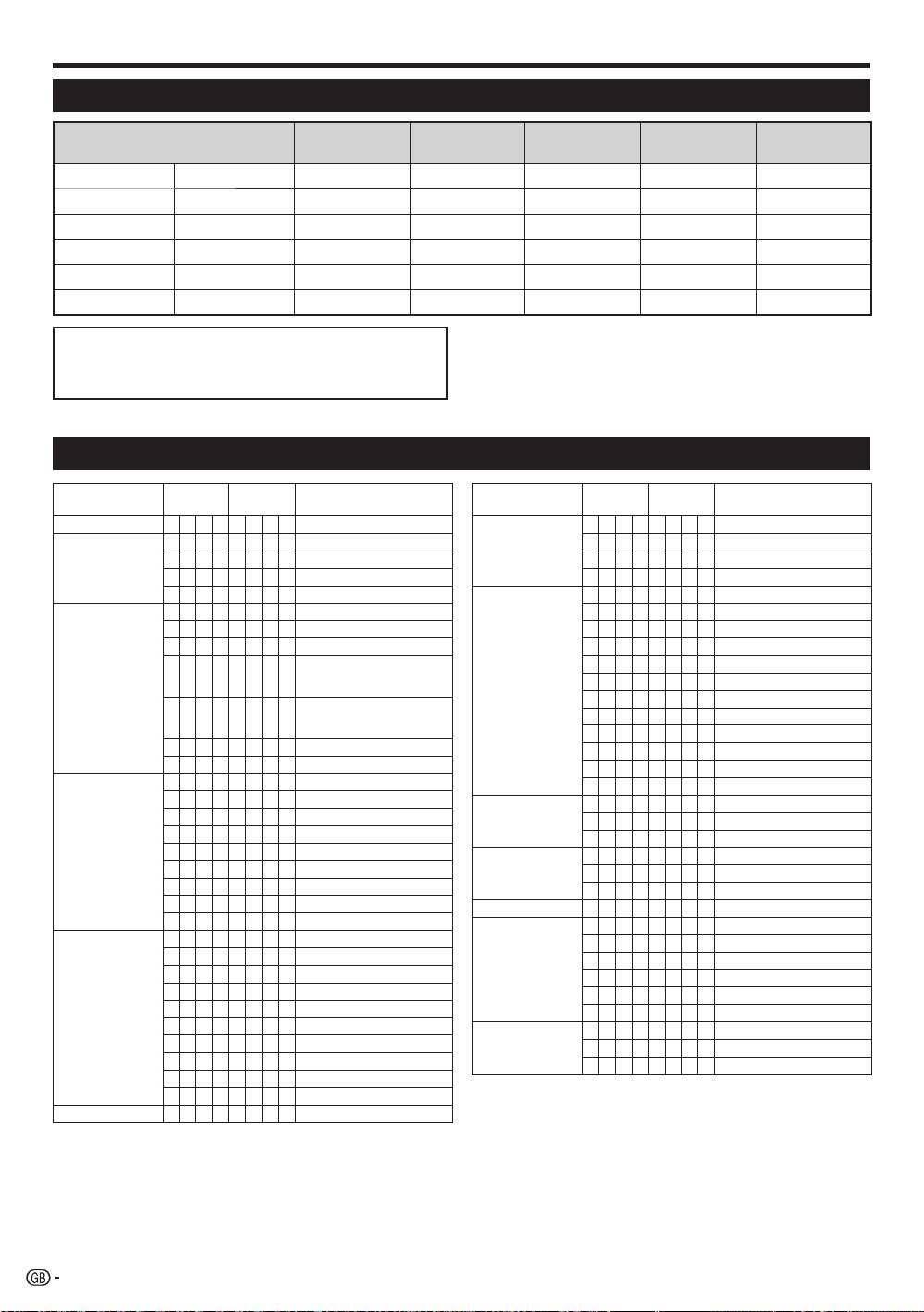
PC compatibility chart
Horizontal
Vertical
A
nalogue (D-
V
ESA
Resolution
Digital (HDMI
)
Frequency
Frequency
Sub)
Standard
VGA
640 g 480
31.5 kHz 60 Hz
4 4 4
SVGA
800 g 600
37.9 kHz 60 Hz
4 4 4
XGA
1,024 g 768
48.4 kHz 60 Hz
4 4 4
WXGA
1,360 g 768
47.7 kHz 60 Hz
4 4 4
SXGA
1,280 g 1,024
64.0 kHz 60 Hz
4 4 4
SXGA+
1,400 g 1,050
65.3 kHz 60 Hz
4 4
NOTE
VGA, SVGA, XGA, WXGA, SXGA and SXGA+ are
•
This TV has only limited PC compatibility, correct operation
registered trademarks of International Business
can only be guaranteed if the video card conforms exactly
Machines Corporation.
to the VESA 60 Hz standard. Any variations from this
standard will result in picture distortions.
RS-232C command list
CONTROL ITEM COMMAND PARAMETER CONTROL CONTENTS
CONTROL ITEM COMMAND PARAMETER CONTROL CONTENTS
POWER SETTING P O W R 0 _ _ _ POWER OFF
POSITION H P O S * * * _ H-POSITION (AV/PC)
INPUT SELECTION A I T G D _ _ _ _ INPUT SWITCHING (TOGGLE)
V P O S * * * _ V-POSITION (AV/PC)
I T V D _ _ _ _ TV (CHANNEL FIXED)
C L C K * * * _ CLOCK (0–180)
I D T V _ _ _ _ DTV (CHANNEL FIXED)
P H S E * * _ _ PHASE (0–40)
I A V D * _ _ _ INPUT1–8 (1–8)
SCREEN SIZE W I D E 0 _ _ _ TOGGLE (AV)
CHANNEL D C C H * * _ _ TV DIRECT CHANNEL (1–99)
W I D E 1 _ _ _ 4:3 (AV)
C H U P _ _ _ _ CHANNEL UP
W I D E 2 _ _ _ CINEMA 14:9 (AV)
C H D W _ _ _ _ CHANNEL DOWN
W I D E 3 _ _ _ WIDE (AV)
D T V D * * * _ THREE DIGIT DTV DIRECT
W I D E 4 _ _ _ FULL (AV)
CHANNEL (1–999) (Non-Nordic
W I D E 5 _ _ _ ZOOM (AV)
countries)
W I D E 6 _ _ _ CINEMA (AV)
D T V D * * * * FOUR DIGIT DTV DIRECT
CHANNEL (1–9999) (Nordic
W I D E 7 _ _ _ 4:3 (PC)
countries only)
W I D E 8 _ _ _ CINEMA (PC)
D T U P _ _ _ _ DTV CHANNEL UP
W I D E 9 _ _ _ FULL (PC)
D T D W _ _ _ _ DTV CHANNEL DOWN
W I D E 1 0 _ _ DOT by DOT (AV/PC)
INPUT SELECTION B I N P 1 0 _ _ _ INPUT1 (Y/C)
W I D E 1 1 _ _ UNDERSCAN (AV)
I N P 1 1 _ _ _ INPUT1 (CVBS)
MUTE M U T E 0 _ _ _ TOGGLE
I N P 1 2 _ _ _ INPUT1 (RGB)
M U T E 1 _ _ _ MUTE ON
I N P 2 0 _ _ _ INPUT2 (Y/C)
M U T E 2 _ _ _ MUTE OFF
I N P 2 1 _ _ _ INPUT2 (CVBS)
SURROUND A C S U 0 _ _ _ SURROUND TOGGLE
I N P 2 2 _ _ _ INPUT2 (RGB)
A C S U 1 _ _ _ SURROUND ON
I N P 3 0 _ _ _ INPUT3
A C S U 2 _ _ _ SURROUND OFF
I N P 3 1 _ _ _ INPUT3 (S-VIDEO)
AUDIO CHANGE A C H A _ _ _ _ TOGGLE
I N P 3 2 _ _ _ INPUT3 (VIDEO)
SLEEP TIMER O F T M 0 _ _ _ OFF
AV SELECTION A V M D 0 _ _ _ TOGGLE
O F T M 1 _ _ _ SLEEP TIMER 30 MIN
A V M D 1 _ _ _ STANDARD
O F T M 2 _ _ _ SLEEP TIMER 1 HOUR
A V M D 2 _ _ _ MOVIE
O F T M 3 _ _ _ SLEEP TIMER 1 HOUR 30 MIN
A V M D 3 _ _ _ GAME
O F T M 4 _ _ _ SLEEP TIMER 2 HOUR
A V M D 4 _ _ _ USER
O F T M 5 _ _ _ SLEEP TIMER 2 HOUR 30 MIN
A V M D 5 _ _ _ DYNAMIC (Fixed)
TEXT T E X T 0 _ _ _ TEXT OFF
A V M D 6 _ _ _ DYNAMIC
T E X T 1 _ _ _ TEXT ON (TOGGLE)
A V M D 7 _ _ _ PC
D C P G * * * _
DIRECT PAGE JUMP (100–899)
A V M D 8 _ _ _ x.v.Colour
A V M D ? ? ? ? 1–8
VOLUME V O L M * * _ _ VOLUME (0–60)
42
KRL46V_GB.indd 42 2008/07/09 14:09:09
