
Pioneer KRL-46V: Selecting input resolution
Selecting input resolution: Pioneer KRL-46V
Table of contents
- Contents
- Important Safety Precautions
- Remote control unit
- Controlling other equipment using the supplied remote control unit Presetting manufacture codes Manufacture codes STB DVD
- DVR VCR BD VCR
- Using with other equipment (STB) Using with other equipment (VCR)
- Using with other equipment (DVD/DVR)
- Trademarks
- TV (Front view) TV (Rear view)
- Preparation Supplied accessories Attaching the stand unit
- Preparation Inserting the batteries Using the remote control unit
- Installation precautions
- Quick guide Initial installation overview
- Before turning on the power
- Initial auto installation
- Watching TV Daily operation
- EPG (Electronic Programme Guide) EPG Overview Useful settings for using EPG
- Selecting a programme using EPG
- Timer recording using EPG Cancelling the timer recording
- Teletext Using the MHEG-5 application (UK only)
- Connecting external devices Introduction to connections
- HDMI connection Component connection S-VIDEO/VIDEO connection
- SCART connection Controlling devices with SCART using i/o link.A
- Speaker/amplifier connection
- Inserting a smart card
- HDMI CONTROL Controlling HDMI devices using HDMI CONTROL
- HDMI CONTROL connection HDMI CONTROL Setup
- Operating an HDMI CONTROL device
- Menu operation What is the HOME MENU?
- Basic adjustment Picture Settings
- Sound Settings Power Save Settings
- Channel Settings
- Analogue channel settings
- Password/Parental lock settings Language Settings (language, subtitle, multi audio)
- Useful Viewing functions Selecting the picture size
- Other picture and audio settings
- Display Settings
- Other useful features Setting when using external devices Additional features
- Connecting a PC Connecting a PC Displaying a PC image on the screen
- Selecting input resolution
- RS-232C port specifications
- PC compatibility chart RS-232C command list
- Appendix Troubleshooting
- Updating your TV via DVB-T Reset Identification
- Specifications
- End of life disposal
Connecting a PC
1
Press a/b to select the specific adjustment
item.
2
Press c/d to adjust the item to the desired
position.
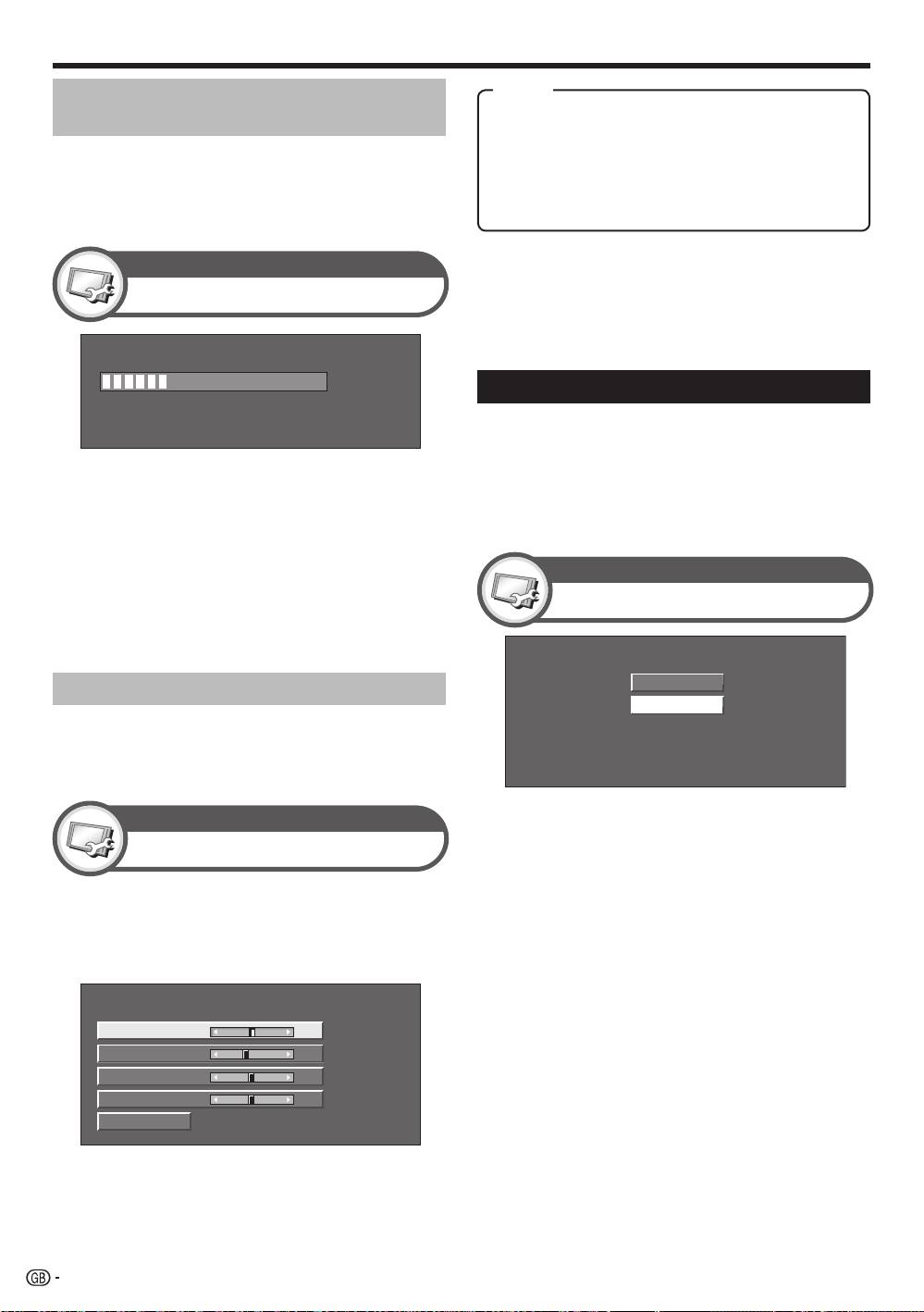
H-Pos. [ 90] a b
V-Pos.
[ 39]
a b
Clock
[ 90]
a b
Phase
[ 20]
a b
Reset
NOTE
•
You can only select the “Input Signal” on the “Setup” menu
when receiving one of the two input signals listed above.
1024 x 768
1360 x 768
NOTE
•
For resetting all adjustment items to the factory preset
values, press a/b to select “Reset”, and then press
ENTER.
•
“Clock” and “Phase” in the “Fine Sync.” menu can be
adjusted only when inputting analogue signals through the
INPUT7 terminal.
Selecting input resolution
•
Some input signals may have to be registered
manually to display properly.
•
The pairs of input signals (resolutions) in the list
below are not distinguishable when received. In such
cases, you have to set the correct signal manually.
After setting once, it will display when the same
signal (resolution) is input again.
Setup
Input Signal
(Example)
Setup
Fine Sync.
30%
Item
Adjusting the PC image
H-Pos.: Centres the image by moving it to the left or
automatically
right.
V-Pos.: Centres the image by moving it up or down.
This function enables the screen to be automatically
Clock: Adjusts when the image flickers with vertical
adjusted to its best possible condition when the
stripes.
analogue terminals of the TV and PC are connected
Phase: Adjusts when characters have low contrast or
with a commercially available DVI/RGB conversion
when the image flickers.
cable, etc.
Setup
Auto Sync.
NOTE
•
When “Auto Sync.” is successful, “Auto Sync completed
successfully” displays. If not, “Auto Sync.” failed.
•
“Auto Sync.” may fail even if “Auto Sync completed
successfully” displays.
•
“Auto Sync.” may fail if the PC image has low resolution,
has unclear (black) edges, or is moved while executing
“Auto Sync.”.
•
Be sure to connect the PC to the TV and switch it on
before starting “Auto Sync.”.
•
“Auto Sync.” can be executed only when inputting
analogue signals through the INPUT7 terminal.
Adjusting the PC image manually
Ordinarily you can easily adjust the picture as
necessary to change image position using “Auto
Sync.”. In some cases, however, manual adjustment is
needed to optimise the image.
40
KRL46V_GB.indd 40 2008/07/09 14:09:07
