
Asus DSL-N66U: Positioning your wireless router
Positioning your wireless router: Asus DSL-N66U
Table of contents
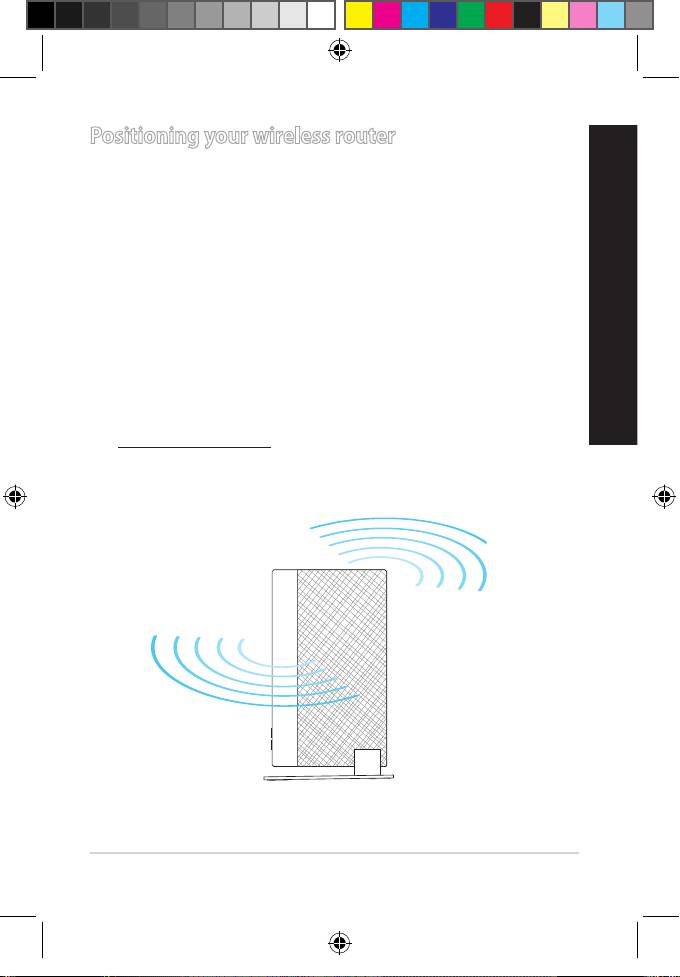
Positioning your wireless router
For the best wireless signal transmission between the wireless router
and the network devices connected to it, ensure that you:
• Place the wireless router at the center of your network for maximum
wireless coverage.
English
• Keep the device away from metal obstructions and away from direct
sunlight.
• Keep the device away from 802.11g or 20MHz only Wi-Fi devices,
2.4GHz computer peripherals, Bluetooth devices, cordless phones,
transformers, heavy-duty motors, uorescent lights, microwave
ovens, refrigerators, and other industrial equipment to prevent
signal interference or loss.
• For optimum performance, adjust the internal cooling system. Refer
to the user manual for details.
• Always update to the latest rmware. Visit the ASUS website at
http://www.asus.com to get the latest rmware updates.
7
R
outer
W
i-
Fi ADSL/VDSL Modem
L-N66U
Dual Band
DS
N900
Q8322_DSL-N66U_QSG_add_tr.indd 7 7/1/13 11:11:42 AM
