
Pioneer X-CM56: Chapter 4: Getting started To turn the power on General control Setting the clock
Chapter 4: Getting started To turn the power on General control Setting the clock: Pioneer X-CM56
Table of contents
- VENTILATION CAUTION POWER-CORD CAUTION
- Information for users on collection and disposal of old equipment and used batteries
- Contents
- Chapter 1: Before you start What’s in the box Loading the batteries in the remote control
- Chapter 2: Part names and functions Remote control
- Part names and functions 02
- Front panel
- Speaker system
- Chapter 3: Connections Speaker connection
- Connecting antennas
- Plugging in
- Chapter 4: Getting started To turn the power on General control Setting the clock
- Sound controls Setting the wake-up timer
- Using Headphones Using the sleep timer
- Chapter 5: Disc playback Playing discs or files
- Basic operations Advanced CD or MP3 disc playback
- Programmed play (CD) Switch the display contents About downloading MP3
- Chapter 6: USB playback Playing USB storage devices
- Chapter 7: Using the tuner Listening to FM (X-CM56D)/ Listening to FM or AM (X-CM56)
- Using the Radio Data System (RDS) (for European models only)
- Using the Auto Station program Memory (ASPM)
- Listening to the DAB+ (X-CM56D only)
- Changing the information display DAB Frequency table (BAND III) Memorising a station
- Chapter 8: Other connections Connecting auxiliary components
- Chapter 9: Bluetooth Audio playback Music playback using Bluetooth Remote control operation wireless technology Pairing with the unit (Initial registration)
- BT STANDBY Listen to music on the unit from a Bluetooth capable device
- Pairing and connection using NFC Radio wave caution
- Scope of operation Radio wave reflections Precautions regarding connections to products supported by this unit
- Chapter 10: Additional information Troubleshooting General problem Problem Check Remedy
- When a USB storage device is connected Problem Check Remedy
- When the Bluetooth wireless technology device is connected or operated Problem Remedy Playable discs and formats
- Cautions on use
- Handling discs Auto power off setting Restoring all the settings to the defaults
- Specifications
Getting started 04
Chapter 4:
English
Getting started
To turn the power on
General control
Français Español
Press the Í to turn the power on.
After use:
Input function
Press the Í to enter the power stand-by mode.
When the INPUT on main unit is pressed, the current
function will change to different mode. Press the INPUT
repeatedly to select desired function.
Setting the clock
*1 X-CM56D only
*2 X-CM56 only
Display brightness control
Press DIMMER to dims the display brightness. The
brightness can be controlled in four steps.
Volume auto set-in
1 Press
Í
to turn the power on.
If you turn off and on the main unit with the volume set to 31
or higher, the volume starts at 30 and sets in to the last set
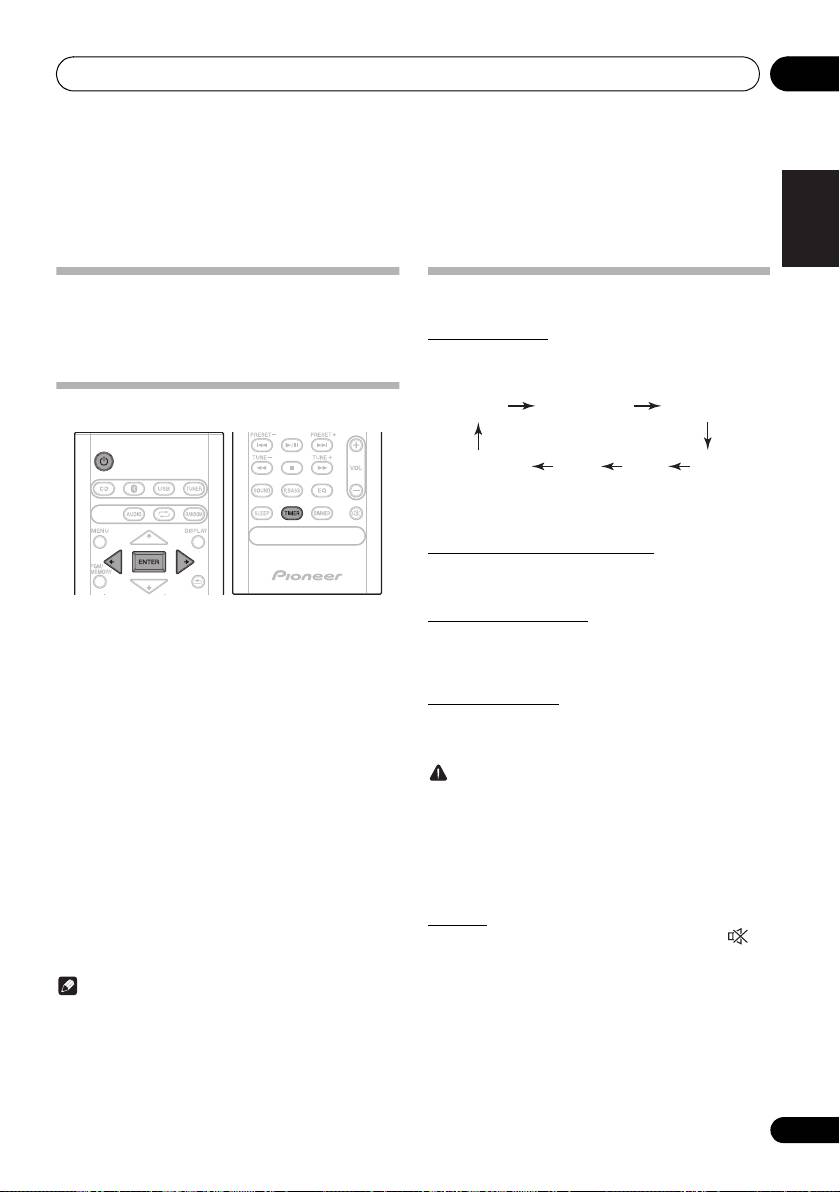
2 Press TIMER on the remote control.
level.
“CLOCK” is shown on the main display.
3 Press ENTER.
Volume control
Turn the volume knob towards VOLUME (on main unit) or
4 Press
/
to set the day, then press
press VOL +/– (on remote control) to increase or decrease
ENTER.
the volume.
5 Press
/
to set the hour, then press
CAUTION
ENTER.
• The sound level at a given volume setting depends on
speaker efficiency, location, and various other factors.
6 Press
/
to set the minute, then press
It is advisable to avoid exposure to high volume levels.
ENTER to confirm.
Do not turn the volume on to full at switch on. Listen to
music at moderate levels. Excessive sound pressure
7 Press ENTER.
from earphones and headphones can cause hearing
To confirm the time display:
loss.
Press the TIMER. The time display will appear for about 10
seconds.
Muting
To readjust the clock:
The volume is muted temporarily when pressing the on
the remote control. Press again to restore the volume.
Perform “Setting the clock” from step 1.
Note
• When power supply is restored after unit is plugged in
again or after a power failure, reset the clock.
13
En
1
CD
Bluetooth DAB
*
2
AMAudio In
*
FMUSB
SN29402593_X-CM56&56D_En.book 13 ページ 2016年5月27日 金曜日 午後3時47分
