
Pioneer VSX-519V-K: Using Front Stage Surround Advance Using the Sound Retriever Using Stream Direct
Using Front Stage Surround Advance Using the Sound Retriever Using Stream Direct: Pioneer VSX-519V-K
Table of contents
- IMPORTANT
- Information for users on collection and disposal of old equipment and used batteries
- Contents
- Chapter 1: Before you start
- Chapter 2: 5 minute guide
- Chapter 3: Connecting up
- Connecting up03 Analog audio cables Component video cables Digital audio cables About video outputs connection Video cables
- Connecting a TV and Blu-ray Disc player or DVD player
- Connecting the multichannel analog outputs
- Connecting a satellite receiver or other digital set-top box
- Connecting other audio components Connecting to the front panel audio mini jack
- Connecting other video components
- Using the component video jacks
- Connecting antennas
- Connecting the speakers
- Connecting up 03 Hints on speaker placement Speaker placement diagrams
- Connecting an IR receiver Plugging in the receiver
- Chapter 4: Controls and displays Front panel
- Operating range of remote control unit
- Display
- Controls and displays04
- Remote control
- Controls and displays04
- Controls and displays 04
- Chapter 5: Listening to your system Listening in surround sound Auto playback
- Listening in stereo
- Using Front Stage Surround Advance Using the Sound Retriever Using Stream Direct
- Using Phase Control
- Setting the Audio options Setting What it does Option(s)
- Setting What it does Option(s)
- Playing other sources Selecting the multichannel analog inputs Choosing the input signal Using the headphone
- Chapter 6: The System Setup menu Using the System Setup menu Manual speaker setup
- The System Setup menu06 Channel level Crossover network
- Speaker Distance The Input Assign menu
- Chapter 7: Using the MULTI-ZONE feature MULTI-ZONE listening
- Using the MULTI-ZONE feature 07 Using the MULTI-ZONE controls MULTI-ZONE remote controls
- Chapter 8 Using the tuner Listening to the radio Saving station presets
- Using the tuner 08 Naming preset stations
- An introduction to RDS Searching for RDS programs
- Displaying RDS information
- Chapter 9: Making recordings Making an audio or a video recording
- Chapter 10: Additional information Troubleshooting Problem Remedy
- Problem Remedy
- HDMI Symptom Remedy Important information regarding the HDMI connection
- Resetting the main unit Specifications
- Cleaning the unit
Listening to your system05
• While listening to a source, press
AUTO/
DIRECT
to select Stream Direct mode.
Using Front Stage Surround
• AUTO SURROUND – See Auto playback on
Advance
page 26.
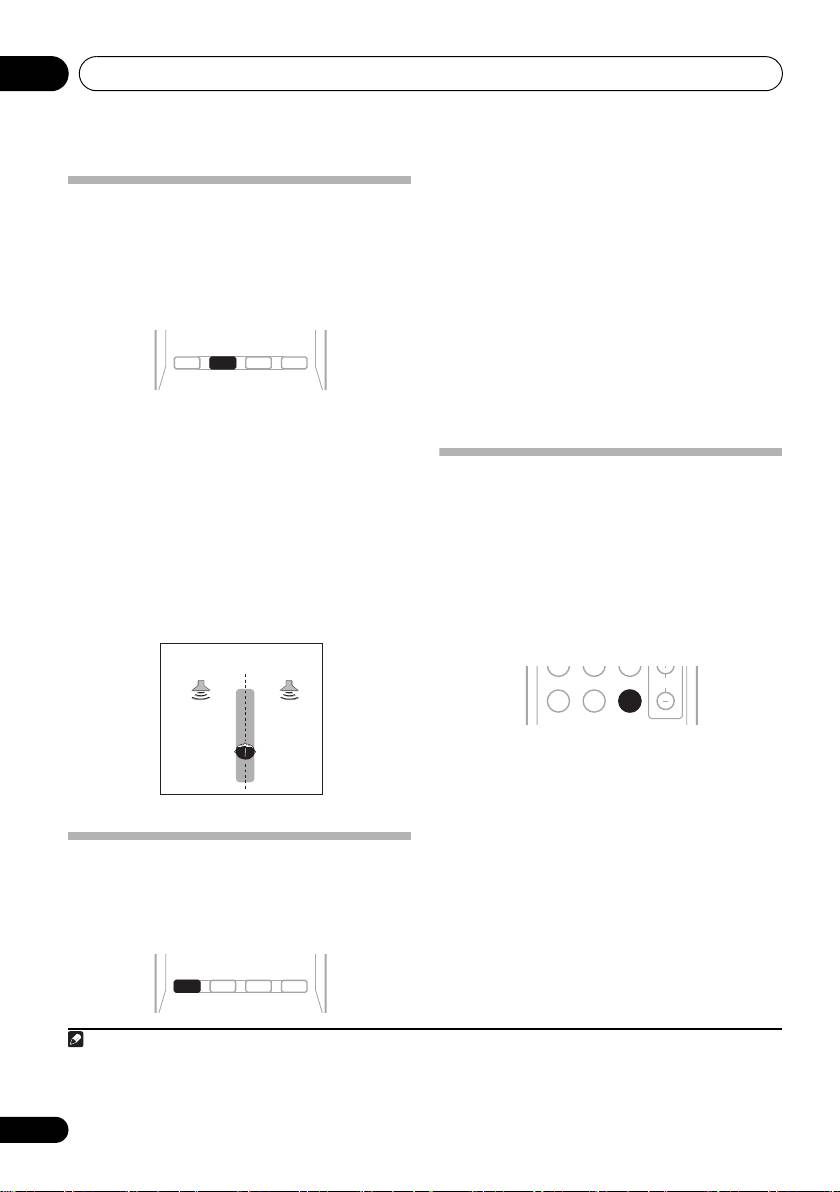
The Front Stage Surround Advance function
• DIRECT – Sources are heard according to
allows you to create natural surround sound
the settings made in the Surround Setup
effects using just the front speakers and the
(speaker setting, channel level, speaker
subwoofer.
distance), as well as with dual mono
1
settings.
You will hear sources according
to the number of channels in the signal.
• PURE DIRECT – Analog and PCM sources
2
• While listening to a source, press
STEREO/
are heard without any digital processing.
A.L.C.
to select Front Stage Surround Advance
modes.
• STEREO – See Listening in stereo on
Using the Sound Retriever
page 27 for more on this.
When audio data is removed during the
• A.L.C. – See Listening in stereo on page 27
compression process, sound quality often
for more on this.
suffers from an uneven sound image. The
• F.S.S.ADVANCE – Use to provide a rich
Sound Retriever feature employs new DSP
surround sound effect directed to the
technology that helps bring CD quality sound
center of wher e the front left and right
back to compressed 2-channel audio by
speakers sound projection area converges.
restoring sound pressure and smoothing
3
jagged artifacts left over after compression.
• Press
S.RETRIEVER to switch the sound
retriever on or off.
Using Stream Direct
Use the Stream Direct modes when you want
to hear the truest possible reproduction of a
source. All unnecessary signal processing is
bypassed.
28
En
AUTO/
STEREO/
STEREO/
DIRECT
A.L.C.
A.L.C.
STANDARD
ADV SURR
AUDIO
TUNER EDIT
MASTER
F.S.S.ADVANCE position.
Front left
Front right
speaker
speaker
AUTO/
STEREO/
DIRECT
A.L.C.
STANDARD
ADV SURR
AUDIO
TUNER EDIT
MASTER
AUTO/
DIRECT
Note
1In the DIRECT mode, Phase Control, Sound Delay, LFE Attenuate and Auto Delay functions are available.
2There are cases where a brief noise is heard before playback of sources other than PCM. Please select AUTO SURROUND or
DIRECT if this is a problem.
3 The Sound Retriever is only applicable to 2-channel sources.
MIDNIGHT
PHASE
S.RETRIEVER
S.RETRIEVER
VOL
BD MENU
VSX_519V_MY.book 28 ページ 2009年1月16日 金曜日 午後7時32分
