
Pioneer VSX-519V-K: Chapter 10: Additional information Troubleshooting Problem Remedy
Chapter 10: Additional information Troubleshooting Problem Remedy: Pioneer VSX-519V-K
Table of contents
- IMPORTANT
- Information for users on collection and disposal of old equipment and used batteries
- Contents
- Chapter 1: Before you start
- Chapter 2: 5 minute guide
- Chapter 3: Connecting up
- Connecting up03 Analog audio cables Component video cables Digital audio cables About video outputs connection Video cables
- Connecting a TV and Blu-ray Disc player or DVD player
- Connecting the multichannel analog outputs
- Connecting a satellite receiver or other digital set-top box
- Connecting other audio components Connecting to the front panel audio mini jack
- Connecting other video components
- Using the component video jacks
- Connecting antennas
- Connecting the speakers
- Connecting up 03 Hints on speaker placement Speaker placement diagrams
- Connecting an IR receiver Plugging in the receiver
- Chapter 4: Controls and displays Front panel
- Operating range of remote control unit
- Display
- Controls and displays04
- Remote control
- Controls and displays04
- Controls and displays 04
- Chapter 5: Listening to your system Listening in surround sound Auto playback
- Listening in stereo
- Using Front Stage Surround Advance Using the Sound Retriever Using Stream Direct
- Using Phase Control
- Setting the Audio options Setting What it does Option(s)
- Setting What it does Option(s)
- Playing other sources Selecting the multichannel analog inputs Choosing the input signal Using the headphone
- Chapter 6: The System Setup menu Using the System Setup menu Manual speaker setup
- The System Setup menu06 Channel level Crossover network
- Speaker Distance The Input Assign menu
- Chapter 7: Using the MULTI-ZONE feature MULTI-ZONE listening
- Using the MULTI-ZONE feature 07 Using the MULTI-ZONE controls MULTI-ZONE remote controls
- Chapter 8 Using the tuner Listening to the radio Saving station presets
- Using the tuner 08 Naming preset stations
- An introduction to RDS Searching for RDS programs
- Displaying RDS information
- Chapter 9: Making recordings Making an audio or a video recording
- Chapter 10: Additional information Troubleshooting Problem Remedy
- Problem Remedy
- HDMI Symptom Remedy Important information regarding the HDMI connection
- Resetting the main unit Specifications
- Cleaning the unit
VSX_519V_MY.book 43 ページ 2009年1月16日 金曜日 午後7時32分
Additional information 10
Chapter 10:
English
Additional information
Français
Troubleshooting
Incorrect operations are often mistaken for trouble and malfunctions. If you think that there is
something wrong with this component, check the points below. Sometimes the trouble may lie
in another component. Investigate the other components and electrical appliances being used.
If the trouble cannot be rectified even after exercising the checks listed below, ask your nearest
Pioneer authorized ser vice center or your dealer to carry out repair work.
• If the unit does not operate normally due to external effects such as static electricity
disconnect the power plug from the outlet and insert again to return to normal operat
ing
condit
ions.
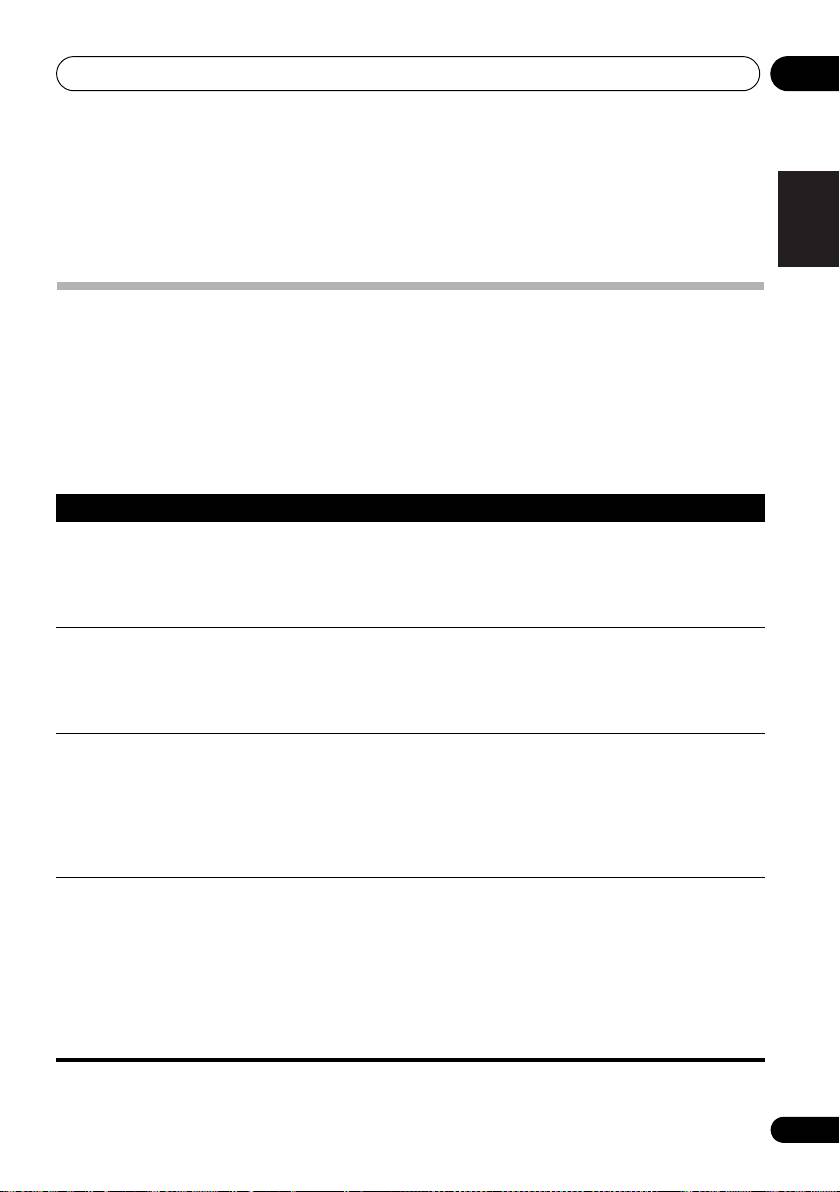
Problem Remedy
Italiano
The power does not turn on. • Disconnect the power plug from the outlet, and insert again.
• Make sure there are no loose strands of speaker wire touching the
rear panel. This could cause the receiver to shut off automatically.
• If the power shuts off automatically, take the unit to your nearest
Pioneer authorized service center or your dealer for servicing.
Nederlands
No sound is output when a
• Make sure the component is connected correctly (refer to
function is selected.
Connecting up on page 7).
• Press MUTE on the remote control to turn muting off.
• Press SIGNAL SEL to select the proper input signal (s
ee Choosing
the input signal on page 32).
Español
No image is output when a
• Make sure the component is connected correctly (refer to
function is selected.
Connecting up on page 7).
• Select the correct component (use the MULTI CONTROL buttons).
• Check The Input Assign menu on page 35 to make sure you’re
assigned the correct input.
• The video inp ut selected on the TV monitor is incorrect. Refer to the
Deutsch
instruction manual supplied with the TV.
Considerable noise in radio
• Connect the antenna (page 15) and adjust the position for best
broadcasts.
reception.
• Route any loose cables away from the antenna terminals and wires.
• F
ully e
xtend the FM wire antenna, position for best reception, and
secure to a wall (or connect an outdoor FM antenna).
• Connect an additional internal or external AM antenna (page 15).
• Turn off equipment causing interference or move it away from the
receiver (or move antennas farther away from equipment causing
noise).
43
En
