
Pioneer VSX-519V-K: An introduction to RDS Searching for RDS programs
An introduction to RDS Searching for RDS programs: Pioneer VSX-519V-K
Table of contents
- IMPORTANT
- Information for users on collection and disposal of old equipment and used batteries
- Contents
- Chapter 1: Before you start
- Chapter 2: 5 minute guide
- Chapter 3: Connecting up
- Connecting up03 Analog audio cables Component video cables Digital audio cables About video outputs connection Video cables
- Connecting a TV and Blu-ray Disc player or DVD player
- Connecting the multichannel analog outputs
- Connecting a satellite receiver or other digital set-top box
- Connecting other audio components Connecting to the front panel audio mini jack
- Connecting other video components
- Using the component video jacks
- Connecting antennas
- Connecting the speakers
- Connecting up 03 Hints on speaker placement Speaker placement diagrams
- Connecting an IR receiver Plugging in the receiver
- Chapter 4: Controls and displays Front panel
- Operating range of remote control unit
- Display
- Controls and displays04
- Remote control
- Controls and displays04
- Controls and displays 04
- Chapter 5: Listening to your system Listening in surround sound Auto playback
- Listening in stereo
- Using Front Stage Surround Advance Using the Sound Retriever Using Stream Direct
- Using Phase Control
- Setting the Audio options Setting What it does Option(s)
- Setting What it does Option(s)
- Playing other sources Selecting the multichannel analog inputs Choosing the input signal Using the headphone
- Chapter 6: The System Setup menu Using the System Setup menu Manual speaker setup
- The System Setup menu06 Channel level Crossover network
- Speaker Distance The Input Assign menu
- Chapter 7: Using the MULTI-ZONE feature MULTI-ZONE listening
- Using the MULTI-ZONE feature 07 Using the MULTI-ZONE controls MULTI-ZONE remote controls
- Chapter 8 Using the tuner Listening to the radio Saving station presets
- Using the tuner 08 Naming preset stations
- An introduction to RDS Searching for RDS programs
- Displaying RDS information
- Chapter 9: Making recordings Making an audio or a video recording
- Chapter 10: Additional information Troubleshooting Problem Remedy
- Problem Remedy
- HDMI Symptom Remedy Important information regarding the HDMI connection
- Resetting the main unit Specifications
- Cleaning the unit
Using the tuner08
An introduction to RDS
Radio Data System (RDS) is a system used by
most FM radio stations to provide listeners with
various kinds of information—the name of the
station and the kind of show they’re
broadcasting, for example.
One feature of RDS is that you can search by
type of program. For example, you can search
for a station that’s broadcasting a show with
the program type, JAZZ.
1
You can search the following program types:
NEWS – News
FINANCE – Stock market
Searching for RDS programs
AFFAIRS – Current Affairs
reports, commerce,
INFO – General
trading, etc.
You can search for a program type listed above.
Information
CHILDREN – Programs for
SPORT – Sport
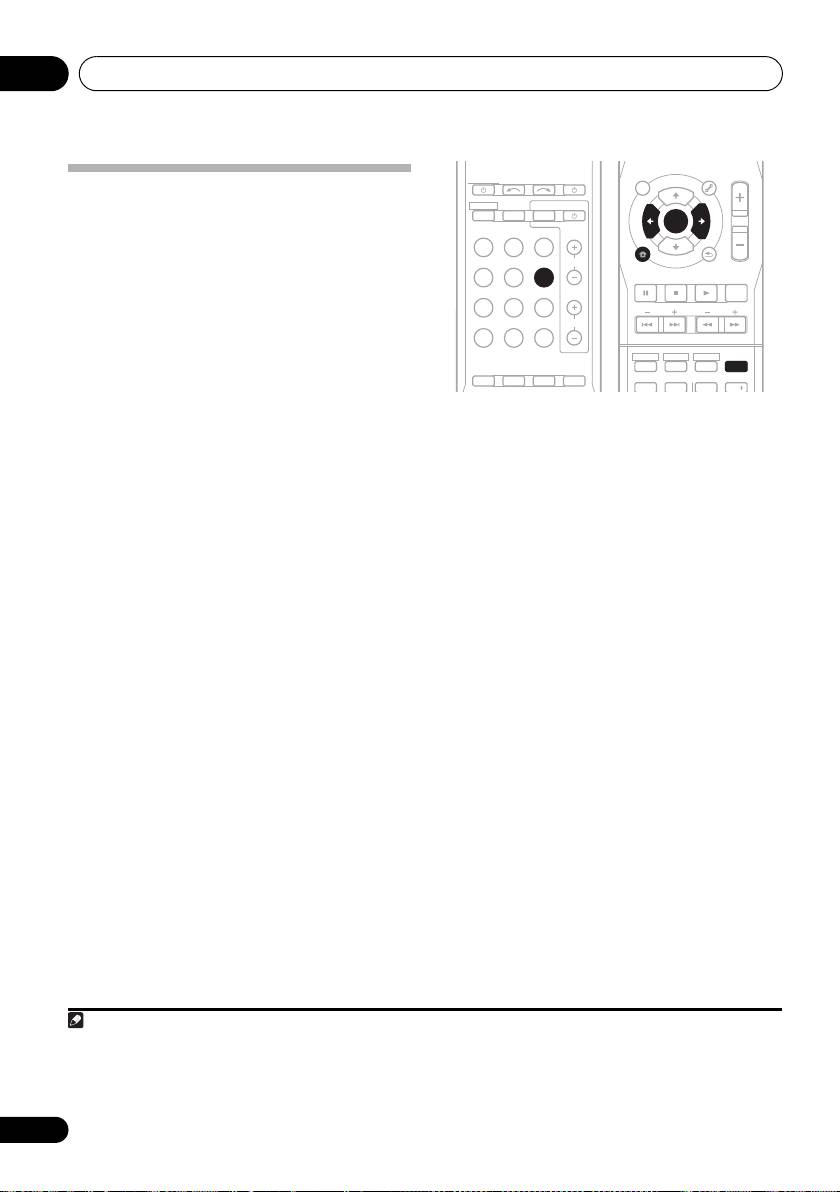
1 Press
TUNER
then press
chil
dren
BAND
to select
2
EDUCATE – Educational
SOCIAL – Soci
al affairs
the FM band.
DRAMA – Radio plays, etc.
RELIGION – Programs
CULTURE – National or
concerning religion
2 Press
PTY SEARCH
.
regional culture, theater,
PHONE IN – Public
SEARCH shows in the display.
etc.
expressing their views by
SCIENCE – Science and
phone
3 Press
PRESET /
to select the program
technology
TRAVEL – Holiday-type
type you want to hear.
VARIED – Usually talk-
travel rather than traffic
based material, such as
announcements
4 Press
ENTER
to search for the program
quiz shows or interviews.
LEISURE – Leisure interests
type.
POP M – Pop music
and hobbies
The system starts searching through the
ROCK M – Rock music
JAZZ – Jazz
station presets for a match. When it finds one,
EASY M – Easy listening
COUNTRY – Country
the search stops and the station plays for five
LIGHT M – ‘Light’ classical
music
music
NATION M – Popular
seconds.
CLASSICS – ‘Serious’
music in a language other
5 If you want to keep listening to the
classical music
than English
OTHER M – Music not
OLDIES – Popular music
station, press ENTER within the five seconds.
fitting above categories
from the ’50s and ’60s
If you don’t press ENTER, searching resumes.
WEATHER – Weather
FOLK M – Folk music
If NO PTY is displayed it means the tuner
reports
DOCUMENT –
Documentary
couldn’t find that program type at the time of
3
the search.
40
En
Note
VSX_519V_MY.book 40 ページ 2009年1月16日 金曜日 午後7時32分
AUDIO
TUNER EDIT
MASTER
RECEIVER
PARAMETER
TOOLS
VOLUME
INPUT SELECT
SOURCE
TOP
T
U
N
E
MENU
MENU
ZONE 2
RECEIVER
ON/OFF
TV CONTROL
P
P
INPUT
S
E
T
S
E
T
R
R
E
E
E
ENTER
S
E
R
R
E
S
P
P
T
E
T
BD TV
DVR
HOME
MENU
CH
T
U
N
E
BAND
CD CD-R
TUNER
TUNER
SETUP
RETURN
PTY SEARCH
PTY SEARCH
DTV/TV
PORTABLE MULTI IN SIGNAL SEL
MUTE
BASS
TRE
MIDNIGHT
PHASE
S.RETRIEVER
VOL
BD MENU
HDD
DVD
VCR
DISPLAY
DISPLAY
AUTO/
STEREO/
1
2
3
DIRECT
A.L.C.
STANDARD
ADV SURR
TEST TONE
CH SELECT
SLEEP
4
5
6
CH
1 In addition, there are three other program types, ALARMTST, ALARM, and NO TYPE. ALARM and ALARMTST are used for
emergency announcements. NO TYPE appears when a program type cannot be found.
2 RDS is only possible in the FM band.
3RDS searches station presets only. If no stations have been preset, or if the program type could not be found among the station
presets NO PTY is displayed. FINISH means the search is complete.
