
Pioneer VSX-519V-K: Information for users on collection and disposal of old equipment and used batteries
Information for users on collection and disposal of old equipment and used batteries: Pioneer VSX-519V-K
Table of contents
- IMPORTANT
- Information for users on collection and disposal of old equipment and used batteries
- Contents
- Chapter 1: Before you start
- Chapter 2: 5 minute guide
- Chapter 3: Connecting up
- Connecting up03 Analog audio cables Component video cables Digital audio cables About video outputs connection Video cables
- Connecting a TV and Blu-ray Disc player or DVD player
- Connecting the multichannel analog outputs
- Connecting a satellite receiver or other digital set-top box
- Connecting other audio components Connecting to the front panel audio mini jack
- Connecting other video components
- Using the component video jacks
- Connecting antennas
- Connecting the speakers
- Connecting up 03 Hints on speaker placement Speaker placement diagrams
- Connecting an IR receiver Plugging in the receiver
- Chapter 4: Controls and displays Front panel
- Operating range of remote control unit
- Display
- Controls and displays04
- Remote control
- Controls and displays04
- Controls and displays 04
- Chapter 5: Listening to your system Listening in surround sound Auto playback
- Listening in stereo
- Using Front Stage Surround Advance Using the Sound Retriever Using Stream Direct
- Using Phase Control
- Setting the Audio options Setting What it does Option(s)
- Setting What it does Option(s)
- Playing other sources Selecting the multichannel analog inputs Choosing the input signal Using the headphone
- Chapter 6: The System Setup menu Using the System Setup menu Manual speaker setup
- The System Setup menu06 Channel level Crossover network
- Speaker Distance The Input Assign menu
- Chapter 7: Using the MULTI-ZONE feature MULTI-ZONE listening
- Using the MULTI-ZONE feature 07 Using the MULTI-ZONE controls MULTI-ZONE remote controls
- Chapter 8 Using the tuner Listening to the radio Saving station presets
- Using the tuner 08 Naming preset stations
- An introduction to RDS Searching for RDS programs
- Displaying RDS information
- Chapter 9: Making recordings Making an audio or a video recording
- Chapter 10: Additional information Troubleshooting Problem Remedy
- Problem Remedy
- HDMI Symptom Remedy Important information regarding the HDMI connection
- Resetting the main unit Specifications
- Cleaning the unit
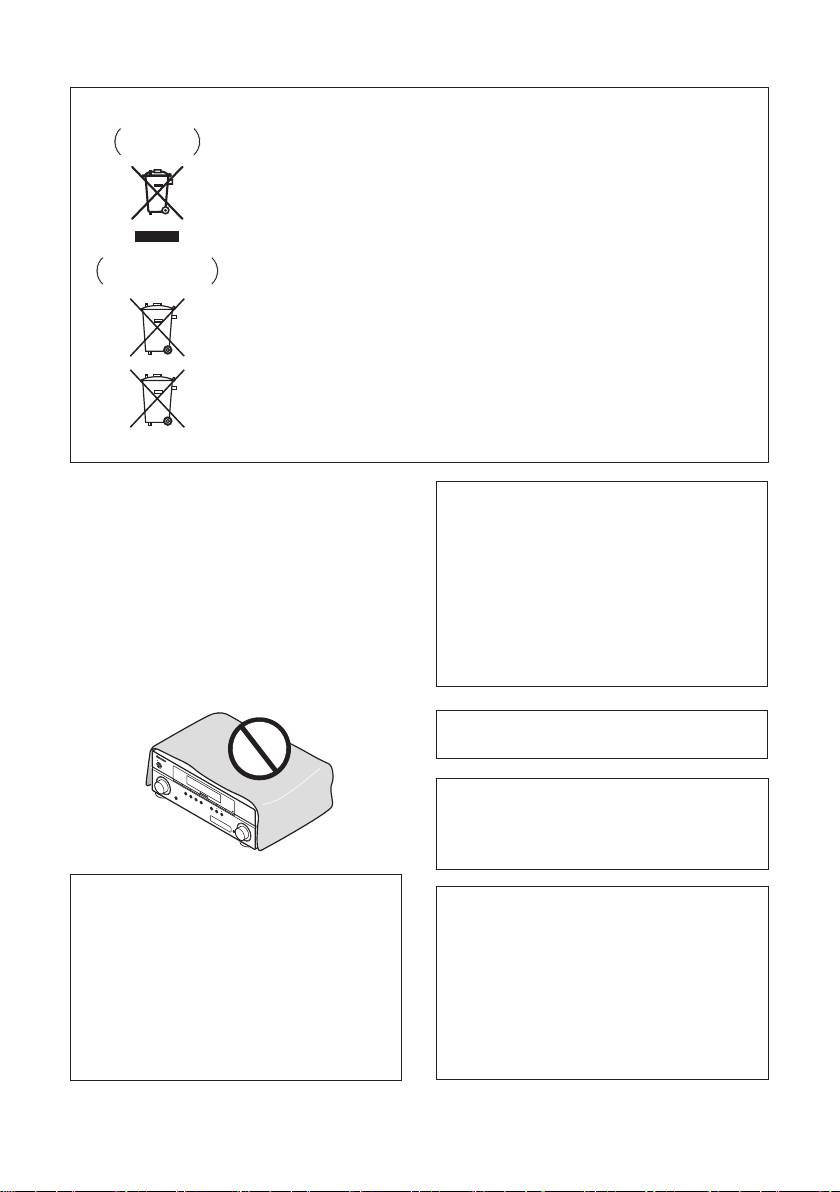
Information for users on collection and disposal of old equipment and used batteries
Symbol for
These symbols on the products, packaging, and/or accompanying documents mean
equipment
that used electrical and electronic products and batteries should not be mixed with
general household waste.
For proper treatment, recovery and recycling of old products and used batteries,
please take them to applicable collection points in accordance with your national
legislation.
By disposing of these products and batteries correctly, you will help to save valuable
Symbol examples
resources and prevent any potential negative effects on human health and the
for batteries
environment which could otherwise arise from inappropriate waste handling.
For more information about collection and recycling of old products and batteries,
please contact your local municipality, your waste disposal service or the point of sale
where you purchased the items.
These symbols are only valid in the European Union.
For countries outside the European Union:
If you wish to discard these items, please contact your local authorities or dealer and
ask for the correct method of disposal.
Pb
K058a_A1_En
VENTILATION CAUTION
CAUTION
When installing this unit, make sure to leave space
The STANDBY/ON switch on this unit will not
around the unit for ventilation to improve heat
completely shut off all power from the AC outlet.
radiation (at least 60 cm at top, 10 cm at rear, and
Since the power cord serves as the main disconnect
30 cm at each side).
device for the unit, you will need to unplug it from
WARNING
the AC outlet to shut down all power. Therefore,
Slots and openings in the cabinet are provided for
make sure the unit has been installed so that the
ventilation to ensure reliable operation of the
power cord can be easily unplugged from the AC
product, and to protect it from overheating. To
outlet in case of an accident. To avoid fire hazard,
prevent fire hazard, the openings should never be
the power cord should also be unplugged from the
blocked or covered with items (such as newspapers,
AC outlet when left unused for a long period of time
table-cloths, curtains) or by operating the
(for example, when on vacation).
D3-4-2-2-2a_A_En
equipment on thick carpet or a bed.
D3-4-2-1-7b_A_En
A warning that excessive sound pressure from
earphones and headphones can cause hearing loss.
STANDBY/ON
INPUT
SELECTOR
BAND
AUTO SURROUND/
STREAM DIRECT
TUNE
–
PHONES
STEREO/
A.L.C.
TUNE
ADVANCED
+
SURROUND
STANDARD
SURROUND
TUNER
EDIT
SPEAKERS
PRESET
AUDI
–
O/
VIDEO MULTI
Manufactured under license from Dolby
CONTROL
MULTI-ZONE
PRESET
-CHANNEL
+
RECEIVER
ON/OFF
ENTER
Laboratories. Dolby, Pro Logic and the
MASTER
VOLUME
double-D symbol are trademarks of Dolby
Laboratories.
If the AC plug of this unit does not match the AC
outlet you want to use, the plug must be removed
Manufactured under license under U.S.
and appropriate one fitted. Replacement and
Patent #’s: 5,451,942; 5,956,674; 5,974,380;
mounting of an AC plug on the power supply cord of
5,978,762; 6,226,616; 6,487,535 & other U.S.
this unit should be performed only by qualified
and worldwide patents issued & pending.
service personnel. If connected to an AC outlet, the
cut-off plug can cause severe electrical shock. Make
DTS and DTS Digital Surround are
sure it is properly disposed of after removal.
registered trademarks and the DTS logos,
The equipment should be disconnected by removing
Symbol and DTS 96/24 are trademarks of
the mains plug from the wall socket when left
DTS, Inc. © 1996-2007 DTS, Inc. All Rights
unused for a long period of time (for example, when
Reserved.
on vacation).
D3-4-2-2-1a_A_En
00_cover_anki.fm 3 ページ 2009年1月23日 金曜日 午後7時57分
