
Pioneer SEP-C1: USING THE UTILITY TO PERFORM A FACTORY RESET
USING THE UTILITY TO PERFORM A FACTORY RESET: Pioneer SEP-C1
Table of contents
- IMPORTANT
- Operating Environment We Want You Listening For A Lifetime
- FEATURES
- FEATURES
- SPECIFICATIONS COMFIRM ACCESSORIES
- INSTALLATION GUIDELINES
- CONNECTIONS
- PARTS AND THEIR FUNCTIONS
- PARTS AND THEIR FUNCTIONS Center Display
- PARTS AND THEIR FUNCTIONS Display A/Display B
- ABOUT DJS SOFTWARE SOFTWARE END USER LICENSE AGREEMENT
- ABOUT DJS SOFTWARE SYSTEM REQUIREMENTS (Minimum Operating Environment) COPYRIGHT WARNING
- INSTALLING DJS SOFTWARE NOTES REGARDING TRIAL PERIOD AND USER REGISTRATION
- ABOUT DJS SOFTWARE REGARDING ONLINE SUPPORT DISCLAIMER
- ABOUT THE DRIVER PROGRAM SOFTWARE END USER LICENSE AGREEMENT DRIVER INSTALLATION
- ABOUT THE DRIVER PROGRAM
- ABOUT THE DRIVER PROGRAM
- USING DJ SOFTWARE
- PREPARING YOUR DJ SOFTWARE PROGRAM CONTROLLING YOUR COMPUTER USING THE DEDICATED COMMUNICATIONS PROTOCOL
- USING DJ SOFTWARE USING MIDI FOR COMPUTER CONTROL
- MIDI MESSAGE TABLE
- USING DJ SOFTWARE
- USING THE UTILITY
- USING THE UTILITY TO PERFORM A FACTORY RESET
- TROUBLESHOOTING ABOUT THE LCD SCREEN ABOUT OEL (ORGANIC EL) SCREENS
- DISCLAIMER
SEP-C1_EN.book 26 ページ 2008年3月24日 月曜日 午前10時52分
USING THE UTILITY
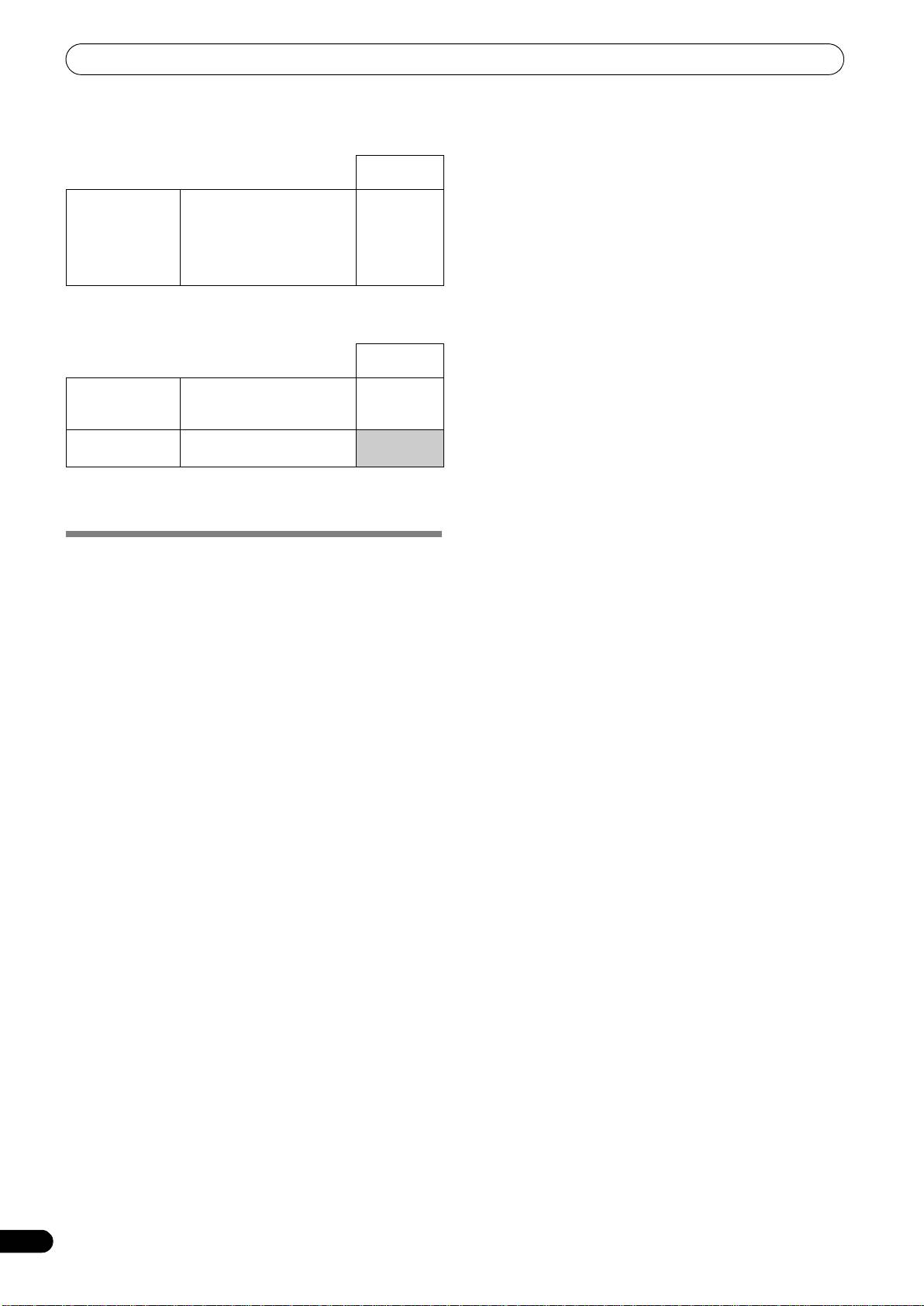
[3] LANGUAGE
Set the language to be used.
Factory
default setting
LANGUAGE Select display language from
English
nine available (English,
French, German, Italian,
Spanish, Dutch, Russian,
Simplified Chinese,
Japanese).
[4] GENERAL
Use to confirm LOAD LOCK settings and unit version.
Factory
default setting
*2
LOAD LOCK
Locks the LOAD button so
OFF
that it is disabled during
playback.
VERSION INFO Displays SEP-C1 version
information.
*2 The LOAD LOCK function is disabled when a track is set with
DJ software other than DJS.
TO PERFORM A FACTORY RESET
All unit settings can be restored to their factory default values by
using the UTILITY screen (P. 25).
1 While holding the UTILITY button depressed, connect the
unit to the computer (turn power ON).
The button must be depressed for five seconds or more.
2 Confirm message.
After the boot-up screen appears, a message will be displayed:
[The settings have been reset to factory defaults].
3 Disconnect from computer and reconnect.
26
En
