
Pioneer SEP-C1: ABOUT DJS SOFTWARE REGARDING ONLINE SUPPORT DISCLAIMER
ABOUT DJS SOFTWARE REGARDING ONLINE SUPPORT DISCLAIMER: Pioneer SEP-C1
Table of contents
- IMPORTANT
- Operating Environment We Want You Listening For A Lifetime
- FEATURES
- FEATURES
- SPECIFICATIONS COMFIRM ACCESSORIES
- INSTALLATION GUIDELINES
- CONNECTIONS
- PARTS AND THEIR FUNCTIONS
- PARTS AND THEIR FUNCTIONS Center Display
- PARTS AND THEIR FUNCTIONS Display A/Display B
- ABOUT DJS SOFTWARE SOFTWARE END USER LICENSE AGREEMENT
- ABOUT DJS SOFTWARE SYSTEM REQUIREMENTS (Minimum Operating Environment) COPYRIGHT WARNING
- INSTALLING DJS SOFTWARE NOTES REGARDING TRIAL PERIOD AND USER REGISTRATION
- ABOUT DJS SOFTWARE REGARDING ONLINE SUPPORT DISCLAIMER
- ABOUT THE DRIVER PROGRAM SOFTWARE END USER LICENSE AGREEMENT DRIVER INSTALLATION
- ABOUT THE DRIVER PROGRAM
- ABOUT THE DRIVER PROGRAM
- USING DJ SOFTWARE
- PREPARING YOUR DJ SOFTWARE PROGRAM CONTROLLING YOUR COMPUTER USING THE DEDICATED COMMUNICATIONS PROTOCOL
- USING DJ SOFTWARE USING MIDI FOR COMPUTER CONTROL
- MIDI MESSAGE TABLE
- USING DJ SOFTWARE
- USING THE UTILITY
- USING THE UTILITY TO PERFORM A FACTORY RESET
- TROUBLESHOOTING ABOUT THE LCD SCREEN ABOUT OEL (ORGANIC EL) SCREENS
- DISCLAIMER
SEP-C1_EN.book 16 ページ 2008年3月24日 月曜日 午前10時52分
ABOUT DJS SOFTWARE
Users without Internet connections should enter the necessary
information on the “User registration card” and return it via mail
REGARDING ONLINE SUPPORT
to Pioneer. After the completed “User registration card” is
Before making direct enquiries regarding DJS operating
received, we will send the “Registration ID” (installation key)
procedures and other technical matters, please read the DJS
necessary for unlocking the software beyond the trial period. For
user’s manual furnished on the accessory CD-ROM, together with
detailed instructions regarding the user registration procedure,
the FAQ section on the DJS support website.
please consult the DJS user’s manual included in the accessory
See the DJS user’s manual for information regarding how to
CD-ROM.
access the DJS support website. To access the support site, you
will need the “Login name” and “Password” which you specified
NOTE
at the time of user registration.
• An installation key (Registration ID) can be used on the DJS
When making an enquiry to the DJS support website regarding
software installed on a single computer. In the event you
malfunctions, please furnish your name, product name,
replace your computer or otherwise need to reinstall the
registration ID (install key), computer type and specifications
DJS software, a new user’s registration and “Registration
(CPU, installed memory, other connected peripherals, etc.), the
ID” must be issued to unlock the software beyond the trial
operating system and version used, and concrete information
period. Also, the initial “Registration ID” issued by Pioneer
regarding the symptoms observed.
will be needed in the event of reregistration or after-service
Support is furnished only to customers who have completed the
enquiries, so be sure to store the registration information in
user registration process. Please take care to safely preserve the
a safe place even after completion of the registration
“Login name” and “Password” you specified during registration,
procedure.
as well as your “Registration ID.”
If you experience problems with installation or user registration,
The address on the “User registration card” is as follows. The
please consult the following website:
address may differ depending on your location of residence,
<Enquiries regarding installation and user registration>
however, so please be careful to send the card to the correct
http://www.prodjnet.com/djs/support/
location:
<User Registration Card Address>
NOTE
North America
• For technical information regarding use of this unit with
PIONEER ELECTRONICS (USA) INC.
your computer, peripheral components, or other non-
BUSINESS SOLUTIONS DIVISION, PRO AUDIO GROUP
Pioneer products, please consult your sales dealer or the
2265 East 220th Street, Long Beach, CA 90810, U.S.A
manufacturers of the respective components.
Europe
PIONEER EUROPE NV
Further version updates are anticipated to improve the
MULTIMEDIA DIVISION
functionality and performance of DJS.
Pioneer House, Hollybush Hill, Stoke Poges, Slough SL2 4QP U.K.
Officially registering this product allows you to access Pioneer’s
support website, as well as to download updated versions of the
South Asia, Southeast Asia
program. We encourage users to take advantage of this update
PIONEER ELECTRONICS ASIACENTRE PTE. LTD.
service to constantly utilize the latest version of the program.
MULTIMEDIA DEPARTMENT
253 Alexandra Road, #04-01, Singapore 159936
HongKong
DISCLAIMER
PIONEER (HK) LIMITED
Pioneer shall not be held responsible for reissuing license keys
SALES AND MARKETING DEPARTMENT
or registration IDs in the event of loss. Be sure to store your
Suite 901-906, 9th Floor World Commerce Centre, Harbour City 11
registration information and passwords safely in a separate
Canton Road, Tsim Sha Tsui Kowloon, Hong Kong
location for future access.
Taiwan
Note that the SD memory card transmission function (check-
®
PIONEER HIGH FIDELITY TAIWAN CO., LTD.
out/check-in) is not supported by Windows Vista
.
SALES DIVISION, INDUSTRIAL ELECTRONIC SECTION
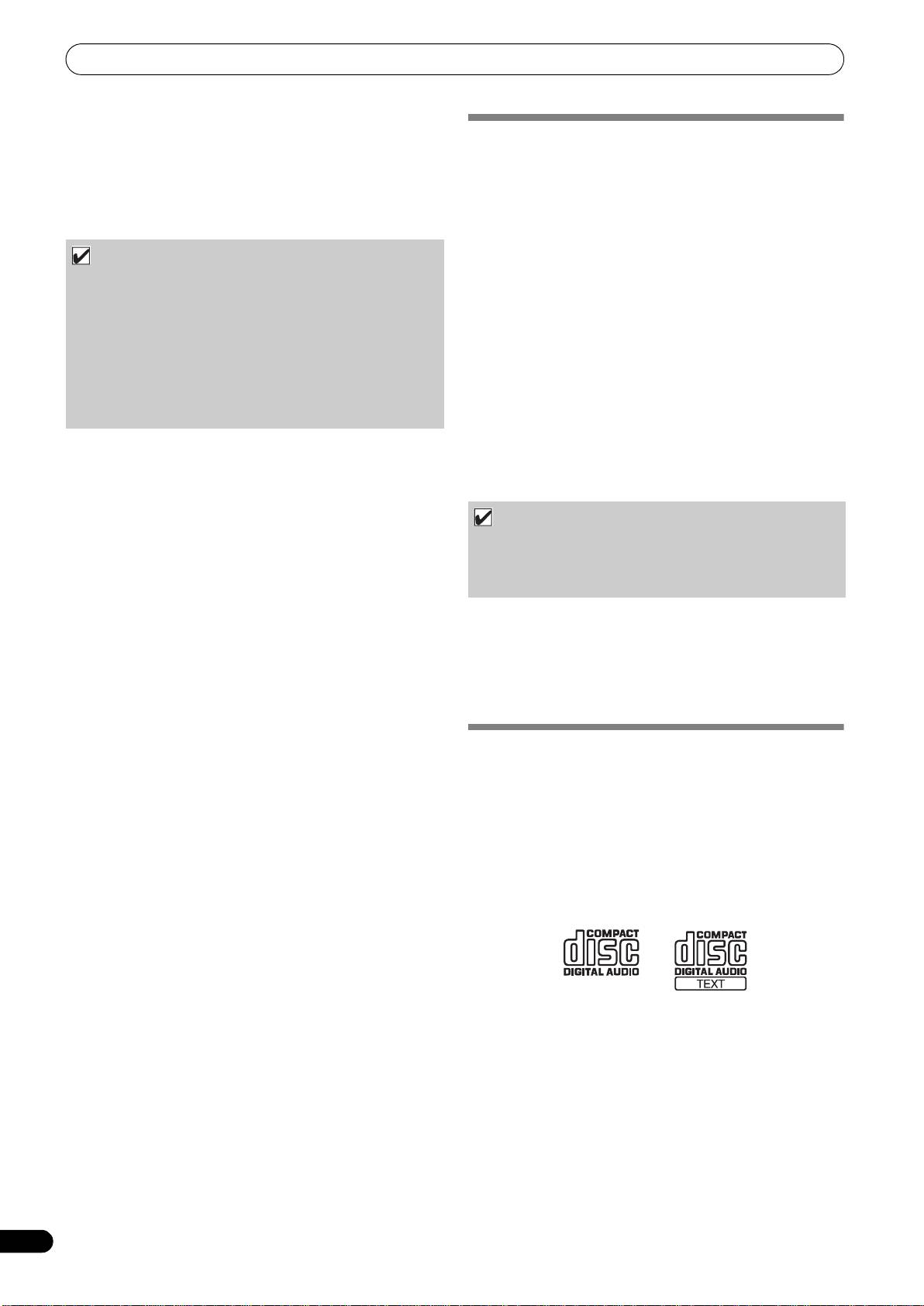
The music CD ripping function of this software program is not
supported for music CD that do not display one of these logo
13F, No. 44, Sec. 2, Jhongshan N. Road, Taipei City, Taiwan
marks.
Oceania
PIONEER ELECTRONICS AUSTRALIA PTY. LTD.
178-184 Boundary Road, Braeside, Victoria 3195, Australia
Middle East, Africa
PIONEER GULF, FZE.
Lob 11-017, Jabel Ali Free Zone, P.O.Box 61226, Jabel Ali, Dubai,
U.A.E.
Central & South America
PIONEER INTERNATIONAL LATIN AMERICA, S.A.
SALES DEPARTMENT
Plaza Credicorp Bank Panama, 50 Street, #120, 14th Floor
P.O. Box 0816-01361, Panama, Rep of Panama
Mexico
PIONEER ELCTRONICS DE MEXICO, S.A. DE C.V.
Blvd. Manuel Avila Camacho No. 138, Piso 10, Col. Lomas de
Chapultepec, Mexico, D.F. C.P. 111000 Deleg. Miguel Hidalgo
16
En
