
Pioneer CDJ-2000: Before you start What’s in the box Discs/ files playable on the CDJ-2000 About CD playback About SD memory cards
Before you start What’s in the box Discs/ files playable on the CDJ-2000 About CD playback About SD memory cards: Pioneer CDJ-2000
Table of contents
- Contents
- Before start
- Before you start What’s in the box Discs/ files playable on the CDJ-2000 About CD playback About SD memory cards
- About USB devices About AAC files About WAV files About MP3 files About AIFF files About rekordbox
- Part Names and Functions Control Panel
- Rear Panel Front Panel
- Main unit display Jog dial display section
- Connections Basic style Using in combination with rekordbox
- Using other brands of DJ software Connections for relay play
- Loading USB devices Playback Loading discs Using the PRO DJ LINK function Loading SD memory cards
- Playback
- Setting Cue Setting Loop
- Setting Hot Cue Storing cue and loop points
- Operating the jog dial Operating the [NEEDLE SEARCH] pad
- Using the [BROWSE] button Operating the CDJ-2000 in combination with other devices
- Checking the playing history (HISTORY) Using the [TAG LIST] button Adding tracks to the tag list Loading tracks from the tag list Removing tracks from the tag list
- Using the [INFO] button Checking the details of loaded tracks Displaying details of tracks loaded in other DJ players Using the information jump function
- Changing the settings Using the [MENU/UTILITY] button Setting the auto standby mode Setting [HISTORY NAME] Changing the settings Changing the language List of settings
- About the rekordbox software Software end user license agreement Cautions on copyrights Cautions on Installation
- Installing rekordbox Using the support site
- Connecting the CDJ-2000 and computer About the driver software Cautions on Installation Adjusting the buffer size (Windows) Installing the driver software
- Checking the version of the driver software Checking the latest information on the driver software Using other brands of DJ software Operating DJ software by MIDI interface
- Additional information Troubleshooting Problem Check Remedy
- About the liquid crystal display Error messages List of icons displayed on the main unit display section
- Cautions on use
- Disclaimer Specifications
6
En
DRB1475-B
Regarding copy protected CDs
This player is designed to conform to the specifications of the audio CD format.
This player does not support the playback or function of discs that do not con-
Before you start
form to these specifications.
About DualDisc
What’s in the box
This player is designed to conform to the specifications of the audio CD format.
! Audio cable
This player does not support the playback or function of discs that do not con-
! Power cable
form to these specifications.
! Control cord
! LAN cable
About 8 cm single CDs
! Disc force eject pin
! CD-ROM (rekordbox)
8 cm single CDs cannot be played on the CDJ-2000. Do not mount 8 cm adapt-
! Warranty card
ers on CDs and play them on the CDJ-2000. The adapter could fall off as the disc
! Operating instructions (this document)
spins, damaging the disc or the player.
About CD-Text
Discs/
files playable on the CDJ-2000
The CDJ-2000 supports CD-Text. Titles, album names and artist names recorded
in CD-Text are displayed. When multiple text data is recorded, the first text data
is displayed. The supported character codes are shown below.
Playable discs
! ASCII
! ISO-8859
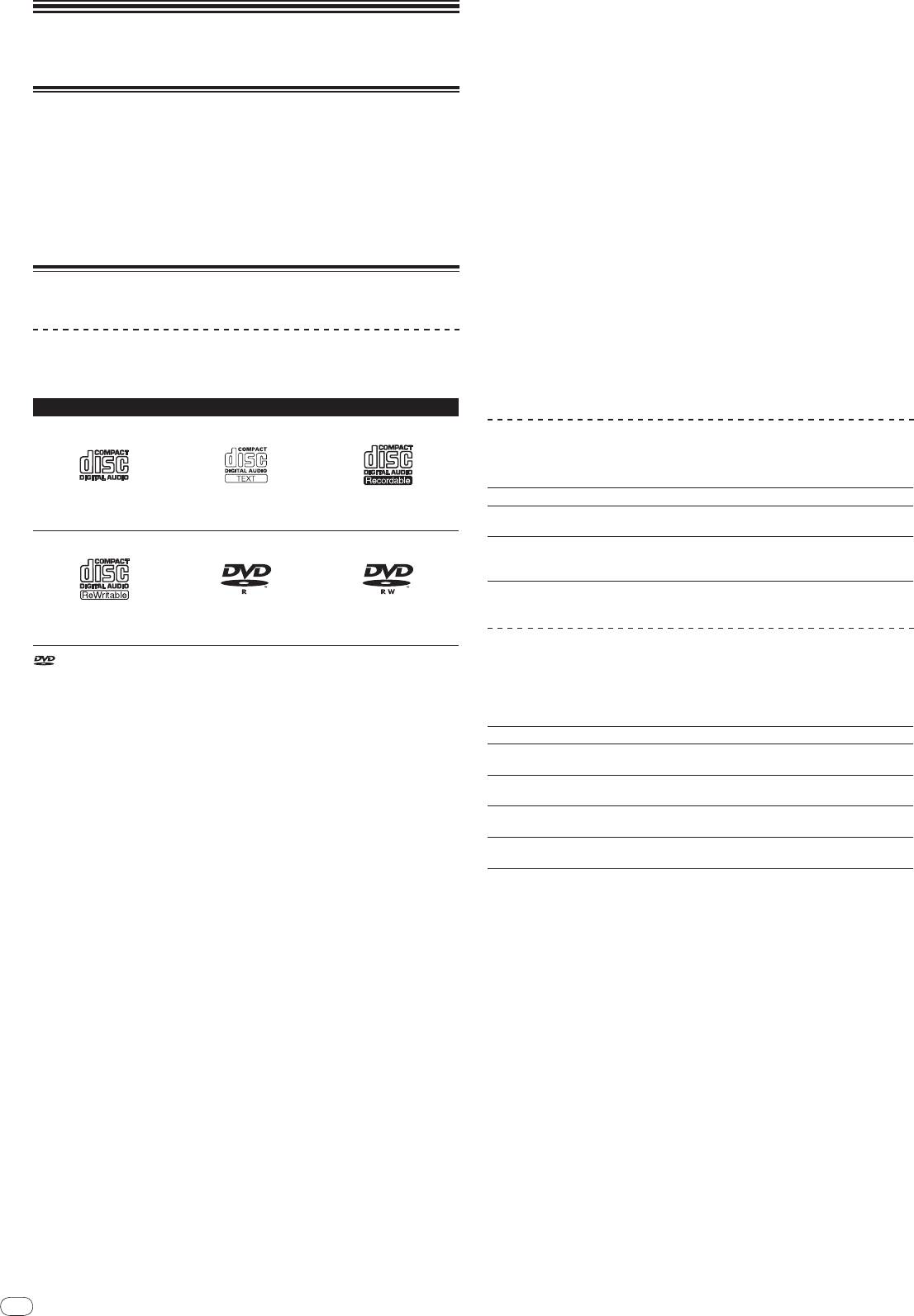
Discs including the following marks on the disc label, package or jacket can be
! MS-JIS
played.
! Mandarin Chinese character code
Types of discs that can be played and marks
About CD playback
Music files (MP3/
AAC/
WAV/
AIFF) recorded on CD-R/
-RW, DVD-R/
-RW, DVD+R/
+RW, DVD-R DL (dual layer) and DVD+R DL (dual layer) discs can be played.
Folder layers Max. 8 levels (files in folders beyond the 8th level cannot be played)
CD
CD-TEXT
Max. number of
2 000 folders per disc (folders beyond the 2 000th folder cannot be
CD-R
folders
displayed)
! 999 files for each file format
Max. number of
! 3 000 files per disc (files beyond the 3 000th folder cannot be dis-
files
played)
When there are many folders or files, some time may be required for loading.
DVD-R
DVD-RW
CD-RW
About SD memory cards
is a trademark of DVD Format/
Logo Licensing Corporation.
Discs playable on this player are as shown below.
Music files (MP3/
AAC/
WAV/
AIFF) recorded on SD and SDHC memory cards
! CD-R/
-RW discs recorded in music CD (CD-DA) format
conforming to SD standards can be played.
! CD-R/
-RW, DVD-R/
-RW, DVD+R/
+RW, DVD-R DL (dual layer) and DVD+R
Such data as disc identification information, cue points, loop points and hot cues
DL (dual layer) discs on which music files (MP3/
AAC/
WAV/
AIFF) are
can be recorded on SD memory cards.
recorded
Folder layers Max. 8 levels (files in folders beyond the 8th level cannot be played)
Max. number of
Unlimited (folders beyond the 10 000th folder within a single folder
folders
cannot be displayed)
Discs that cannot be played
Max. number of
Unlimited (files beyond the 10 000th file within a single folder cannot
! DTS-CD
files
be displayed)
! Photo CDs
1
! SD memory cards: 8 MB – 2 GB
! Video CDs
Supported cards
! SDHC memory cards: 4 GB – 32 GB
! CD Graphics (CD-G) discs
Compatible
! SD memory cards: FAT12 and FAT16 (conforming to SD standards)
! Unfinalized CDs
formats
! SDHC memory cards: FAT32 (conforming to SD standards)
! DVD-Video discs
1 CPRM is not supported.
! DVD-Audio discs
! DVD-RAM discs
! SDHC memory cards can be used with devices supporting SDHC memory
! Unfinalized DVDs
cards. They cannot be used with devices that only support SD memory cards.
! When using SD memory cards with a capacity of 4 GB or greater, use SD
Playback of discs created on a computer or DVD recorder
memory cards on which the SDHC logo is indicated.
! SD memory cards are shipped from the manufacturer in the standard format
Depending on the application’s settings and the computer’s environment set-
indicated above. If a non-formatted SD memory card is loaded, [FORMAT SD]
tings, it may not be possible to play discs created on a computer. Record discs in
is displayed and the card cannot be used.
a format playable on the CDJ-2000. For details, contact your application’s selling
! It may not be possible to used card formatted on a computer, digital camera,
agent.
etc.
It may not be possible to play discs created on a computer or DVD recorder due
! Pioneer does not guarantee that all SD memory cards will operate on the
to the disc’s properties, scratches or dirt, or poor recording quality (dirt on the
CDJ-2000.
recording lens, etc.).
See Handling discs on page 28 for instructions on handling discs.
Cautions on using SD memory cards
Creating backup discs
! SD memory cards are precision electronic devices. Handle them with care.
Bending, dropping or subjecting SD memory cards to strong forces or shocks
When CD-R/
-RW, DVD-R/
-RW, DVD+R/
+RW, DVD-R DL (dual layer) and DVD+R
could break them. Also, do not use or store SD memory cards in environ-
DL (dual layer) discs are paused or left in the pause mode at cue points for long
ments where static electricity or electric noise tends to be produced. We
periods of time, it may become difficult to play the disc that point, due to the
recommend periodically making copies of valuable data.
properties of the disc. When a specific point is looped repeatedly an extremely
! Please note that Pioneer will accept no responsibility whatsoever for loss of
large number of times, it may become difficult to play that point.
data recorded by the customer on SD memory cards or other direct or indirect
When playing valuable discs, we recommend making backup discs.
problems resulting from connection to the CDJ-2000.
! After ejecting SD memory cards, store them in their dedicated case, etc.
! Depending on the SD memory card you are using, the desired performance
may not be achieved.
6


