
Asus NOVA (P20/P22): Crashfree BIOS
Crashfree BIOS: Asus NOVA (P20/P22)
Table of contents
- Welcome Package contents
- Preparing your ASUS NOVA 1. Connect the USB keyboard and mouse* 2. Connect the Ethernet cable
- 4. Connect the AC adapter 3. Connect the monitor. 5. Start up your ASUS NOVA
- Knowing Component parts Front view Rear view Bottom view
- Conguring wireless connection
- Bluetooth wireless connection
- English
- Conguring audio output
- Connecting to digital speakers Configuring audio output settings
- Using Windows Media Center
- ASUS Easy Update
- Recovering your system
- Crashfree BIOS
- Using the Hidden Partition
6. After the system recovery is completed, eject the the
Recovery DVD from the optical drive.
7. Restart the system and press
<DEL> on bootup to enter the
English
BIOS setup. Go to Boot > Boot Device Priority and reset the
hard disk drive (may be labeled as “HDD:XXXX”) as the 1st
Boot Device.
8. Press
<F10> to save the configuration and reboot the
system.
9. Insert the Support DVD into the optical drive.
10. Click
ASUS InstAll - Drivers Installation Wizard from the
Drivers tab and install all the drivers.
It may take some time to reinstall all the drivers. If the
screensaver starts, press any key to bring back the installation
screen.
Crashfree BIOS
ASUS Crashfree BIOS allows you to restore the original BIOS data
from the support DVD in case when the BIOS update fails or the
BIOS codes and data are corrupted. Change the boot priority and
boot from your support DVD to restore your BIOS.
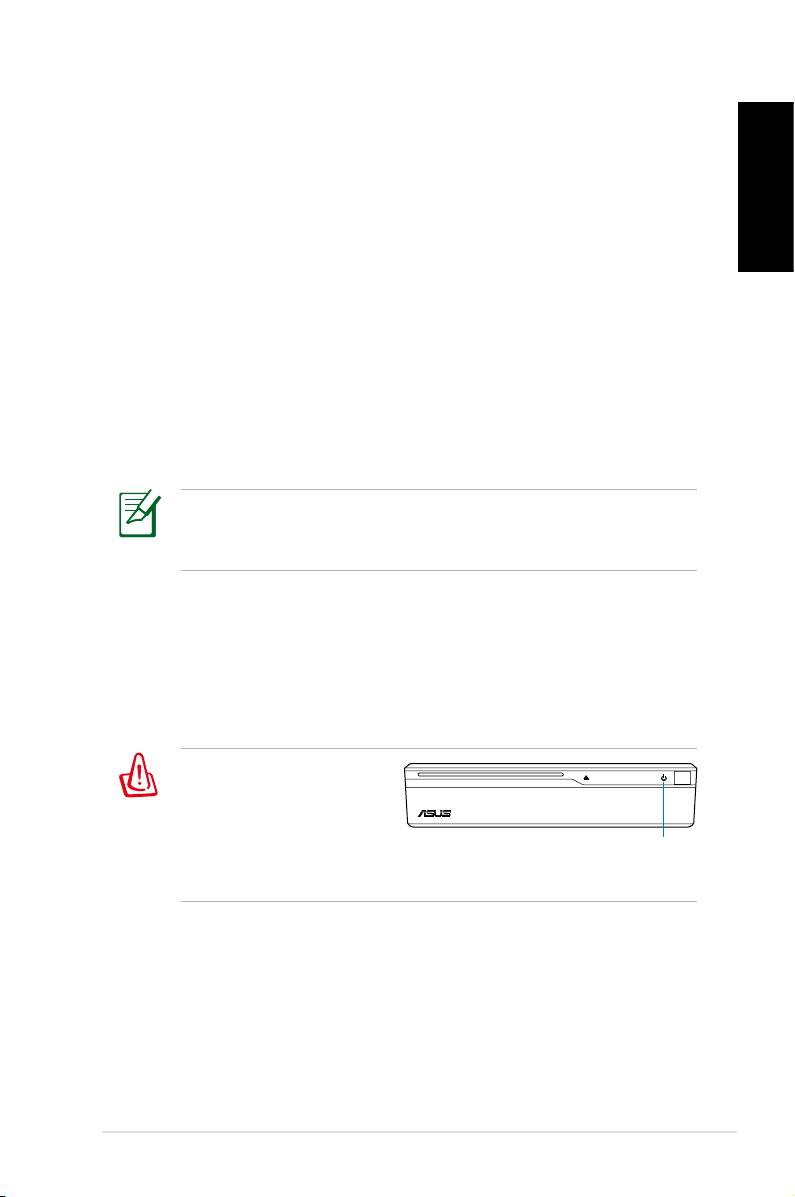
When you notice the
power LED blinks white
and hear two short
beeps followed by one
power LED
continuous beep at the
system startup, your BIOS codes are damaged.
Follow the instructions below to restore your BIOS:
1. Insert the Support DVD. The system will give two short beeps
and start restoring the BIOS. (No display on screen)
2. When the power LED stops blinking, the restoration is
completed.
3. Press the power switch to start the system. If the system
enters Windows OS, the BIOS has been restored.
ASUS NOVA P20/P22
13
