
Asus VW195: Assembling the monitor base Connecting the cables
Assembling the monitor base Connecting the cables: Asus VW195
Table of contents
- Safety information Monitor introduction
- Assembling the monitor base Connecting the cables
- Adjusting the monitor
- Troubleshooting (FAQ)
- Supported operating modes
English
3Quick Start Guide
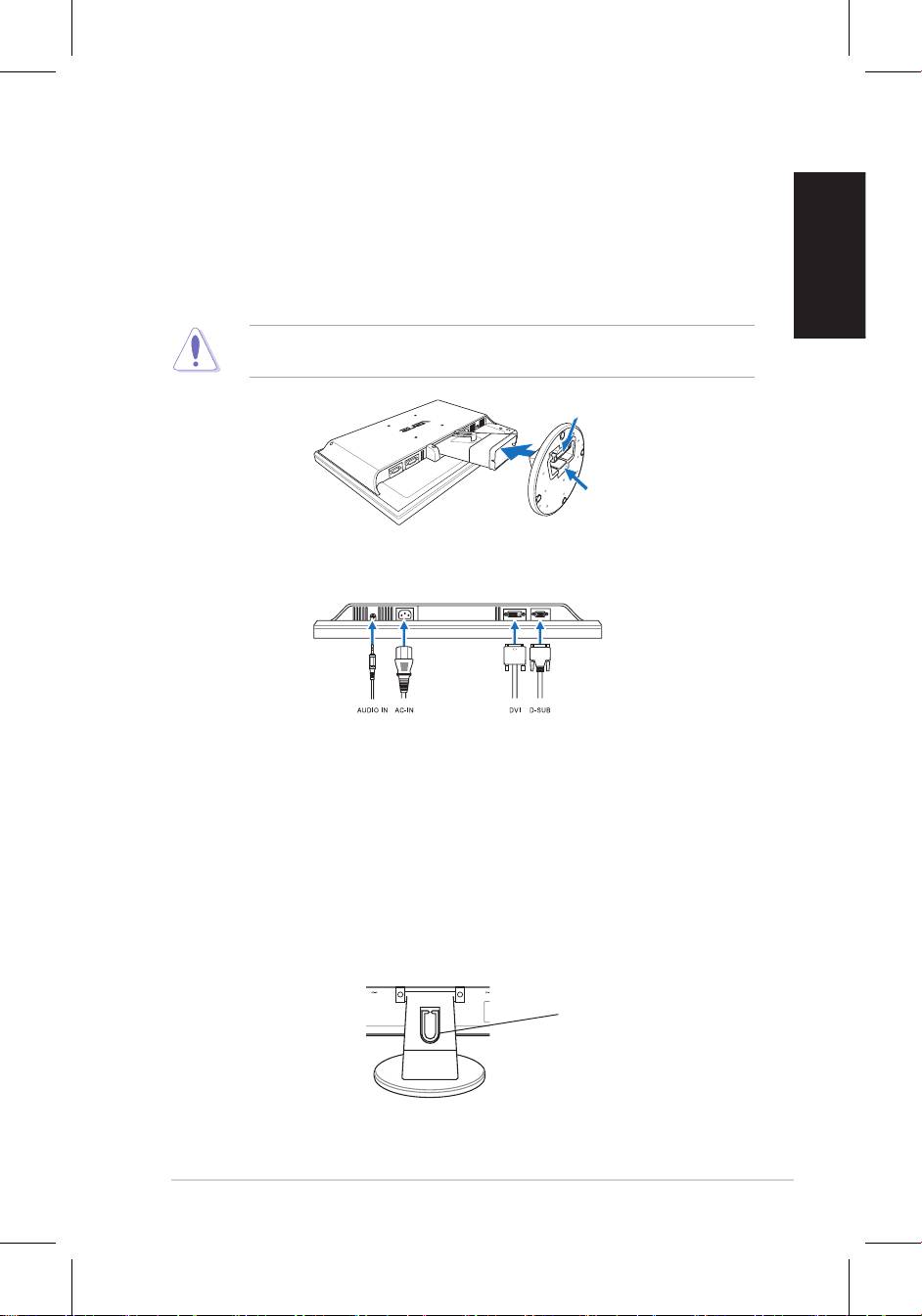
Assembling the monitor base
To assemble the monitor base:
1. Have the front of the monitor face down on a table.
that the base has been connected successfully.
We recommend that you cover the table surface with soft cloth to prevent
damage to the monitor.
Connecting the cables
•
To connect the audio cable
: connect one end of the audio cable to the
•
To connect the power cord
: connect one end of the power cord securely to
•
To connect the VGA/DVI cable
:
2. Gather all the cables with the cable hook.
Cable hook


