
Asus WL-130: Verifying Drivers
Verifying Drivers: Asus WL-130
Table of contents
Quick Start Guide
Verifying Drivers
English
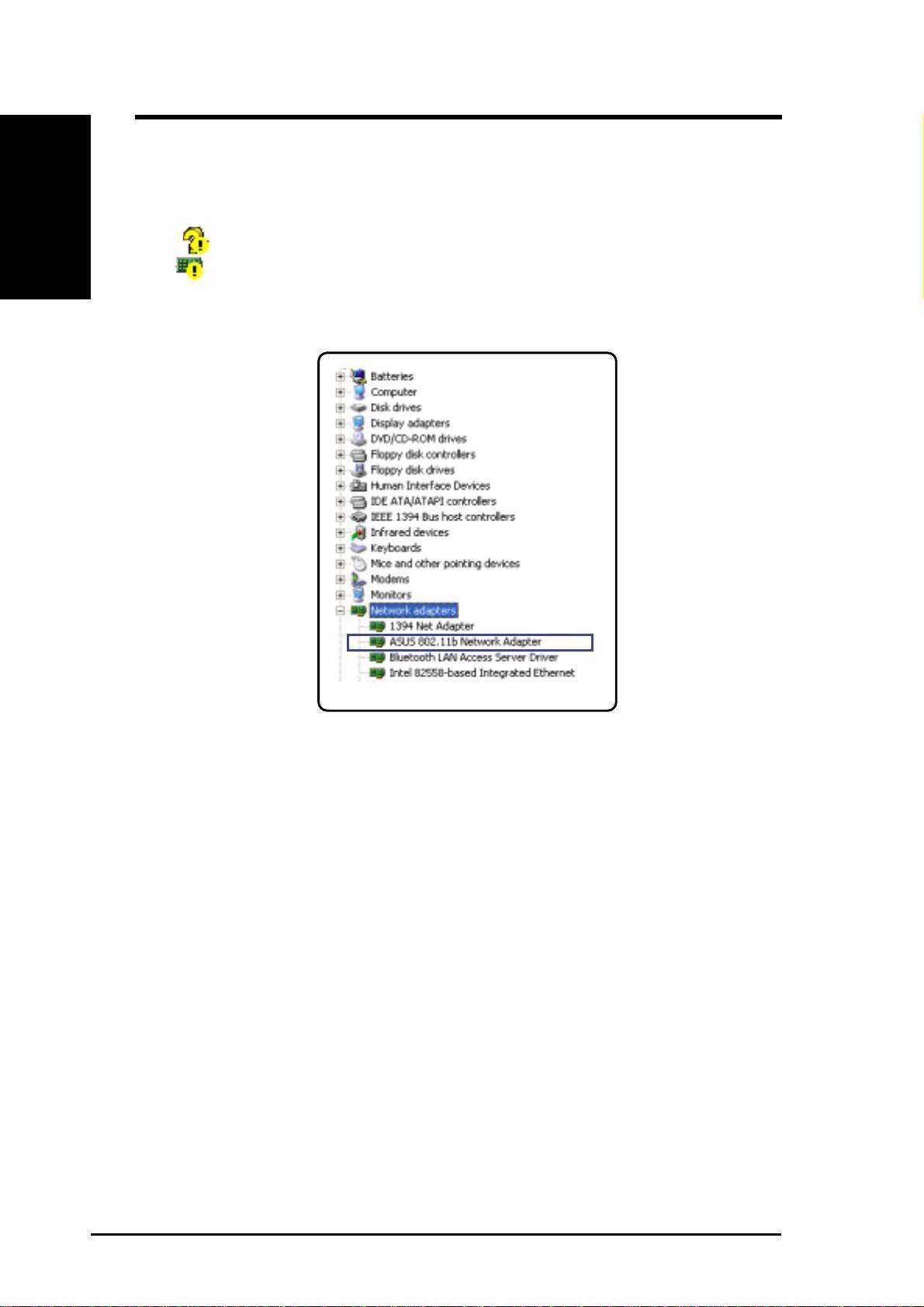
You can verify the ASUS WLAN Card driver in Device Manager. (Access
Device Manager from Start | Control Panel | System | Hardware). A question
mark means that no driver has been installed. An exclamation mark over a
card means that the driver is incorrect. Verify that you are using the correct
product and driver CD. Try repeating the installation and contact customer
support if necessary.
4 ASUS WLAN Card
Top 10 manuals
100.00
NZXT HALE90 1000W99.99
Samsung SM-R38099.97
AEG BSB 18C99.97
Dell 2700W99.97
Smeg KSEC70X99.96
Beurer HDE 4099.96
Pyramida KH 50 v.299.96
MSI CSM-H81M-P3299.96
AEG HR 562799.95
Melissa 640-048