
Asus xonar u7: No Item Description
No Item Description: Asus xonar u7
Table of contents
- 1. Introduction 1.1 Package contents 1.2 System requirements
- 2. Hardware
- No Item Description
- 3. Driver Installation
- 4. Connecting Speakers and Peripherals 4.1 Input connection 4.1.1 Connecting to a USB 2.0 port on your computer No Item Description
- 4.1.2 Connecting digital audio systems
- 4.1.3 Connecting microphone / Line-In No Item Description
- 4.2 Output connection 4.2.1 Connecting Stereo Headphones
- 4.2.2 Connecting 5.1 channel headphones
- 4.2.3 Connecting analog speaker systems
-
- Connecting 5.1 channel speakers
- Connecting 7.1 channel speakers
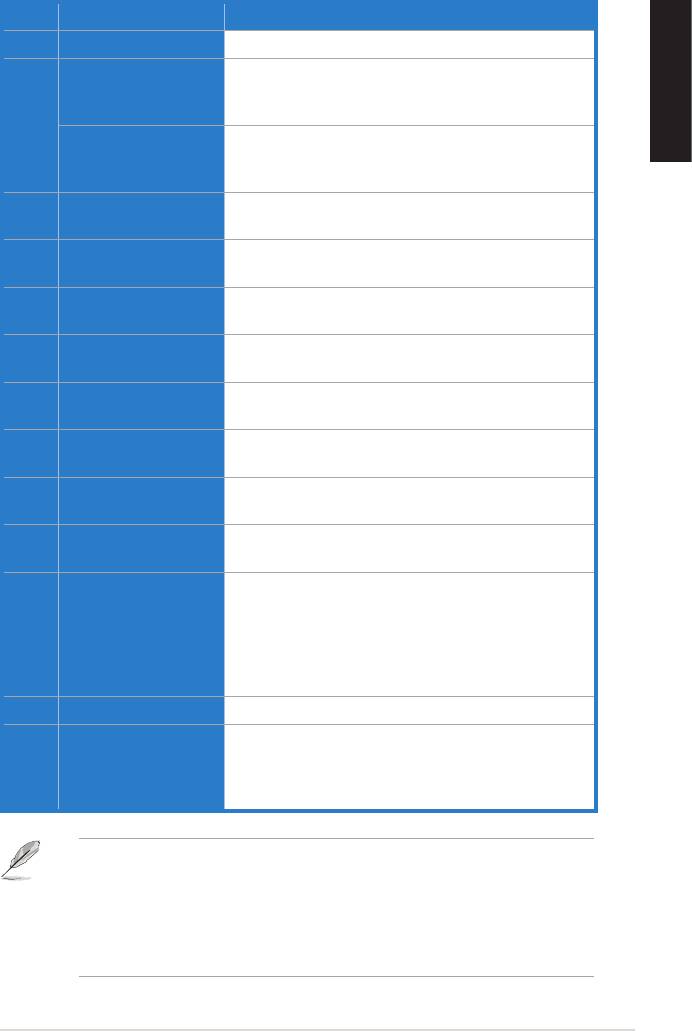
No Item Description
1 Headphone Out port Connect your headphone to this port.
Connect your external PC microphone to this 3.5mm
Microphone In port
port for voice input. Built-in high-quality Microphone
English
2
Connect analog devices like MP3 players, CD players,
Line In port
music synthesizers, and other line-level sound sources
to this 3.5mm port for audio recording or processing.
Microphone Volume
Press to increase or decrease microphone volume.
3
Control
Output Selection
LED indicator indicates different output selection
4
Indicator
(Headphone/Speaker/S/PDIF).
Output Selection/
Rotate to adjust the playback volume. Press to select
5
Volume Control
an output source.
For 2/4/5.1/7.1 channel speaker systems, connects to
6 Front (R) Out port
the front right input on the powered speakers.
For 2/4/5.1/7.1 channel speaker systems, connects to
7 Front (L) Out port
the front left input on the powered speakers.
Side Surround Out
Connects to the surround channel input on 7.1 powered
8
port
analog speakers.
Center/Subwoofer Out
Connects to the center/subwoofer input on 5.1/7.1
9
port
powered analog speakers.
Connects to the back surround input on 4/5.1/7.1
10 Rear Out port
powered analog speakers.
Coaxial digital output port. Connects to an external
digital decoder or digital speaker systems, Home
Theater systems, AV receivers for outputting digital
11 S/PDIF Out port
audio including PCM, Dolby Digital, DTS, WMA-
Pro, etc. Connects to the surround channel input on
4/5.1/7.1 powered analog speakers.
12 USB Port Connects to your computer using a USB Type B-A lead.
Move this switch to toggle between USB Audio 2.0
USB Audio 1.0/2.0
and USB Audio 1.0 connection. Use USB Audio 1.0
13
switch
for plug and play. Use USB Audio 2.0 on a mac (Apple
computer).
USB Audio 1.0/2.0 switch is located at the bottom side of the audio card. USB
Audio 1.0 connection has the following limitations:
• Only supports playback features.
• 7.1 speakers, Headphone, Mic In / Line-In, and SPDIF Out can only
support sample rates of 44.1KHz/48KHz @16-bit.
ASUS Xonar U7 Quick Start Guide
5


