
Asus WL-160N: Quick Start Guide
Quick Start Guide: Asus WL-160N
Table of contents
ASUS WLAN Adapter
3
English
Quick Start Guide
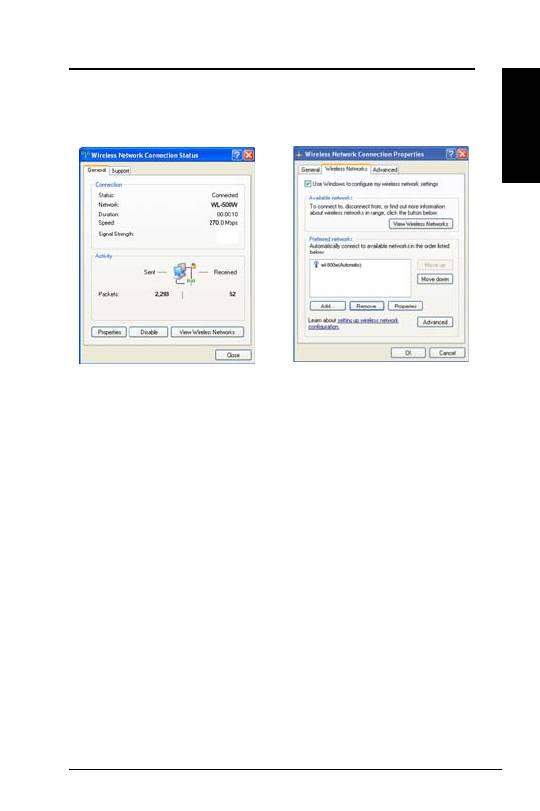
To set up the wireless connection properties, right-click the wireless icon on the
taskbar and select
Open Network Connection
. Then right-click the network
connection icon and select
Property
to open the Wireless Network Connection
Status page.
1. The
General
page shows status, duration,
speed, and signal strength. Signal
strength is represented by green bars with
5 bars indicating excellent signal and 1
bar meaning poor signal.
2. Select “Wireless Networks” tab to show
Preferred networks
. Use the
Add
button
to add the “SSID” of available networks
and set the connection preference order
with the
Move up
and
Move down
buttons. The radio tower with a signal
icon identifies the currently connected
access point. Click
Properties
to set the
authentication of the wireless connection.
