
Asus GigaX1016: Rear Panel Placement options Connecting network devices
Rear Panel Placement options Connecting network devices: Asus GigaX1016
Table of contents
- Introduction
- Hardware Description Front Panel LED Indicators Table 1 LED indicators
- Rear Panel Placement options Connecting network devices
- Network Application
- Technical Specification
4
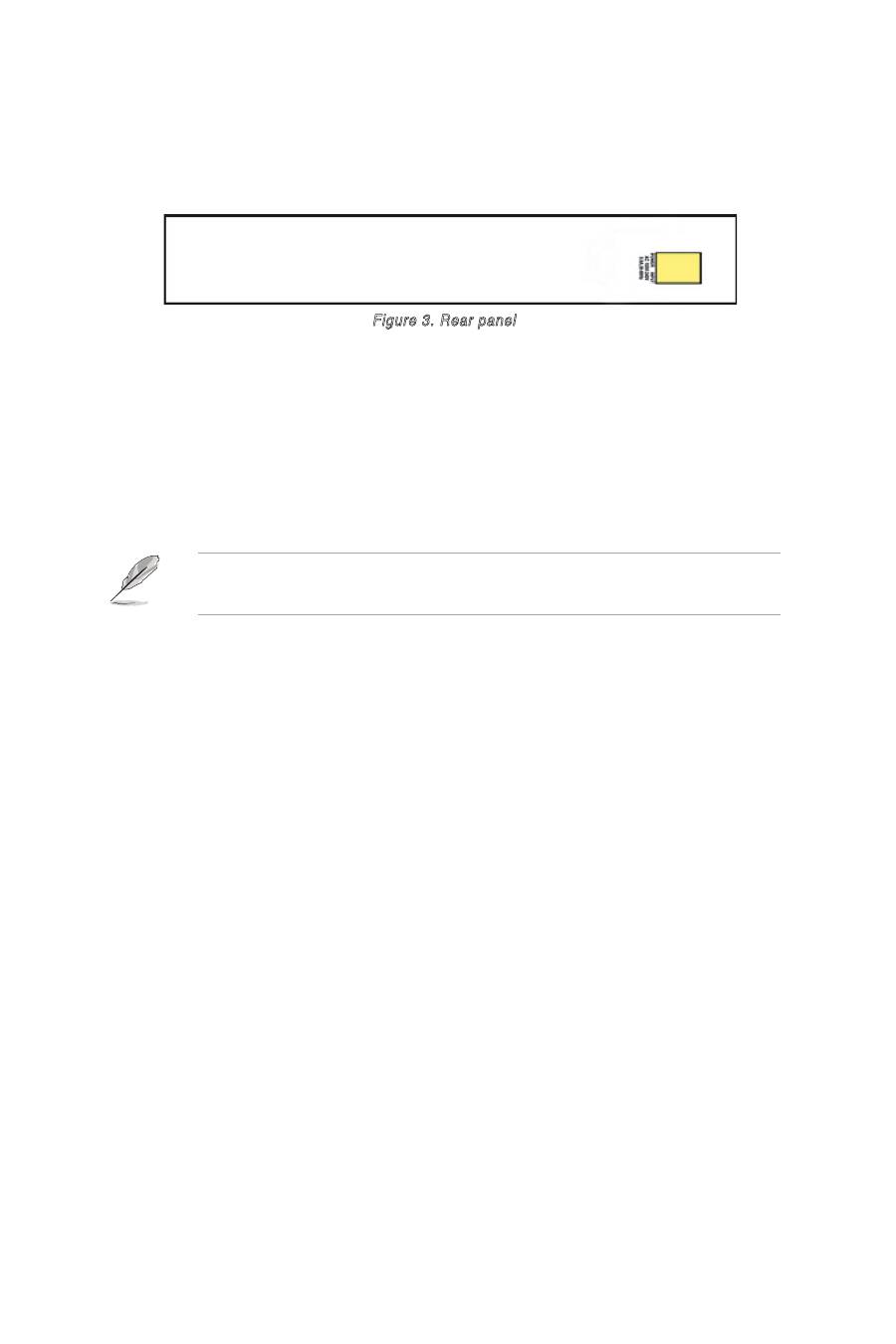
Rear Panel
The rear panel includes a three-prong universal power plug. The input
power is 100-240V AC /50-60Hz.
Figure 3. Rear panel
Placement options
Place the GigaX1016 Switch on a flat and stable surface. Make sure the
location meets the operating environment specifications. See page 6 for
details.
NOTE:
The maximum cable length of UTP Category 5 is 100 meters
(328 feet).
Connecting network devices
Follow these steps to connect network devices to the GigaX1016 Switch:
1. Connect one end of the Ethernet cable to an Ethernet port on the Switch
front panel. Connect the other end to the Ethernet port of the network
device. Repeat this step to connect additional network devices.
2. Plug one end of the power cable to the power connector on the Switch
rear panel, then plug the other end to an electrical outlet.
3. The Power LED and LED indicators for active Ethernet ports light up to
indicate that the device is on and in use. Refer to the LED table in page
3 for indications.
