
Asus EI-102: Installation Technical Specification
Installation Technical Specification: Asus EI-102
Table of contents
- Overview
- Features Hardware Description
- Installation Technical Specification
Installation
Please follow the steps below to install the PoE Injector:
1. Connect the
Data In
port to an RJ-45 port in your switch or hub via an
Ethernet cable.
2. Connect the
Data Out
port with a PoE Splitter, PD (such as router,
Access Point...etc.) or PoE Hub via an Ethernet cable.
3. Plug the power cord of the PoE Injector to the wall power jack.
Technical Specification
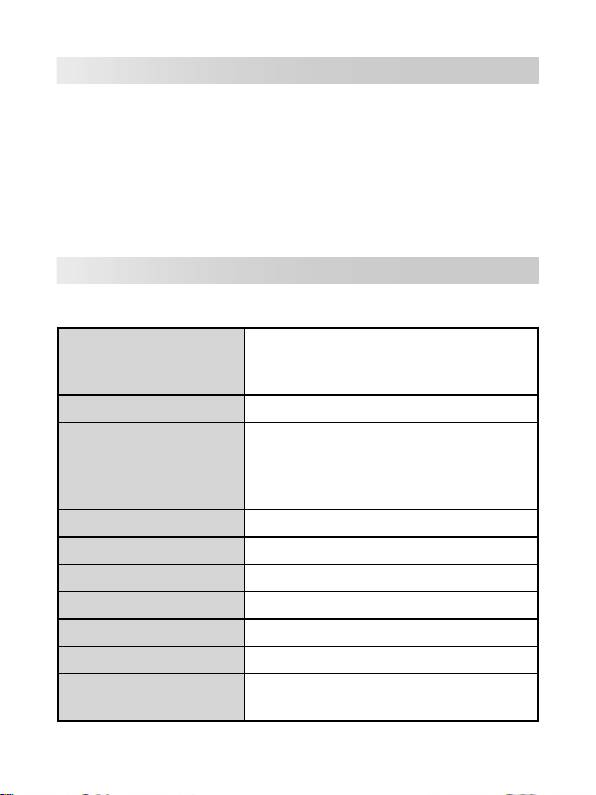
The following table shows the technical specification of the PoE Injector.
IEEE802.3 10BASE-T
Standard
IEEE802.3u 100BASE-T
IEEE802.3af
Connector
DC Out: Power pin: 4,5 (V+), 7,8 (V-)
10BASE-T: 2 pair UTP/STP Cat.3,4,5 cable
EIA/TIA-568 100-ohm (100m)
Network Cable
100BASE-TX: 2 pair UTP/STP Cat.5 cable
EIA/TIA-568 100-ohm (100m)
LED
System: power (green)
Power Input
Input Power: 100~240V, 50~60Hz, 0.3A
Output Power
48V DC, 0.3A
Operating environment
0˚C~40˚C; 90% Humidity (non-condensing)
Storage Temperature
0˚C~70˚C
Dimension
117mm x 60mm x 35mm (L x W x H)
FCC Class B, CE, UL, cUL, CE/EN60950,
EMI & Safety
VCCI, MIC, CCC
4
