
Pioneer DJM-900SRT: Category
Category: Pioneer DJM-900SRT
Table of contents
- Contents
- Before start
- Installing the software
- Installation Procedure (Windows) Installing the Serato DJ software Installation procedure (Mac OS X)
- Installation Procedure (Windows) Installation procedure (Mac OS X) 9 Log in.
- 11 Read the terms of the license agreement carefully, and if you agree, click [Agree].
- Connections Rear panel
- Connecting input terminals Connecting output terminals
- Connecting to the control panel Connecting this unit and computer
- Operation Control Panel
- Basic Operation
- Advanced Operations About PRO DJ LINK Using the QUANTIZE function
- Using the FADER START function Using the SOUND COLOR FX function Using the BEAT EFFECT function Using the LINK MONITOR function
- Operating DJ software using the MIDI function Operating the [X-PAD]
- Operating an external MIDI sequencer
- Types of effects Types of SOUND COLOR FX effects Types of BEAT EFFECT
- MIDI assignment map Category
- Category
- Changing the settings About the auto standby function About the talk over function Setting preferences About the setting utility software
- Adjusting the buffer size (when using Windows ASIO) Setting the audio data output from this unit to the computer Checking the version of the driver software Checking the latest information on the driver software
- Additional information Troubleshooting
- Block Diagram
- Acquiring the manual About trademarks and registered trademarks
- Specifications
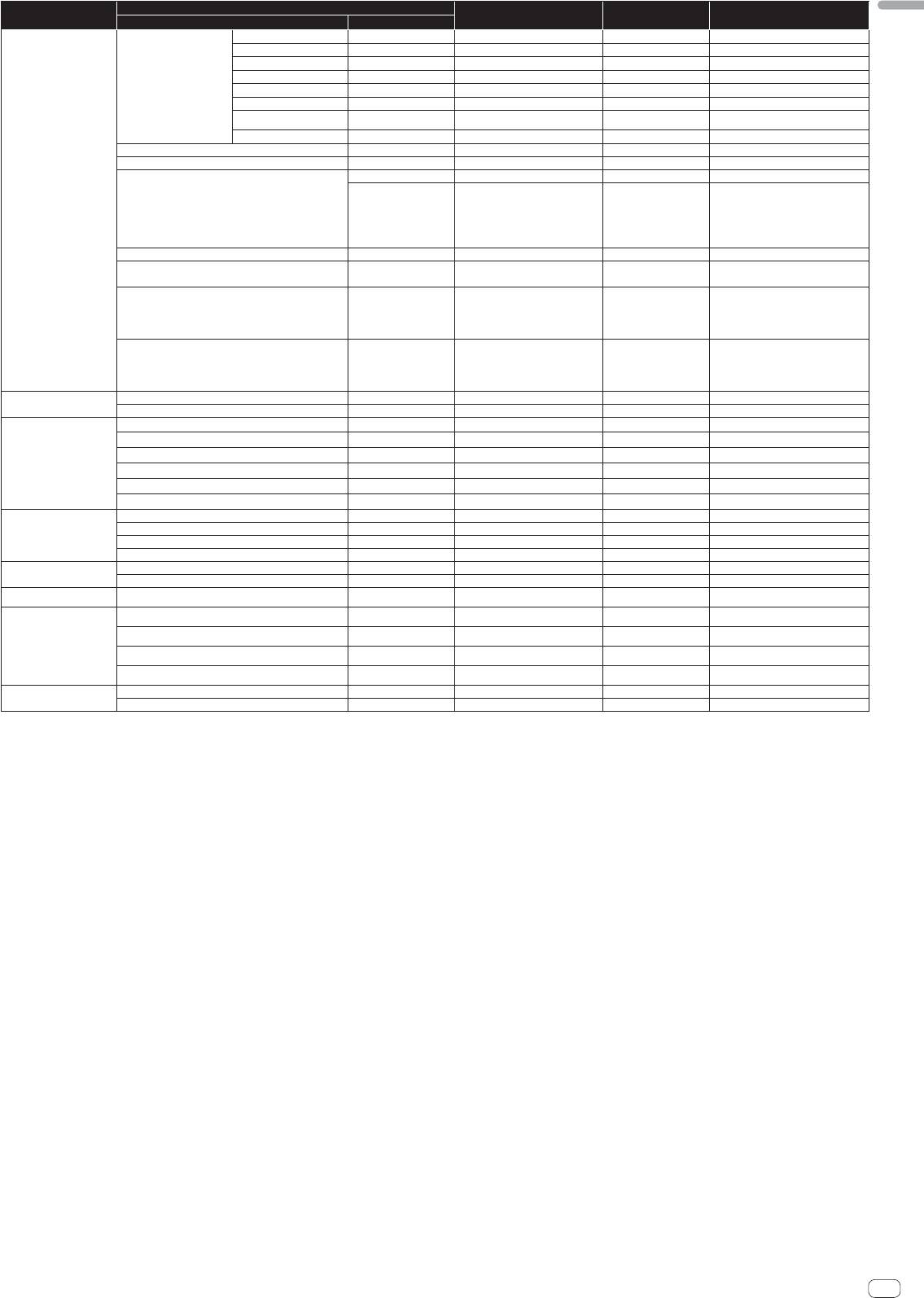
Button/Control/Switch
English
Category
MIDI assignment Trigger/Toggle Transmitted data
Name Type
CH1
Switch CC 034
2
OFF=0, ON=127
CH2
Switch CC 035
2
OFF=0, ON=127
CH3
Switch CC 036
2
OFF=0, ON=127
CH4
Switch CC 037
2
OFF=0, ON=127
CH SELECT
MIC
Switch CC 038
2
OFF=0, ON=127
CF.A
Switch CC 039
2
OFF=0, ON=127
CF.B
Switch CC 040
2
OFF=0, ON=127
MASTER
Switch CC 041
2
OFF=0, ON=127
MIDI LFO
Control CC 118 — 0-127
QUANTIZE
Button Note 118 Trigger/Toggle —
Switch CC 013 — —
TIME value (When FLANGER,
PHASER or FILTER is selected, the
BEAT EFFECTS
TIME
Switch CC 045 —
value is halved. When a negative
value is selected, it is set to a posi-
tive value.)
LEVEL/DEPTH Control CC 091 — 0-127
Sends the [X-PAD] position
X-PAD
Control CC 116 —
information.
ON/OFF
X-PAD (touch)
Button CC 114
2
OFF=0, ON=127
When an effect other than [SND/RTN (MIDI
LFO)] is selected at BEAT EFFECT
ON/OFF
X-PAD (touch)
Button CC 064
2
OFF=0, ON=127
When [SND/RTN (MIDI LFO)] is selected at
BEAT EFFECT
HI
Control CC 030 — 0-127
MIC
LOW
Control CC 031 — 0-127
NOISE
Button CC 085
1
Trigger/Toggle
OFF=0, ON=127
SPACE
Button CC 105
1
Trigger/Toggle
OFF=0, ON=127
GATE/COMP
Button CC 106
1
Trigger/Toggle
OFF=0, ON=127
SOUND COLOR FX
DUB ECHO
Button CC 107
1
Trigger/Toggle
OFF=0, ON=127
CRUSH
Button CC 086
1
Trigger/Toggle
OFF=0, ON=127
FILTER
Button CC 087
1
Trigger/Toggle
OFF=0, ON=127
Fader Start 1
Button CC 088 Trigger/Toggle OFF=0, ON=127
Fader Start 2
Button CC 089 Trigger/Toggle OFF=0, ON=127
Fader Start
Fader Start 3
Button CC 090 Trigger/Toggle OFF=0, ON=127
Fader Start 4
Button CC 093 Trigger/Toggle OFF=0, ON=127
MIXING
Control CC 027 — 0-127
HEADPHONES
LEVEL
Control CC 026 — 0-127
Timing Clock
— Timing Clock — —
Channel fader 1 or crossfader Note 102 — BACK CUE = 0, PLAY = 127
Channel fader 2 or crossfader Note 103 — BACK CUE = 0, PLAY = 127
3
Fader Start operation
Channel fader 3 or crossfader Note 104 — BACK CUE = 0, PLAY = 127
Channel fader 4 or crossfader Note 105 — BACK CUE = 0, PLAY = 127
START
Button START — —
MIDI
STOP
Button STOP — —
1 When turning one button on switches another button from on to off, MIDI on and off messages are sent from the two buttons.
When there is no button that switches off, only the MIDI on message is sent from the button that was pressed.
2 When switched from one position to another position, the MIDI ON and OFF signals are sent respectively from both positions.
— When the [START/STOP] button is pressed for over 1 second, MIDI messages corresponding to the positions of the buttons, faders and controls are sent in a bundle (Snapshot).
The MIDI Snapshot sends all MIDI messages other than MIDI start and MIDI stop.
3 Operation differs depending on the setting of the [CROSS FADER ASSIGN (A, THRU, B)] selector switch.
— When the [CROSS FADER ASSIGN (A, THRU, B)] selector switch is set to [THRU]: MIDI messages are sent when the [FADER START] button is set to [ON] and the channel fader is moved away
from you from the nearest position towards you and when it is moved back to the nearest position towards you.
— When the [CROSS FADER ASSIGN (A, THRU, B)] selector switch is set to [A]: MIDI messages are sent when the [FADER START] button is set to [ON] and the crossfader is moved from the far
edge of the [B] side and when it is moved back to the far edge of the [B] side.
— When the [CROSS FADER ASSIGN (A, THRU, B)] selector switch is set to [B]: MIDI messages are sent when the [FADER START] button is set to [ON] and the crossfader is moved from the far
edge of the [A] side and when it is moved back to the far edge of the [A] side.
En
23
