
Pioneer CDJ-400: TROUBLESHOOTING Symptom
TROUBLESHOOTING Symptom: Pioneer CDJ-400
Table of contents
- IMPORTANT VENTILATION CAUTION Operating Environment
- FEATURES
- BEFORE OPERATING (FEATURES) CONTENTS
- DISCS USABLE WITH THIS UNIT Types of discs playable on this unit Playing MP3 files
- BEFORE OPERATING (DISCS USABLE WITH THIS UNIT)
- CAUTIONS REGARDING HANDLING Location Storing Discs Installation Guidelines Condensation Cleaning and Handling Compact Discs Cleaning the Player CD Lens Cleaner
- CONNECTIONS 2. Connecting control cable for relay play
- 3. Connecting to other devices 4. Connecting the power cord
- PANEL FACILITIES 7. HOLD button
- 30. Jog touch indicators Rear Panel
- About TEXT display Removing the jog sheet
- DISC LOADING/UNLOADING
- DJ PLAYER OPERATIONS Starting playback Auto cue function Resume function To stop playback To temporarily interrupt playback
- Track cueing Jog dial functions Rotary search Fast-forward/fast-reverse
- Scratch Jog Effect Digital Jog Break Change playback speed Applying master tempo
- Mixing different tracks Cue point settings
- ADVANCED OPERATIONS Fader start playback Loop playback Scratch play Spin play Reverse play
- Relay play using two players Cue point/loop point memory Writing and reading data
- MIDI SETTING
- TROUBLESHOOTING Symptom
- Error message display
- SPECIFICATIONS
OTHER (TROUBLESHOOTING)
TROUBLESHOOTING
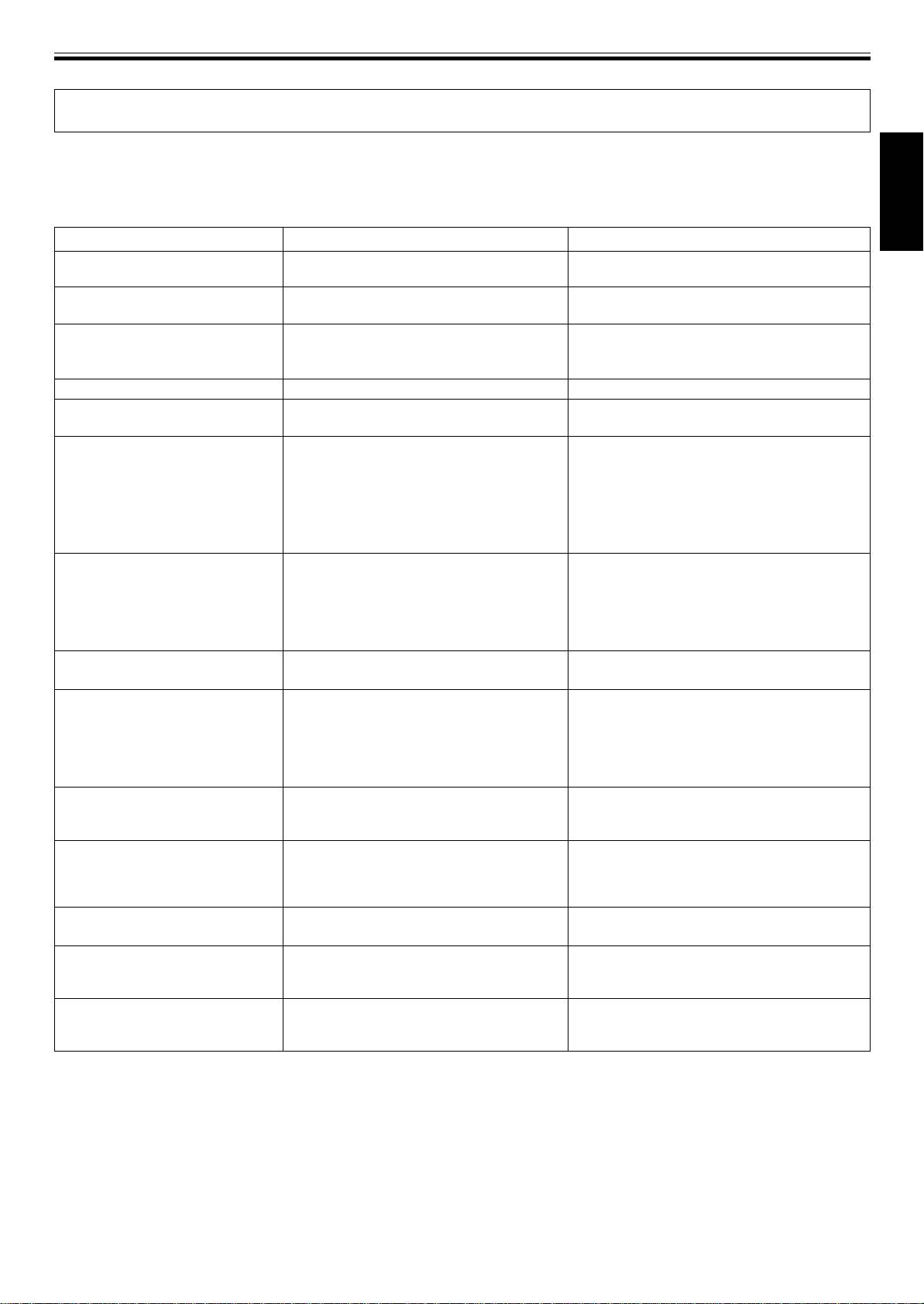
Incorrect operations can be mistaken as malfunctions. If you believe the unit is not operating correctly, consult the chart below.
Sometimes incorrect operation may be due to a malfunction in another component. If the problem is not fixed, check the other
components used with the player. If the problem still persists, contact your nearest Pioneer authorized service center or dealer for
service.
English
Symptom
Cause
Remedy
Disc doesn’t eject even when EJECT
÷ Power plug is disconnected from outlet.
÷ Connect plug to wall outlet.
button is pressed.
Play doesn’t commence even when
÷ The auto cue function is set to on.
÷ Press the AUTO CUE button to turn off the
the disc is inserted.
Auto Cue function.
Playback immediately stops when
÷ Smudges on the disc, etc.
÷ Clean the smudges from the disc and then
started. During playback, the player
play it again.
pauses or stops.
Cannot playback MP3s.
÷ The files are in the wrong format.
÷ ☞P.5 “Playing MP3 Files.”
Cannot search MP3s.
÷ Attempted to search (fast-forward/fast-
÷ Track searching with MP3s are only possible
reverse) MP3s into a different folder.
within the same folder.
No sound is audible.
÷ Output cables are connected incorrectly or
÷ Recheck connections. Refer to installation
are loose.
instructions. (☞P. 8, 9)
÷ Incorrect operation of DJ mixer.
÷ Check the settings of the DJ mixer switches
and sound volume controls.
÷ Pin plugs and/or amplifier terminals are
÷ Clean away dirt.
dirty.
÷ Player is in pause mode.
÷ Press the PLAY/PAUSE button (6).
Sound is distorted, noise is output.
÷ Incorrect connections.
÷ Connect to audio mixer's LINE INPUT termi-
nals. (Do not connect to MIC terminals.)
÷ Pin plugs and/or amplifier terminals are
÷ Clean away dirt.
dirty.
÷ Interference is being picked up from a TV
÷ Switch OFF TV set, move player away from TV
set.
set or plug the player into a separate outlet.
With certain discs, loud noise is
÷ Disc has a bad scratch or warp.
÷ Replace disc.
produced or play stops.
÷ Disc is extremely dirty.
÷ Clean disc.
When the auto cue function is set
÷ If the sound muted portion between
÷ Press the AUTO CUE button to turn off the
ON, track search is not finished.
selections is long, searching time will be
Auto Cue function.
long.
÷ If the point cannot be found within 10
seconds, the cue point is set at the track’s
beginning.
Back cue function cannot be carried
÷ The cue point is not set yet.
÷ Set the cue point. (☞P. 17)
out even though the CUE button is
÷ The cue point is set to an MP3 file in a
÷ During playback of MP3s, back cue is possible
pressed in playback mode.
different folder.
only within the same folder.
Pressing the OUT/OUT ADJUST
÷
No cue points (loop-in points) have been set.
÷ Set a cue point. (☞P. 17)
button does not start loop play.
÷ In the case of MP3, loop cannot be per-
÷ During playback of MP3s, looping is possible
formed if no loop-in point is located within
only within the same track that has a cue point
the currently playing track.
(loop-in point) set.
The jog dial does not operate as
÷
Incorrect jog mode (VINYL/CDJ) is set.
÷ Press the JOG MODE VINYL button to set the
desired.
desired jog mode (VINYL or CDJ).
The picture of the TV screen is
÷ Interference is being picked up from the CD
÷ Turn off POWER switch of the player, or move
fluctuated or FM broadcast is
player.
the player away from the TV or tuner.
interfered with noise.
The disc is not rotating when power
÷ The disc rotation stops automatically if no
÷ Playback can be started from the first track by
is ON.
operation has been performed for 100
pressing the PLAY/PAUSE button (6). Press
minutes or more in pause mode.
the EJECT button to eject the disc.
÷ Static electricity and other external effects may cause this unit to malfunction. In this case, set the POWER switch to OFF, then
switch it on again after the disc has come to a complete stop.
÷ This unit cannot playback unfinalized (partial discs) CD-R or CD-RW discs.
÷ Irregularly shaped discs cannot be played on the CDJ-400 (as it may result in breakage or accidents). Please use only standard
circular 12 cm discs.
÷ The BPM value measured by the CDJ-400 may differ from the BPM value recorded on a CD or from our DJ mixer, but this
difference is a result of differences in the BPM value measurement method; not a result of a fault with the player.
÷ When playing CD-R/RW discs, the performance rate may drop due to quality of the recorded data.
21
<DRB1451>
En


