
Pioneer CDJ-400: DISCS USABLE WITH THIS UNIT Types of discs playable on this unit Playing MP3 files
DISCS USABLE WITH THIS UNIT Types of discs playable on this unit Playing MP3 files: Pioneer CDJ-400
Table of contents
- IMPORTANT VENTILATION CAUTION Operating Environment
- FEATURES
- BEFORE OPERATING (FEATURES) CONTENTS
- DISCS USABLE WITH THIS UNIT Types of discs playable on this unit Playing MP3 files
- BEFORE OPERATING (DISCS USABLE WITH THIS UNIT)
- CAUTIONS REGARDING HANDLING Location Storing Discs Installation Guidelines Condensation Cleaning and Handling Compact Discs Cleaning the Player CD Lens Cleaner
- CONNECTIONS 2. Connecting control cable for relay play
- 3. Connecting to other devices 4. Connecting the power cord
- PANEL FACILITIES 7. HOLD button
- 30. Jog touch indicators Rear Panel
- About TEXT display Removing the jog sheet
- DISC LOADING/UNLOADING
- DJ PLAYER OPERATIONS Starting playback Auto cue function Resume function To stop playback To temporarily interrupt playback
- Track cueing Jog dial functions Rotary search Fast-forward/fast-reverse
- Scratch Jog Effect Digital Jog Break Change playback speed Applying master tempo
- Mixing different tracks Cue point settings
- ADVANCED OPERATIONS Fader start playback Loop playback Scratch play Spin play Reverse play
- Relay play using two players Cue point/loop point memory Writing and reading data
- MIDI SETTING
- TROUBLESHOOTING Symptom
- Error message display
- SPECIFICATIONS
BEFORE OPERATING (DISCS USABLE WITH THIS UNIT)
DISCS USABLE WITH THIS UNIT
Notes:
Types of discs playable on this unit
¶ Some CD-R/CD-RW discs recorded on standalone record-
ers or computer drives may not be playable back on this
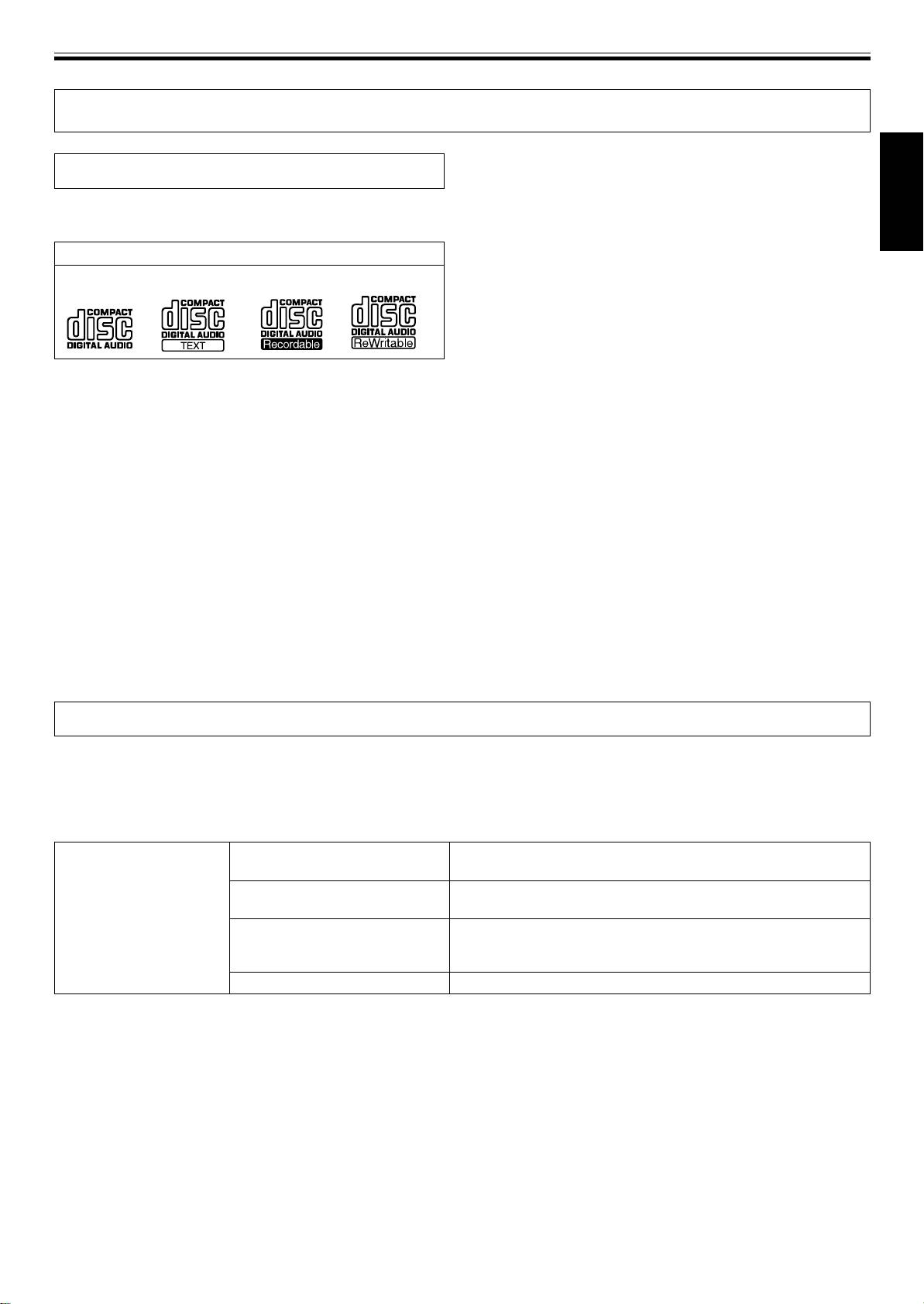
÷ The following marks and logos are displayed on disc la-
player, due to a variety of reasons, including disc character-
bels, packaging, or jackets.
English
istics, scratches, dirt, player lens dirt or condensation, etc.
¶ Some discs recorded on computer drives may not be
Types and Logos of playable discs
playable on this player, depending on the recording appli-
CD CD-TEXT
(Note 1)
CD-R
(Note 2)
CD-RW
(Note 2)
cation used, its settings, and operating environment. Be
sure to use the correct formatting for the discs used. For
details, consult the application author.
¶ This unit cannot play partially recorded CD-R or CD-RW
discs that have not been finalized.
¶ For detailed information regarding the handling of CD-R/
Note 1) Regarding TEXT display:
CD-RW discs, consult the handling precautions supplied
The number of characters that can be displayed is up to 48.
with each disc.
When a display exceeds eight characters in length, the display
will scroll. Only alpha-numerics and a limited number of
■ Regarding CD-R/RW discs
symbols can be displayed (☞ P. 12).
Due to the unique construction of CD-R/RW discs, leaving
them for extended periods of time in the pause (or cue
Note 2) CD-R/CD-RW discs:
standby) mode at a single point may result in the discs’ be-
This player supports playback of CD-R/CD-RW discs recorded
coming difficult to play at that place. The same symptom may
in audio CD format or MP3.
also occur if the loop function is used to play back a single
* For details, consult the Operating Instructions for your re-
point on the disc excessively.
corder.
As a result, users are advised to construct backup archive
discs when playing discs containing important data.
■ About DualDisc playback
This product is designed to conform to standards for music
CDs. No warranty is made for operation or performance when
used with discs not conforming to such music CD standards.
Playing MP3 files
MP3 files may be found in two formats: Constant Bit Rate (CBR) and Variable Bit Rate (VBR). This component supports playback
and DJ play with both CBR and VBR type MP3 files, but in comparison with CBR files, files recorded in VBR format will experience
slower search and super-fast search speeds. As a result, when operating speed is most important, the use of the CBR recording
format is recommended for MP3 files.
MP3 files must follow the format requirements listed below.
MP3 format MPEG-1
Supports Audio Layer-3 sampling frequency 32 kHz, 44.1 kHz, 48 kHz,
Bit Rate 32 Kbps to 320 Kbps.
MPEG-2
Supports Audio Layer-3 sampling frequency 16 kHz, 22.05 kHz, 24 kHz,
Bit Rate 16 Kbps (stereo) to 160 Kbps.
ID3 tag
Supports ID3 Vers. 1.0/1.1/2.2/2.3/2.4. Displays title, album, artist.
Only alpha-numerics and a limited number of symbols can be
displayed.
File extension
.mp3, .MP3, .mP3, .Mp3
5
<DRB1451>
En


