
Pioneer CDJ-400: Error message display
Error message display: Pioneer CDJ-400
Table of contents
- IMPORTANT VENTILATION CAUTION Operating Environment
- FEATURES
- BEFORE OPERATING (FEATURES) CONTENTS
- DISCS USABLE WITH THIS UNIT Types of discs playable on this unit Playing MP3 files
- BEFORE OPERATING (DISCS USABLE WITH THIS UNIT)
- CAUTIONS REGARDING HANDLING Location Storing Discs Installation Guidelines Condensation Cleaning and Handling Compact Discs Cleaning the Player CD Lens Cleaner
- CONNECTIONS 2. Connecting control cable for relay play
- 3. Connecting to other devices 4. Connecting the power cord
- PANEL FACILITIES 7. HOLD button
- 30. Jog touch indicators Rear Panel
- About TEXT display Removing the jog sheet
- DISC LOADING/UNLOADING
- DJ PLAYER OPERATIONS Starting playback Auto cue function Resume function To stop playback To temporarily interrupt playback
- Track cueing Jog dial functions Rotary search Fast-forward/fast-reverse
- Scratch Jog Effect Digital Jog Break Change playback speed Applying master tempo
- Mixing different tracks Cue point settings
- ADVANCED OPERATIONS Fader start playback Loop playback Scratch play Spin play Reverse play
- Relay play using two players Cue point/loop point memory Writing and reading data
- MIDI SETTING
- TROUBLESHOOTING Symptom
- Error message display
- SPECIFICATIONS
OTHER (TROUBLESHOOTING)
Error message display
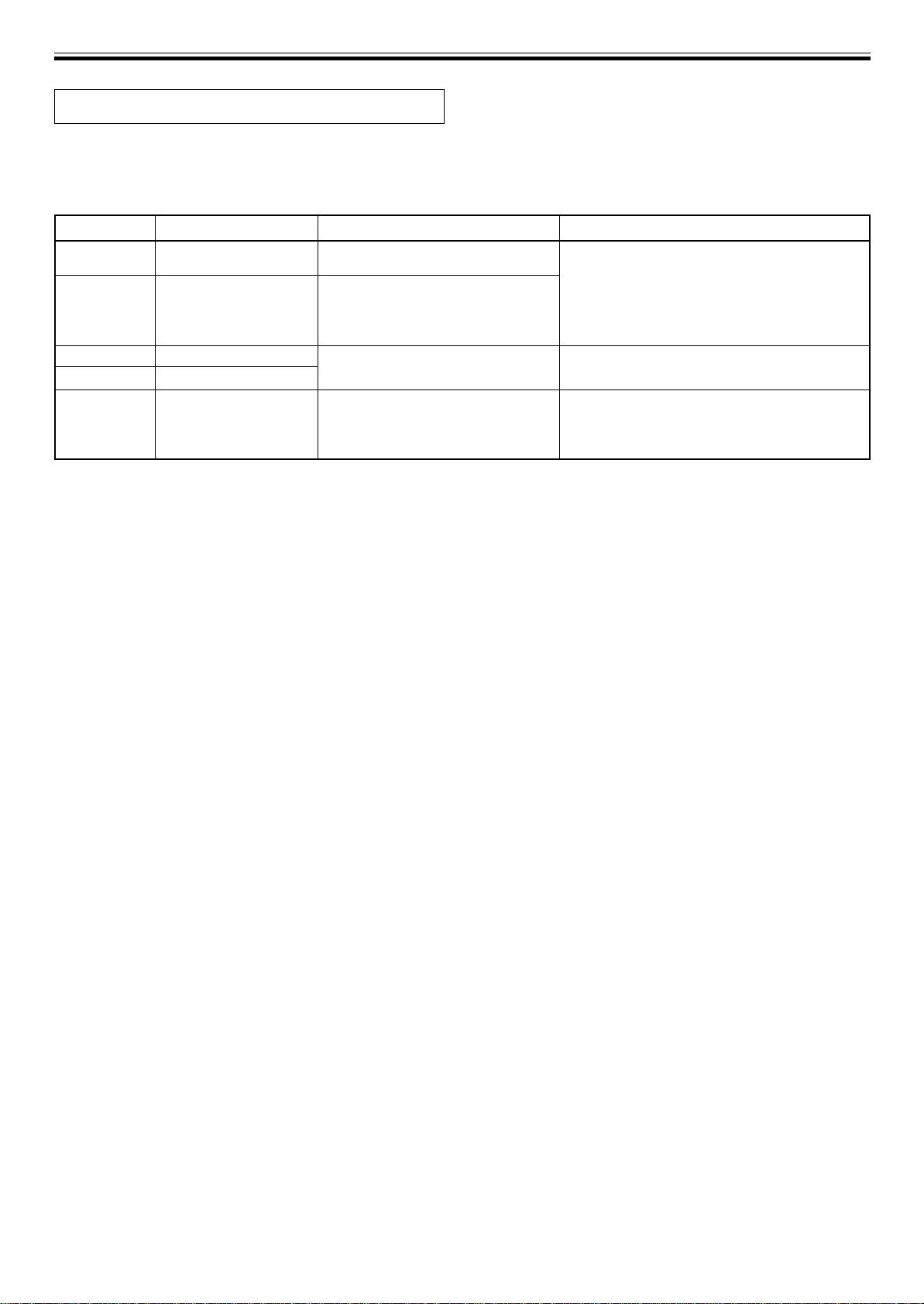
When the CDJ-400 CD player is unable to operate properly, an error code is displayed on the display panel. Check the error code
displayed against the following table and take the recommended action to correct the error. If an error code other than any of the
error codes listed in the table below is displayed or if the same error code is displayed even after corrective action has been taken,
contact your nearest Pioneer Service Station or contact the store from which you purchased your player for assistance.
Error Code
Error Type
Description
Possible cause and recommended action
E-72 01
TOC READ ERROR
Player unable to read TOC data.
Disc is cracked.
= Recommended action: replace disc.
E-83 01
PLAYER ERROR
Disc is rotating, but rotation cannot be
Disc is soiled or dirty.
E-83 02
ascertained.
= Recommended action: clean disc.
E-83 03
Player unable to play back currently
If other discs play normally, the problem is with
inserted disc.
the disc itself.
E-83 04
MP3 DECODE ERROR
The disc loaded cannot be played
The disc format does not conform to MP3.
properly.
= Change to disc conforming to MP3 format.
E-83 05
DATA FORMAT ERROR
E-91 01
MECHANICAL TIME OUT
Mechanical operation has failed to
Dust or some other form of foreign particles have
complete within specified time
found their way into disc insertion slot.
interval.
= Recommended action: remove dust or other
foreign particles.
22
<DRB1451>
En


