
Pioneer PD-M406: RANDOM PLAYBACK - TO PLAY ALL TRACKS IN RANDOM ORDER MAGAZINE HI-LITE SCAN
RANDOM PLAYBACK - TO PLAY ALL TRACKS IN RANDOM ORDER MAGAZINE HI-LITE SCAN: Pioneer PD-M406
Table of contents
- CONTENTS
- CAUTIONS REGARDING HANDLING
- CONFIRM SUPPLIED ACCESSORIES PUT BATTERIES INTO THE REMOTE CONTROL UNIT (PD-M426A only)
- REMOTE CONTROL OPERATIONS (PD-M426A only) BEFORE OPERATING THE PLAYER
- AFFIXING LABELS TO THE MAGAZINE
- CONNEXIONSCONNECTIONS Making connections
- CONNECTIONS CONNEXIONS AC POWER CORD CONNECTION AND FUNCTIONS
- NAMES AND FUNCTIONS OF PARTS FRONT PANEL
- DISPLAY WINDOW REMOTE CONTROL UNIT (PD-M426A only)
- BASIC OPERATION TO PLAY A COMPACT DISC
- FONCTIONNEMENT DE BASEBASIC OPERATION
- VARIOUS OPERATIONS DISC SEARCH - TO SEARCH FOR A PARTICULAR DISC TRACK SEARCH - TO SEARCH FOR A PARTICULAR TRACK
- MANUAL SEARCH - TO SEARCH FOR A PARTICULAR PASSAGE TO REPEAT PLAYBACK (REPEAT PLAY)
- RANDOM PLAYBACK - TO PLAY ALL TRACKS IN RANDOM ORDER MAGAZINE HI-LITE SCAN
- FONCTlONNEMENTS DIVERSVARIOUS OPERATIONS
- TO PLAY ONLY DESIRED TRACKS/DISCS PROGRAM PLAYBACK - TO PROGRAM TRACKS/DISCS IN DESIRED ORDER
- TO PLAY ONLY DESIRED TRACKS/DISCS
- PROGRAMMING A PAUSE (PD-M426A only)
- DELETE PROGRAM PLAYBACK - TO DELETE UNDESIRED TRACKS/DISCS (PD-M426A only)
- VOULUSTO PLAY ONLY DESIRED TRACKS/DISCS
- TROUBLESHOOTING SPECIFICATIONS
VARIOUS OPERATIONS
FONCTlONNEMENTS DIVERS
RANDOM PLAYBACK - TO PLAY ALL TRACKS
LECTURE ALEATOIRE - POUR LIRE TOUTES
IN RANDOM ORDER
LES PISTES DANS UN ORDRE ALEATOIRE
RANDOM
RANDOM
PD-M426A only
PD-M426A seulement
RANDOM
RANDOM
PLAY
PLAY
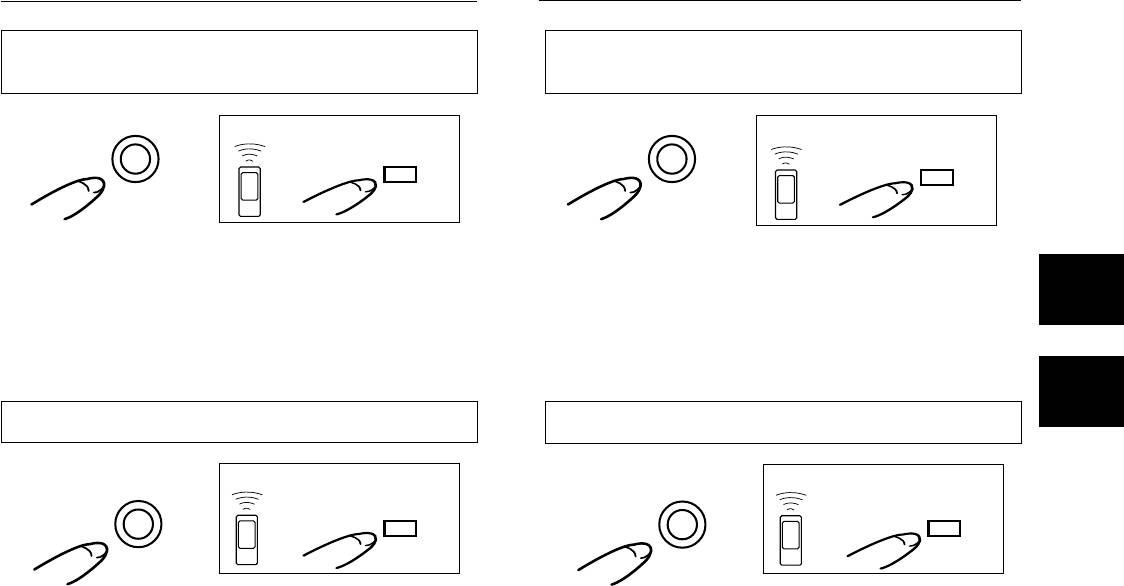
Press the RANDOM (PLAY) button. All tracks on all discs are
Appuyer sur la touche de lecture aléatoire (RANDOM (PLAY)).
played in a random order. To play tracks other than the deleted
Pour lire les pistes autres que les pistes annulèes dans un
tracks in a random order, press the RANDOM (PLAY) button
ordre aléatoire, appuyer sur la touche de lecture aléatoire
after carrying out the Delete Program procedure. See “Delete
(RANDOM (PLAY)) après avoir effectué le processus de
Program Playback” on page 22.
programme avec annulation. Voir la section “LECTURE DE
PROGRAMME AVEC ANNULATlON”, page 22.
MAGAZINE HI-LITE SCAN
BALAYAGE Hl-LlTE DES MAGASINS
During stop mode
En mode d’arrêt
PD-M426A only
PD-M426A seulement
HI-LITE
HI-LITE
HI-LITE
HI-LITE
SCAN
SCAN
When the Hl-LlTE (SCAN) button is pressed once during
Quand la touche de balayage Hl-LlTE (SCAN) est enfoncée
stop mode, playback starts from a point 1 minute after the
une fois en mode d’arrêt, la lecture commence à partir d’un
beginning of the first track, and the first track of each disc is
point 1 minute après le début de la première piste et la
played for about 10 seconds. The DISC SCAN indicator blinks
première piste de chaque disque est lue pendant environ 10
during Disc Scan mode. After the first tracks of all discs are
secondes. Le témoin DlSC SCAN clignote pendant l’exploration
scanned, the player enters stop mode.
du disque. Le lecteur passe dans le mode d’arrêt lorsque les
When the Hl-LlTE (SCAN) button is pressed twice during
premières pistes de tous les disques ont été belayées.
stop mode, playback starts from a point 1 minute after the
Quand la touche de balayage Hl-LlTE (SCAN) est enfoncée
beginning of the track, and each track is played for about 10
deux fois en mode d’arrêt, la lecture commence à partir d’un
seconds. The SCAN indicator blinks during Track Scan mode.
point 1 minute après le début de la piste et chaque piste est
After all tracks of all discs are scanned, the player enters stop
lue pendant environ 10 secondes. Le témoin SCAN clignote
mode.
pendant l’écoute du début de chaque plage musicale. Une
fois que toutes les pistes de tous les disques sont balayées,
To exit Magazine Hi-Lite Scan mode:
le lecteur entre en mode d’arrêt.
Press the 7, 6 or DISC NUMBER (DISC 1-DISC 6) button.
When the 6 button is pressed, normal playback starts from
Poursortir du mo de de balayage Hi-Lite de magasin:
the current point. When the DISC NUMBER (DISC 1-DISC 6)
Appuyer sur la touche 7, 6 ou de numéro de disque (DlSC
button is pressed, the selected disc is played from the
1-DlSC 6). Lorsque la touche 6 est enfoncée, la lecture
beginning.
normale commence depuis le point actuel. Lorsque la touche
de numéro de disque, le disque ou la piste sélectionné est
reproduit depuis le début.
17
En/Fr
