
Pioneer DDJ-S1: IMPORTANT
IMPORTANT: Pioneer DDJ-S1
Table of contents
- DJ Controller
- Operating Environment POWER-CORD CAUTION
- IMPORTANT
- The Safety of Your Ears is in Your Hands ESTABLISH A SAFE LEVEL: BE SURE TO OBSERVE THE FOLLOWING GUIDELINES:
- IMPORTANT
- For Europe
- Contents
- Before start What’s in the box Installing the software Before installing the software About the installation procedure About the driver software (Windows) Installation Procedure (Windows) About the Serato DJ software
- Installation procedure (Mac OS X)
- Checking the version of the driver software About the driver software and setting utility software
- Basic Operation 3 Connect this unit to your computer via a USB cable. Connections 1 Connect headphones to one of the [PHONES] terminals. 4 Turn on the computer’s power. 5 Connect the power plug to the AC adapter. 2 Connect powered speakers, a power amplifier, components, etc., to the [MASTER OUT 1] or [MASTER OUT 2] terminals.
- 6 Connect the AC adapter. 7 Slide the [ON/OFF] switch to the [ON] side. 8 Turn on the power of the devices connected to the output terminals (powered speakers, power amplifier, components, etc.).
- Starting the system Launching Serato DJ
- Importing tracks Loading tracks and playing them
- Playing tracks and outputting the sound Monitoring sound with headphones Quitting the system
- Part names and functions Browser section Deck section
- Mixer section Microphone/External input control section Front panel Effect section
- About the AC adapter Safety instructions Mounting the power plug
- Power plug
- Additional information Acquiring the manual Downloading the latest version of these operating instructions About trademarks and registered trademarks Cautions on copyrights Specifications Downloading the Serato DJ software manual
- For U.S.A. and Canada
1)
Read these instructions.
11)
Only use attachments/accessories specified by
2)
Keep these instructions.
the manufacturer.
3)
Heed all warnings.
12)
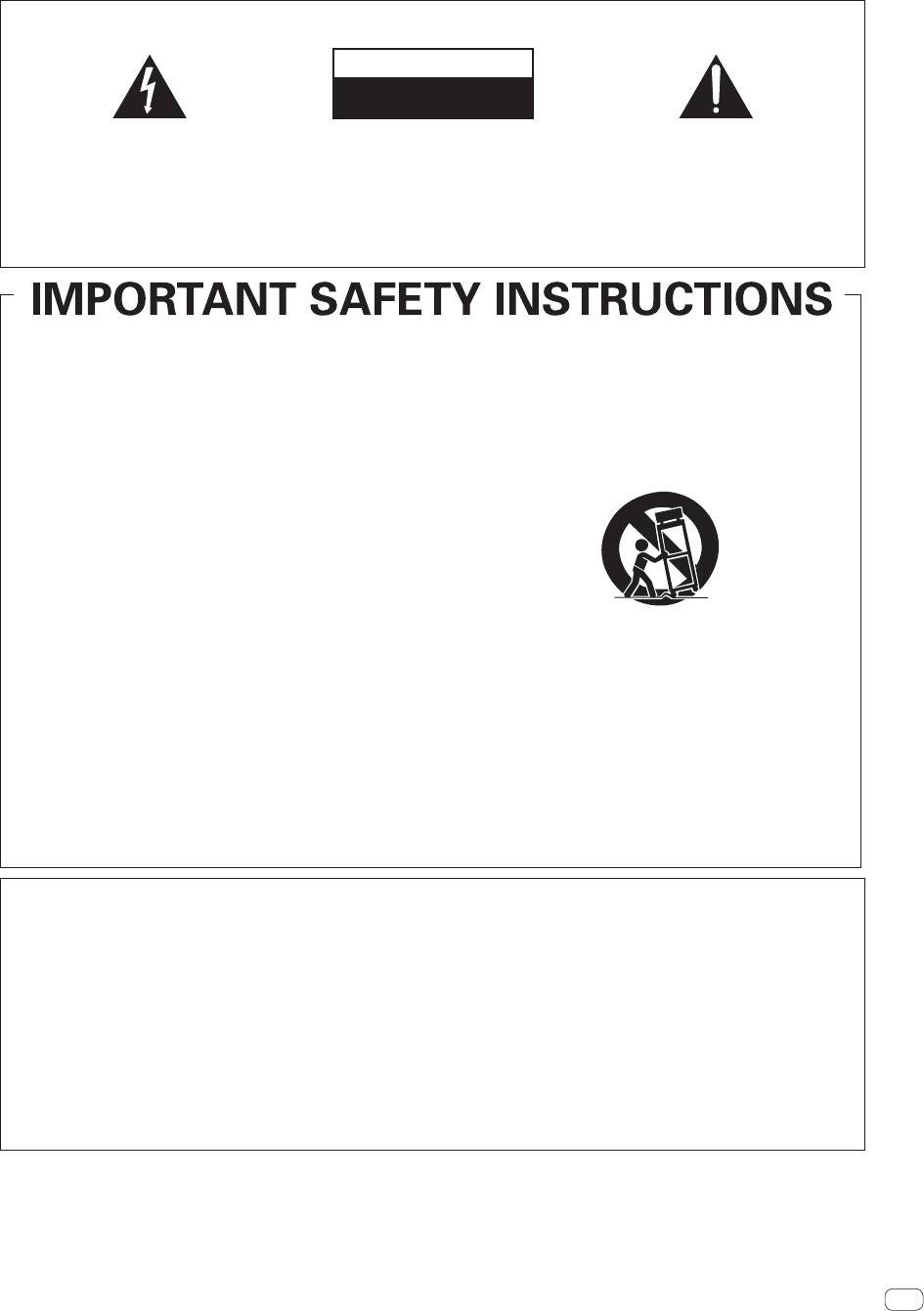
Use only with the cart, stand, tripod, bracket, or
4)
Follow all instructions.
table specified by the manufacturer, or sold with
5)
Do not use this apparatus near water.
the apparatus. When a cart is used, use caution
6)
Clean only with dry cloth.
when moving the cart/apparatus combination to
7)
Do not block any ventilation openings. Install in
avoid injury from tip-over.
accordance with the manufacturer’s
instructions.
8)
Do not install near any heat sources such as
radiators, heat registers, stoves, or other
apparatus (including amplifiers) that produce
heat.
9)
Do not defeat the safety purpose of the polarized
or grounding-type plug. A polarized plug has two
13)
Unplug this apparatus during lightning storms
blades with one wider than the other. A
or when unused for long periods of time.
grounding type plug has two blades and a third
14)
Refer all servicing to qualified service personnel.
grounding prong. The wide blade or the third
Servicing is required when the apparatus has
prong are provided for your safety. If the provided
been damaged in any way, such as power-supply
plug does not fit into your outlet, consult an
cord or plug is damaged, liquid has been spilled
electrician for replacement of the obsolete outlet.
or objects have fallen into the apparatus, the
10)
Protect the power cord from being walked on or
apparatus has been exposed to rain or moisture,
pinched particularly at plugs, convenience
does not operate normally, or has been dropped.
receptacles, and the point where they exit from
the apparatus.
D3-7-13-69_En
NOTE:
This equipment has been tested and found to comply with the limits for a Class B digital device, pursuant to Part 15
of the FCC Rules. These limits are designed to provide reasonable protection against harmful interference in a
residential installation. This equipment generates, uses, and can radiate radio frequency energy and, if not installed
and used in accordance with the instructions, may cause harmful interference to radio communications. However,
there is no guarantee that interference will not occur in a particular installation. If this equipment does cause
harmful interference to radio or television reception, which can be determined by turning the equipment off and on,
the user is encouraged to try to correct the interference by one or more of the following measures:
— Reorient or relocate the receiving antenna.
— Increase the separation between the equipment and receiver.
— Connect the equipment into an outlet on a circuit different from that to which the receiver is connected.
— Consult the dealer or an experienced radio/TV technician for help.
D8-10-1-2_A1_En
En
3
For U.S.A.
IMPORTANT
CAUTION
RISK OF ELECTRIC SHOCK
DO NOT OPEN
The lightning flash with arrowhead symbol,
CAUTION:
The exclamation point within an equilateral
within an equilateral triangle, is intended to
TO PREVENT THE RISK OF ELECTRIC
triangle is intended to alert the user to the
alert the user to the presence of uninsulated
SHOCK, DO NOT REMOVE COVER (OR
presence of important operating and
“dangerous voltage” within the product’s
BACK). NO USER-SERVICEABLE PARTS
maintenance (servicing) instructions in the
enclosure that may be of sufficient
INSIDE. REFER SERVICING TO QUALIFIED
literature accompanying the appliance.
magnitude to constitute a risk of electric
SERVICE PERSONNEL.
shock to persons.
D3-4-2-1-1b_A1_En


