
Pioneer VSX-420-K: Listening in stereo
Listening in stereo: Pioneer VSX-420-K
Table of contents
- IMPORTANT
- Operating Environment
- Contents
- Flow of settings on the receiver
- Chapter 1: Before you start Checking what’s in the box Installing the receiver Loading the batteries
- Chapter 2: Controls and displays Front panel
- Operating range of remote control unit Display
- Controls and displays 02
- Remote control
- Controls and displays 02
- Controls and displays02
- Chapter 3: Connecting your equipment Placing the speakers
- Connecting the speakers
- Making cable connections
- About video outputs connection
- Connecting a TV and Blu-ray Disc player
- Connecting a TV and DVD player
- Connecting your component with no HDMI terminal
- Connecting an HDD/DVD recorder, VCR and other video components
- Connecting a satellite receiver Connecting the multichannel or other digital set-top box analog outputs
- Connecting other audio components Connecting to the front panel audio mini jack
- Connecting antennas
- Connecting an IR receiver Plugging in the receiver
- Chapter 4: Listening to your system Basic playback
- Choosing the input signal Auto playback Listening in surround sound
- Listening in stereo
- Using Front Stage Surround Using Stream Direct Advance Using the Sound Retriever
- Using Phase Control
- Setting the Audio options Setting What it does Option(s)
- Setting What it does Option(s)
- analog inputs Using the headphone
- Chapter 5: The System Setup menu Using the System Setup menu Manual speaker setup
- Channel level Crossover network
- Speaker Distance The Input Assign menu
- Chapter 6: Using the MULTI-ZONE feature MULTI-ZONE listening
- Using the MULTI-ZONE controls Button What it does
- Chapter Using the tuner Listening to the radio Saving station presets
- An introduction to RDS
- Displaying RDS information
- Chapter 8: Making recordings Making an audio or a video recording
- Chapter 9: Additional information Troubleshooting Problem Remedy
- Problem Remedy
- HDMI Symptom Remedy Resetting the main unit
- Specifications Cleaning the unit
Listening to your system 04
With two channel sources, press STANDARD
English
repeatedly to select from:
Listening in stereo
• DOLBY PLII MOVIE – Up to 5.1 channel
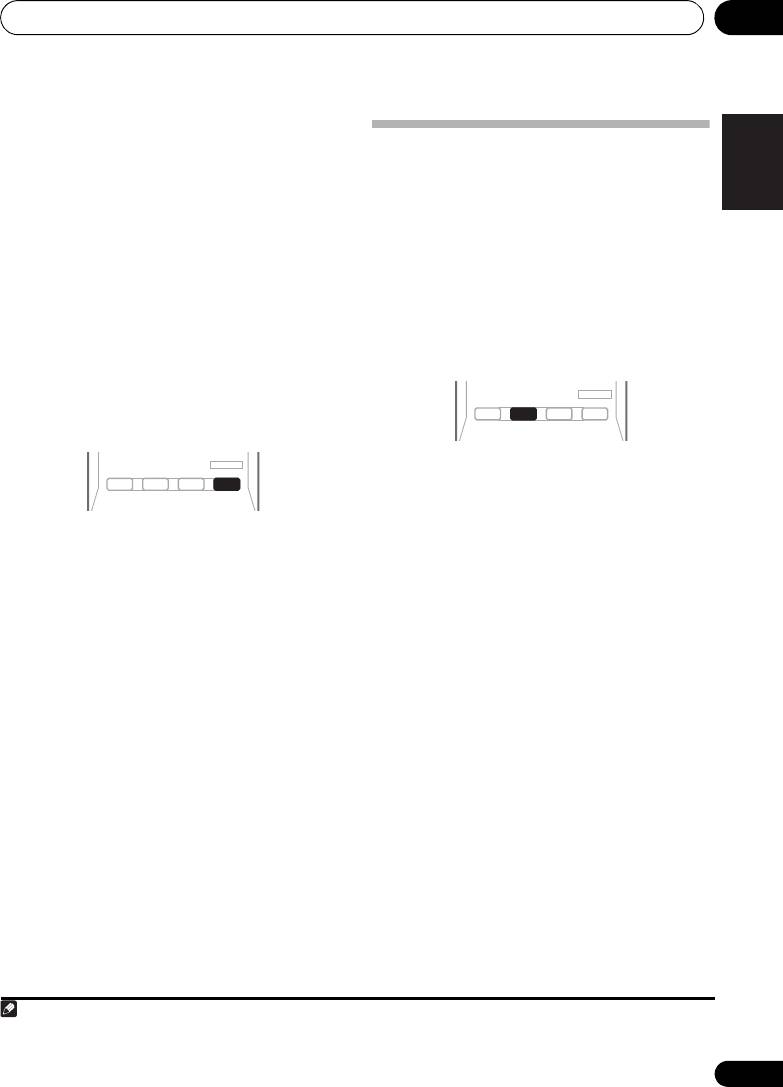
When you select STEREO you will hear the
sound, especially suited to movie sources
source through just the front left and right
1
• DOLBY PLII MUSIC
– Up to 5.1 channel
speakers (and possibly your subwoofer
sound, especially suited to music sources
depending on your speaker settings). Dolby
Français
Digital or DTS multichannel sources are
• DOLBY PLII GAME – Up to 5.1 channel
downmixed to stereo.
sound, especially suited for video games
In the Auto level control stereo mode (A.L.C.),
• DOLBY PRO LOGIC – 4.1 channel
this unit equalizes playback sound levels if
surround sound
each sound level varies with the music source
recorded in a portable audio player.
Using the Advanced surround effects
The Advanced surround feature creates a
variety of surround effects. Try different modes
with various soundtracks to see which you like.
Italiano
• While listening to a source, press
STEREO/A.L.C.
for stereo playback.
Press repeatedly to switch between:
• STEREO – The audio is heard with your
• Press
ADV SURR
repeatedly to select a
surround settings and you can still use the
listening mode.
Nederlands
Midnight, Loudness, Phase Control,
• ACTION – Designed for action movies with
Sound Retriever and Tone functions.
dynamic soundtracks.
• A.L.C. – Listening in Auto level control
• DRAMA – Designed for movies with lots of
stereo mode.
dialog.
• F.S.S.ADVANCE – See Using Front Stage
• ENT.SHOW – Suitable for musical
Surround Advance below for more on this.
sources.
Español
• ADVANCED GAME – Suitable for video
games.
• SPORTS – Suitable for sports programs.
• CLASSICAL – Gives a large concert hall-
Deutsch
type sound.
• ROCK/POP – Creates a live concert sound
for rock and/or pop music.
• UNPLUGGED – Suitable for acoustic
music sources.
• EXT.STEREO – Gives multichannel sound
to a stereo source, using all of your
speakers.
27
En
Note
1 When listening to 2-channel sources in DOLBY PLII MUSIC mode, there are three further parameters you can adjust:
C.WIDTH, DIMEN., and PNRM.. See Setting the Audio options on page 30 to adjust them.
AUTO/
STEREO/
DIRECT
A.L.C.
STANDARD
ADV SURR
AUDIO
TUNER EDIT
MASTER
BD MENU
ADV SURR
AUTO/
STEREO/
STEREO/
BD MENU
DIRECT
A.L.C.
A.L.C.
STANDARD
ADV SURR
AUDIO
TUNER EDIT
MASTER
VSX-420_SY_En.book 27 ページ 2010年3月19日 金曜日 午前9時37分
