
Pioneer DEH-X6500DAB: Handling guidelines
Handling guidelines: Pioneer DEH-X6500DAB
Table of contents
- About this unit In case of trouble About this manual
- Head unit Display indication Set up menu
- DAB (Digital Audio Broadcasting) Frequently used menu operations
- Tuner
- CD/CD-R/CD-RW and USB storage devices
- iPod
- Audio adjustments
- System menu Selecting the key color
- About MIXTRAX
- System menu
- Connections
- Installation
- Troubleshooting Error messages
- Handling guidelines
- Compressed audio compatibility (disc, USB)
- Copyright and trademark iPod compatibility Russian character chart Sequence of audio files
- Specifications
Appendix
Additional information
Additional information
Message Cause Action
Message Cause Action
Message Cause Action
To clean a CD, wipe the disc with a soft cloth out-
ward from the center.
CHECK USB The USB con-
Check that the
ERROR-19 Communication
Perform one of
NOT FOUND No related
Transfer songs to
Condensation may temporarily impair the player’s
nector or USB
USB connector or
failed.
the following op-
songs.
the iPod.
performance. Let it rest for about one hour to ad-
cable has short-
USB cable is not
erations.
just to a warmer temperature. Also, wipe any
circuited.
caught in some-
–Turn the ignition
damp discs off with a soft cloth.
thing or dam-
switch OFF and
Handling guidelines
aged.
back ON.
Playback of discs may not be possible because of
–Disconnect the
Discs and player
CHECK USB The connected
Disconnect the
disc characteristics, disc format, recorded applica-
USB storage de-
USB storage de-
USB storage de-
tion, playback environment, storage conditions,
vice.
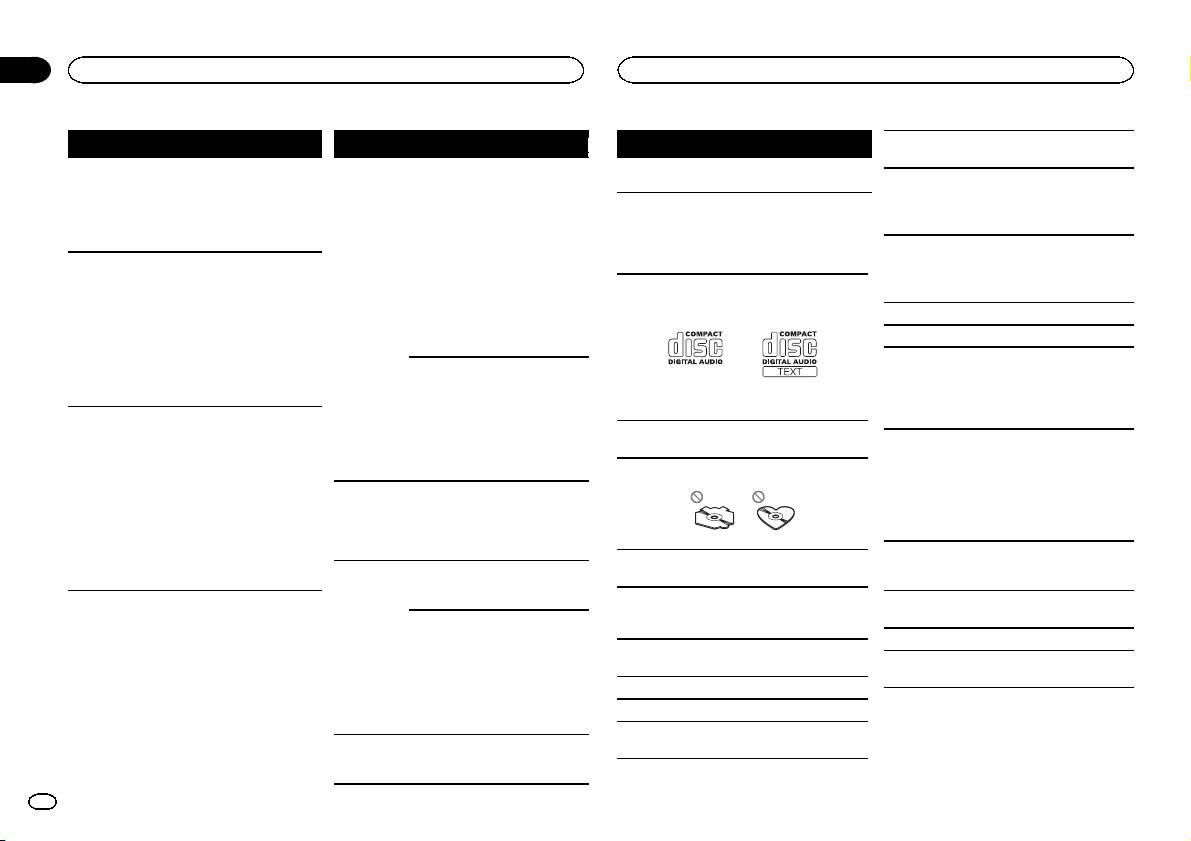
Use only discs that feature either of the following
vice consumes
vice and do not
and so on.
–Change to a dif-
two logos.
more than maxi-
use it. Turn the
Road shocks may interrupt disc playback.
ferent source.
mum allowable
ignition switch to
Then, return to
current.
OFF, then to ACC
Read the precautions for discs before using them.
the USB source.
or ON and then
When using discs that can be printed on label sur-
connect only
iPod failure. Disconnect the
faces, check the instructions and the warnings of
compliant USB
cable from the
the discs. Depending on the discs, inserting and
storage devices.
iPod. Once the
ejecting may not be possible. Using such discs
iPod’s main
CHECK USB The iPod oper-
Make sure the
may result in damage to this equipment.
menu is dis-
ates correctly
connection cable
Use 12-cm discs. Do not use 8-cm discs or an
played, reconnect
Do not attach commercially available labels or
but does not
for the iPod has
adapter for 8-cm discs.
the iPod and reset
other materials to the discs.
charge.
not shorted out
it.
Use only conventional, fully circular discs. Do not
! The discs may warp making the disc unplay-
(e.g., not caught
use shaped discs.
able.
in metal objects).
ERROR-23 USB storage de-
USB storage de-
! The labels may come off during playback and
After checking,
vice was not for-
vice should be for-
prevent ejection of the discs, which may result
turn the ignition
matted with
matted with
in damage to the equipment.
switch OFF and
FAT12, FAT16 or
FAT12, FAT16 or
back ON, or dis-
FAT32.
FAT32.
Do not insert anything other than a CD into the
connect the iPod
ERROR-16 The iPod firm-
Update the iPod
USB storage device
CD loading slot.
and reconnect.
ware version is
version.
old.
Do not use cracked, chipped, warped, or other-
Address any questions you have about your USB
wise damaged discs as they may damage the play-
storage device to the manufacturer of the device.
iPod failure. Disconnect the
er.
cable from the
Connections via USB hub are not supported.
iPod. Once the
Unfinalized CD-R/RW discs cannot be played
Do not connect anything other than a USB stor-
iPod’s main
back.
age device.
menu is dis-
Do not touch the recorded surface of the discs.
played, reconnect
the iPod and reset
Store discs in their cases when not in use.
it.
Do not attach labels, write on or apply chemicals
STOP There are no
Select a list that
to the surface of the discs.
songs in the
contains songs.
current list.
16
En
