
Pioneer CDJ-2000NXS: Playing storage devices (SD, USB) of Playing the rekordbox library on a computer or mobile device
Playing storage devices (SD, USB) of Playing the rekordbox library on a computer or mobile device: Pioneer CDJ-2000NXS
Table of contents
- IMPORTANT
- POWER-CORD CAUTION
- Before you start
- Playable music file formats About the rekordbox music management software
- Functions usable in combination with a computer About the included CD-ROM Software end user license agreement
- Cautions on installing rekordbox (Mac/Windows) Installing rekordbox (Mac/Windows) Installation procedure (Macintosh)
- Installation procedure (Windows) Installing rekordbox (iOS/Android)
- Connections
- PRO DJ LINK (SD & USB Export) PRO DJ LINK (LINK Export)
- Using a wireless router and access points
- Operation Turning the power on Turning the power off Inserting discs Inserting SD memory cards Connecting USB devices Playback
- Playing storage devices (SD, USB) of Playing the rekordbox library on a computer or mobile device
- Error messages Specifications
13
En
English
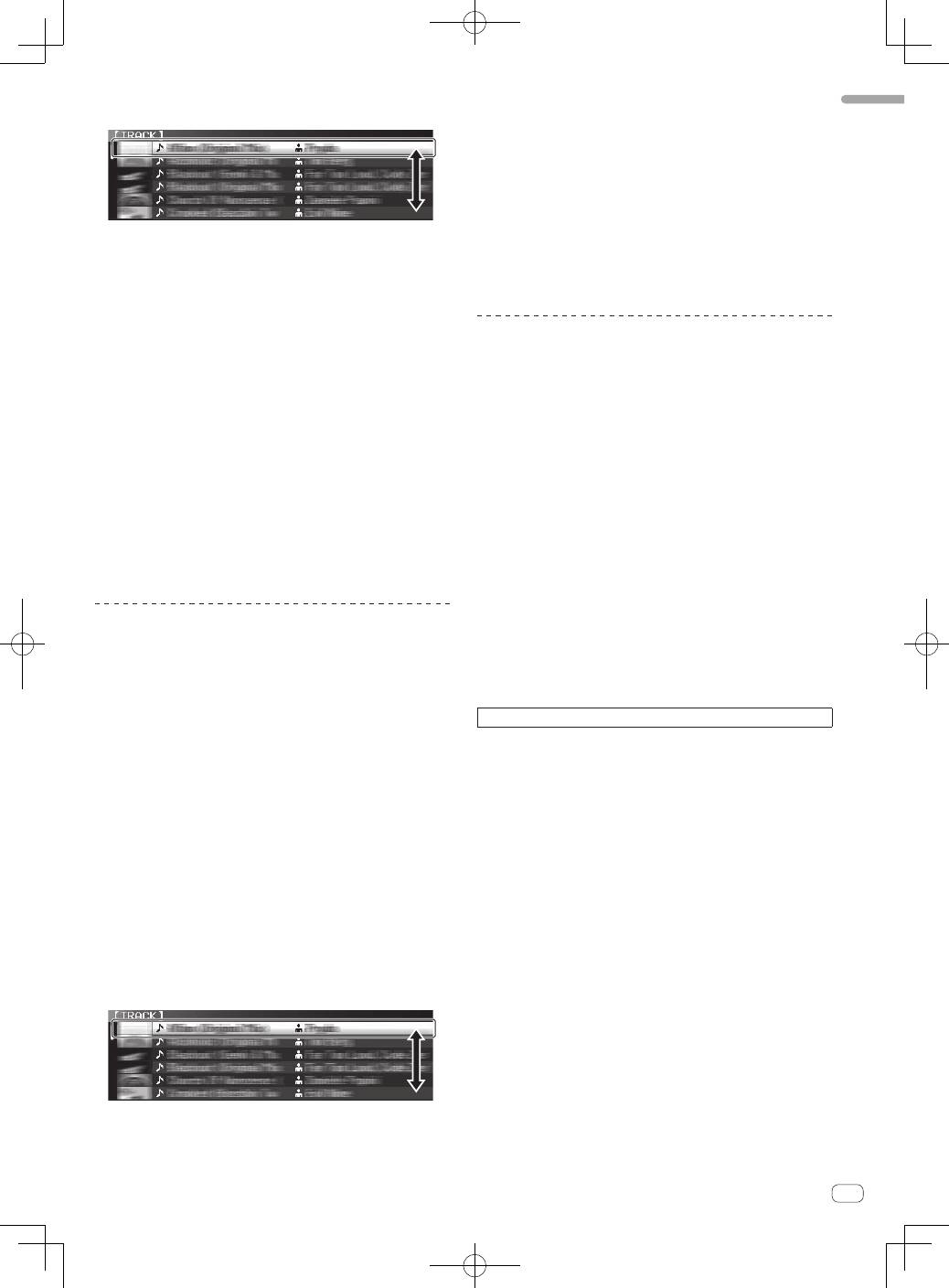
3 Turn the rotary selector.
Move the cursor and select the item.
!
Press the rotary selector to move to a lower level in the folder. Press
the [
BACK
] button to return to the level above.
!
When the [
BACK
] button is pressed for over 1 second or the medium
button for the medium being browsed is pressed, the display moves
to the topmost level.
!
Tracks in the currently playing track’s category/folder of can also be
selected using the [
TRACK SEARCH
o
,
p
] buttons.
4 Select the track and press the rotary selector.
When the track is loaded, the screen switches to the normal playback
screen.
The track is loaded, playback starts, and the corresponding medium
button flashes.
=
For details on the normal playback screen, see this product’s
operating instructions.
!
When [
EJECT/LOAD LOCK
] on the [
UTILITY
] menu is set to [
LOCK
],
it is not possible to load other tracks during playback. Either set
[
EJECT/LOAD LOCK
] to [
UNLOCK
] or press the [
PLAY/PAUSE
f
]
button to pause, then load the track.
!
When a track has been loaded while pausing, press the
[
PLAY/PAUSE
f
] button to start playback.
!
When auto cue is turned on, the disc pauses at the audio start posi-
tion. In this case, press the [
PLAY/PAUSE
f
] to start playback.
=
For details on the auto cue function, see this product’s operating
instructions.
Playing storage devices (SD, USB) of
other players and mobile devices on
which rekordbox is installed
Display the contents of the storage device (SD, USB) or of the mobile
device on which rekordbox is installed that is connected to the other
player connected to this unit by PRO DJ LINK on this unit’s screen.
!
The information of discs inserted on other players cannot be
browsed.
1 Connect the storage device (SD, USB) or mobile device
on which rekordbox is installed to the other player
connected to this unit by PRO DJ LINK.
2 Press the [LINK] button.
The tracks and/or folders on the storage device (SD, USB) or mobile
device on which rekordbox is installed that is connected to the other
player are displayed.
!
When multiple media are connected, a screen for selecting the
medium appears.
!
If the storage device (SD, USB) contains rekordbox library informa-
tion, the rekordbox library is displayed.
=
For instructions on browsing the rekordbox library, see this prod-
uct’s operating instructions.
3 Turn the rotary selector.
Move the cursor and select the item.
4 Select the track and press the rotary selector.
When the track is loaded, the screen switches to the normal playback
screen.
The track is loaded, playback starts, and the corresponding medium
button flashes.
=
For details on the normal playback screen, see this product’s
operating instructions.
If the medium contains the rekordbox library
If the SD memory card or USB device inserted into/connected to this
unit or another player connected by PRO DJ LINK contains rekordbox
library information, the rekordbox library is displayed.
!
Music files are displayed in the categories (album, artist, etc.) set
with rekordbox.
!
The types of items on the category menu can be changed in rekord-
box’s preferences.
Playing the rekordbox library on a
computer or mobile device
Music files are displayed in the categories (album, artist, etc.) set with
rekordbox.
1 Press the [rekordbox] button.
The rekordbox library is displayed on this unit’s main unit display.
!
With wireless LAN (Wi-Fi) connections, if [
Please push the
rotary selector to permit mobile connection.
] appears on this
unit’s main unit display when connecting, connection is possible
by pressing the rotary selector.
!
To select a mobile device connected by USB, press the [
USB
]
button.
Also, to select a mobile device connected to another player that
is connected by PRO DJ LINK, press the [
LINK
] button.
2 Turn the rotary selector.
Move the cursor and select the item.
3 Select the track and press the rotary selector.
When the track is loaded, the screen switches to the normal playback
screen.
The track is loaded, playback starts, and the corresponding medium
button flashes.
=
For details on the normal playback screen, see this product’s
operating instructions.
For other operations, see this product’s operating instructions.
