
Pioneer X-HM10-S: Troubleshooting chart
Troubleshooting chart: Pioneer X-HM10-S
Table of contents
- Operating Environment VENTILATION CAUTION
- ENGLISH Introduction Accessories CONTENTS
- Precautions n General n Volume control Controls and indicators n Front panel
- n Speaker system n Remote control n Display
- System connections n Aerial connection n Speaker connection n Connecting iPod or iPhone to TV
- n AC power connection n Connecting a TV, etc. n Battery installation n Test of the remote control
- General control Setting the clock (Remote control only)
- Setting the clock (Remote control only) (continued) Listening to the iPod, iPhone or iPad
- Listening to the iPod, iPhone or iPad (X-HM20 only) (continued)
- Listening to the iPod, iPhone or iPad (X-HM20 only) (continued)
- Listening to a CD or MP3/WMA disc
- Advanced CD or MP3/WMA disc playback
- Advanced CD or MP3/WMA disc MP3/WMA folder mode (only for MP3/ playback (continued) WMA files)
- MP3/WMA folder mode (only for MP3/ Listening to USB mass storage WMA files) (continued) device/MP3 player
- Listening to USB mass storage device/MP3 player (continued) Advanced USB playback
- Listening to the radio
- Using the Radio Data System (RDS)
- Using the Radio Data System (RDS) (continued)
- Using the Radio Data System (RDS) Timer and sleep operation (Remote (continued) control only)
- Timer and sleep operation (Remote control only) (continued)
- Timer and sleep operation (Remote Headphones control only) (continued)
- Troubleshooting chart
- Troubleshooting chart (Continued)
- Specifications
- Notice
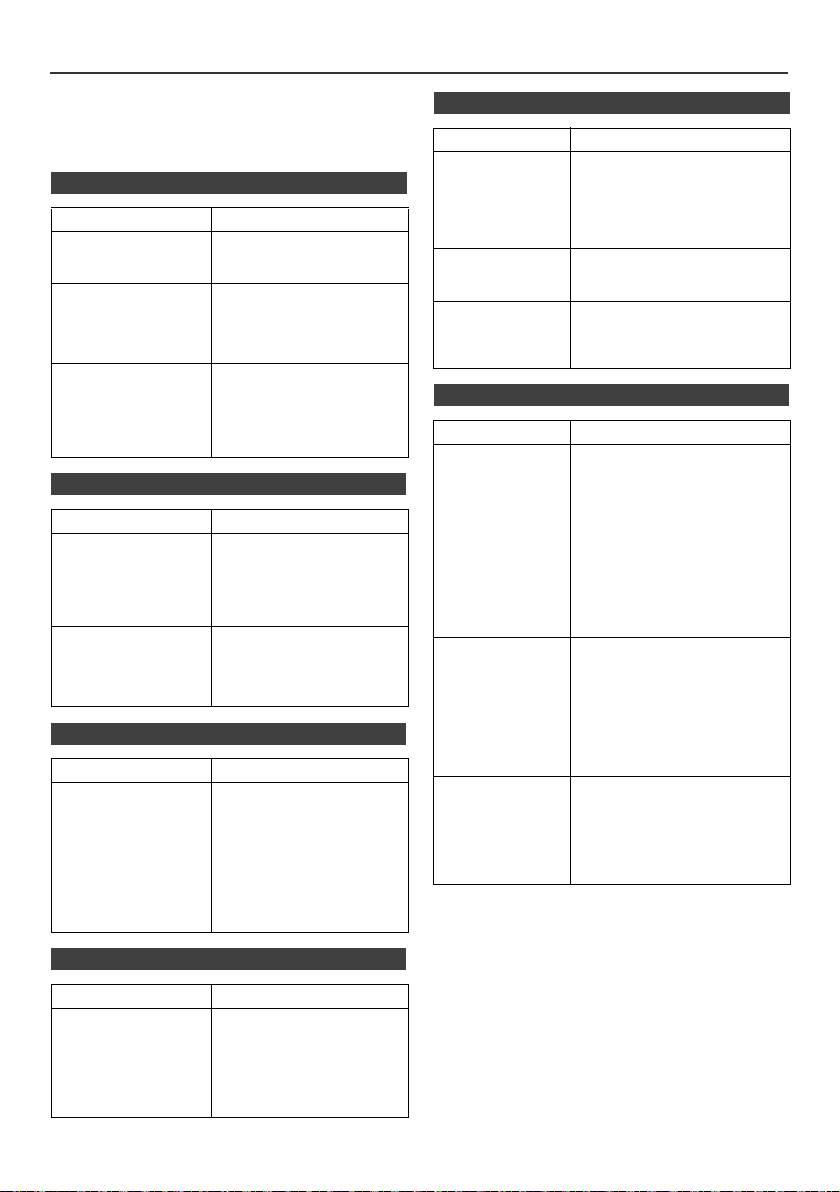
Troubleshooting chart
Many potential problems can be resolved by the owner
n USB
without calling a service technician.
If something is wrong with this product, check the following
before calling your authorized PIONEER dealer or service
Symptom Possible cause
centre.
l Device cannot
l Is there any MP3/WMA file
be detected.
available?
n General
l
Is the device properly connected?
l Is it an MTP device?
Symptom Possible cause
l Does the device contain AAC
file only?
l The clock is not set
l Did a power failure occur?
to the correct time.
Reset the clock. (Refer to
l Playback does
l Is it a copyright protected
page 9)
not start.
WMA file?
l Is it a false MP3 file?
l When a button is
l Set the unit to the power
pressed, the unit
stand-by mode and then
l Wrong time
l Is Variable Bitrate file being
does not respond.
turn it back on.
display.
played back?
l If the unit still malfunctions,
l Wrong file name
l
Is the File Name written in
reset it. (Refer to page 25)
display.
Chinese or Japanese characters?
l No sound is heard. l Is the volume level set to
“Min”?
n iPod and iPhone (X-HM20 only)
l Are the headphones
connected?
l Are the speaker wires
Symptom Possible cause
disconnected?
l No sound is
l
The iPod or iPhone is not playing.
produced.
l The iPod or iPhone is not
No image
properly connected to the unit.
n CD player
l Is the AC power lead of the
appears on the
unit plugged in?
TV/monitor.
Symptom Possible cause
l The video cable is not properly
connected.
l Playback does not
l Is the disc loaded upside
l The TV/monitor’s input
start.
down?
selection is not properly set.
l The iPod TV out feature has
l Playback stops in
l Does the disc satisfy the
not been set to output video.
the middle or is not
standards?
l
Audio from the iPod/iPhone cannot
performed properly.
l Is the disc distorted or
be heard via the headphones
scratched?
connected to the unit.
l Playback sounds are
l Is the unit located near
skipped, or stopped
excessive vibrations?
l iPod or iPhone
l The iPod or iPhone is not
will not charge.
making full contact with the
in the middle of a
l Is the disc very dirty?
connector.
track.
l Has condensation formed
rd
l Using iPod (3
generation).
inside the unit?
l The iPod or iPhone is not
supported. Refer to page 10
for compatible models.
n Remote control
l The iPod or iPhone unit cannot
be charged whilst the main unit
is in USB mode.
Symptom Possible cause
l
“This accessory is
l The iPhone battery is low.
l The remote control
l Is the AC power lead of the
not made to work
Please charge the iPhone.
does not operate.
unit plugged in?
with iPhone” or
l iPhone is not properly docked.
l Is the battery polarity
“This accessory is
correct?
not supported by
l Is the battery dead?
iPhone” appears
l Is the distance or angle
on iPhone screen.
incorrect?
l Does the remote control
sensor receive strong
light?
n Tuner
Symptom Possible cause
l The radio makes
l Is the unit placed near the
unusual noises
TV or computer?
continuously.
l Is the FM aerial or AM loop
aerial placed properly?
Move the aerial away from
the AC power lead if it is
located nearby.
En-24
11/5/25 X-HM10_20_En.fm
