
Pioneer DEH-1600UBB: Handling guidelines
Handling guidelines: Pioneer DEH-1600UBB
Table of contents
- About this unit If you experience problems
- Head unit Display indication Basic operations Set up menu
- Frequently used menu operations Radio
- CD/CD-R/CD-RW and USB storage devices
- Audio adjustments
- System menu System menu
- Using an AUX source Connections
- Installation DIN front/rear mount
- Troubleshooting Error messages
- Handling guidelines
- Compressed audio compatibility (disc, USB) Russian character chart Sequence of audio files Copyright and trademark
- Specifications
Black plate (11,1)
Appendix
Additional information
Additional information
FORMAT READ
PROTECT
STOP
Condensation may temporarily impair the player’s
English
Sometimes there is a delay between the start of play-
All the files on the connected USB storage device
There are no songs in the current list.
performance. Let it rest for about one hour to ad-
back and when you start to hear any sound.
are embedded with DRM.
Select a list that contains songs.
just to a warmer temperature. Also, wipe any
Wait until the message disappears and you hear
Replace the USB storage device.
damp discs off with a soft cloth.
sound.
Playback of discs may not be possible because of
N/A USB
Handling guidelines
disc characteristics, disc format, recorded applica-
NO AUDIO
The connected USB device is not supported by this
tion, playback environment, storage conditions,
Discs and player
The inserted disc does not contain any playable files.
unit.
and so on.
Replace the disc.
! Connect a USB Mass Storage Class compliant
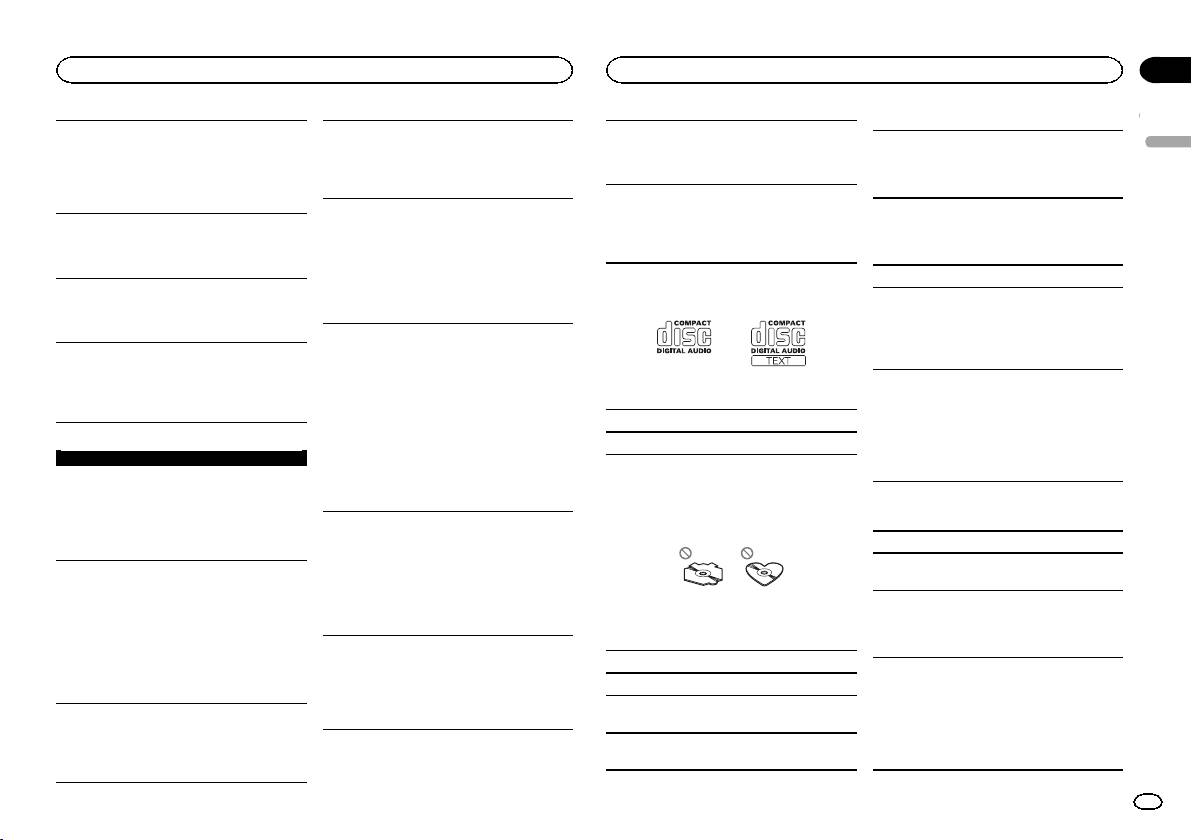
Use only discs that feature either of the following
device.
Road shocks may interrupt disc playback.
two logos.
SKIPPED
! Disconnect your device and replace it with a
When using discs that can be printed on label sur-
compatible USB storage device.
The inserted disc contains DRM protected files.
faces, check the instructions and the warnings of
The protected files are skipped.
the discs. Depending on the discs, inserting and
CHECK USB
ejecting may not be possible. Using such discs
PROTECT
The USB connector or USB cable has short-
may result in damage to this equipment.
circuited.
All the files on the inserted disc are embedded with
Do not attach commercially available labels or
Check that the USB connector or USB cable is
DRM.
other materials to the discs.
not caught in something or damaged.
Replace the disc.
! The discs may warp making the disc unplay-
The connected USB storage device consumes more
Use 12-cm discs.
able.
than maximum allowable current.
Use only conventional, fully circular discs.
! The labels may come off during playback and
Disconnect the USB storage device and do not
USB storage device
prevent ejection of the discs, which may result
use it. Turn the ignition switch to OFF, then to
The following types of discs cannot be used with
in damage to the equipment.
FORMAT READ
ACC or ON and then connect only compliant
this unit:
USB storage devices.
! DualDiscs
Sometimes there is a delay between the start of play-
! 8-cm discs: Attempts to use such discs with
USB storage device
back and when you start to hear any sound.
Wait until the message disappears and you hear
ERROR-19
an adaptor may cause the unit to malfunction.
! Oddly shaped discs
sound.
Connections via USB hub are not supported.
Communication failed.
Perform one of the following operations.
Do not connect anything other than a USB stor-
NO AUDIO
–Turn the ignition switch OFF and back ON.
age device.
–Disconnect the USB storage device.
There are no songs.
! Discs other than CDs
Firmly secure the USB storage device when driv-
–Change to a different source.
Transfer the audio files to the USB storage device
! Damaged discs, including discs that are
ing. Do not let the USB storage device fall onto the
Then, return to the USB source.
and connect.
cracked, chipped or warped
floor, where it may become jammed under the
! CD-R/RW discs that have not been finalized
The connected USB storage device has security en-
brake or accelerator pedal.
ERROR-23
abled.
Do not touch the recorded surface of the discs.
USB storage device was not formatted with FAT12,
Depending on the USB storage device, the follow-
Follow the USB storage device instructions to
Store discs in their cases when not in use.
ing problems may occur.
disable the security.
FAT16 or FAT32.
USB storage device should be formatted with
! Operations may vary.
Do not attach labels, write on or apply chemicals
FAT12, FAT16 or FAT32.
! The storage device may not be recognized.
SKIPPED
to the surface of the discs.
! Files may not be played back properly.
The connected USB storage device contains DRM
To clean a CD, wipe the disc with a soft cloth out-
! The device may cause audible interference
protected files.
ward from the center.
when you are listening to the radio.
The protected files are skipped.
En
11
<QRD3204-A>11
