
Olympus µ 760: Transfer images
Transfer images: Olympus µ 760
Transfer images
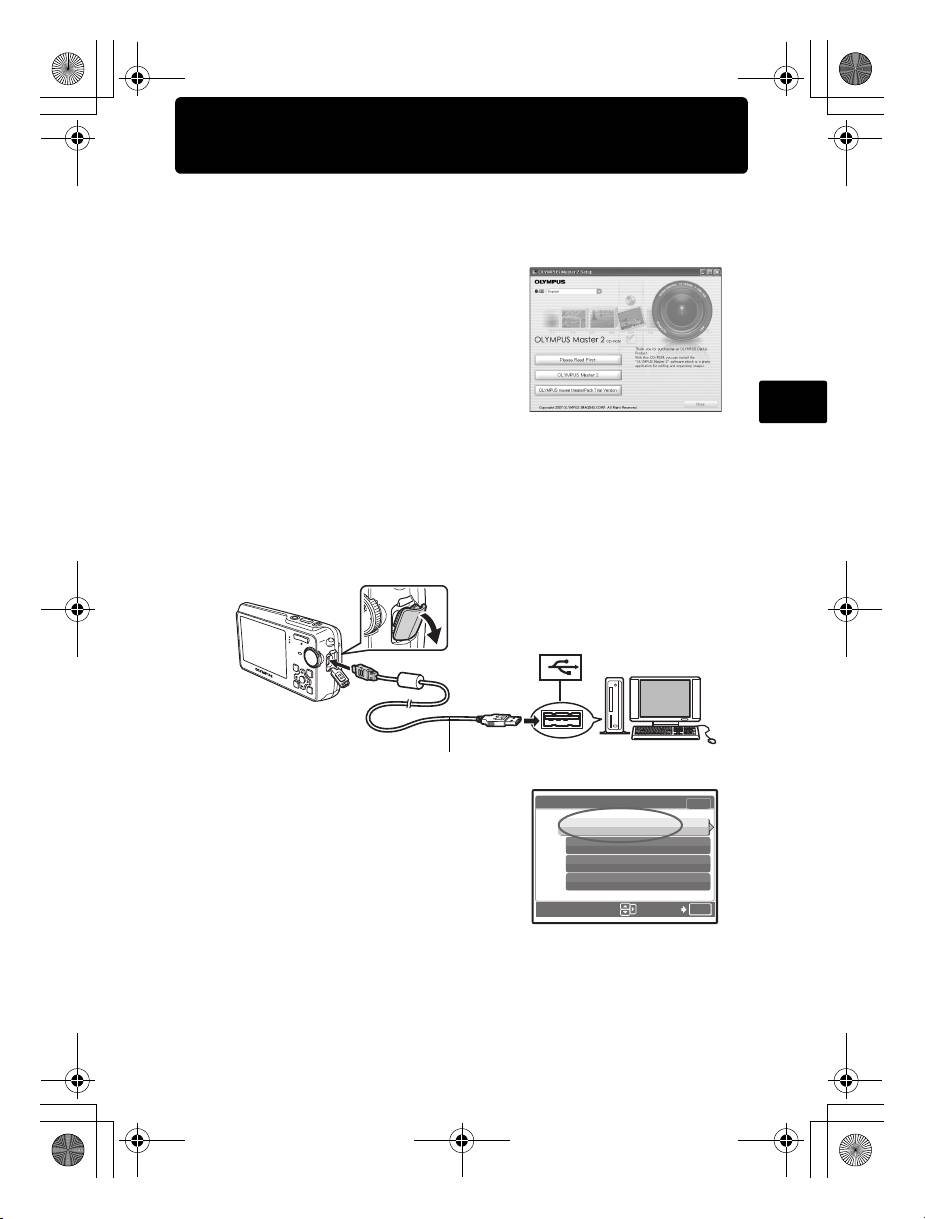
a. Install the software
1 Insert the OLYMPUS Master CD-
ROM.
2 Windows: Click the “OLYMPUS
Master 2” button.
Macintosh: Double-click the “Setup”
icon.
En
3 Simply follow the on-screen
instructions.
b. Connect the camera to the computer
1 Connect the camera and computer using the USB cable (included).
The monitor will turn on automatically.
2
1
USB cable
2 Select [PC] on the monitor, and press o.
Your PC will now recognize your camera as
a removable storage drive.
OK
17
[
IN
]
[]
d4328_basic_e_00.book Page 17 Wednesday, December 13, 2006 10:29 AM
USB
PC
EASY PRINT
CUSTOM PRINT
EXIT
SET
d4328_basic_e_00.book Page 18 Wednesday, December 13, 2006 10:29 AM
c. Transfer images to the computer
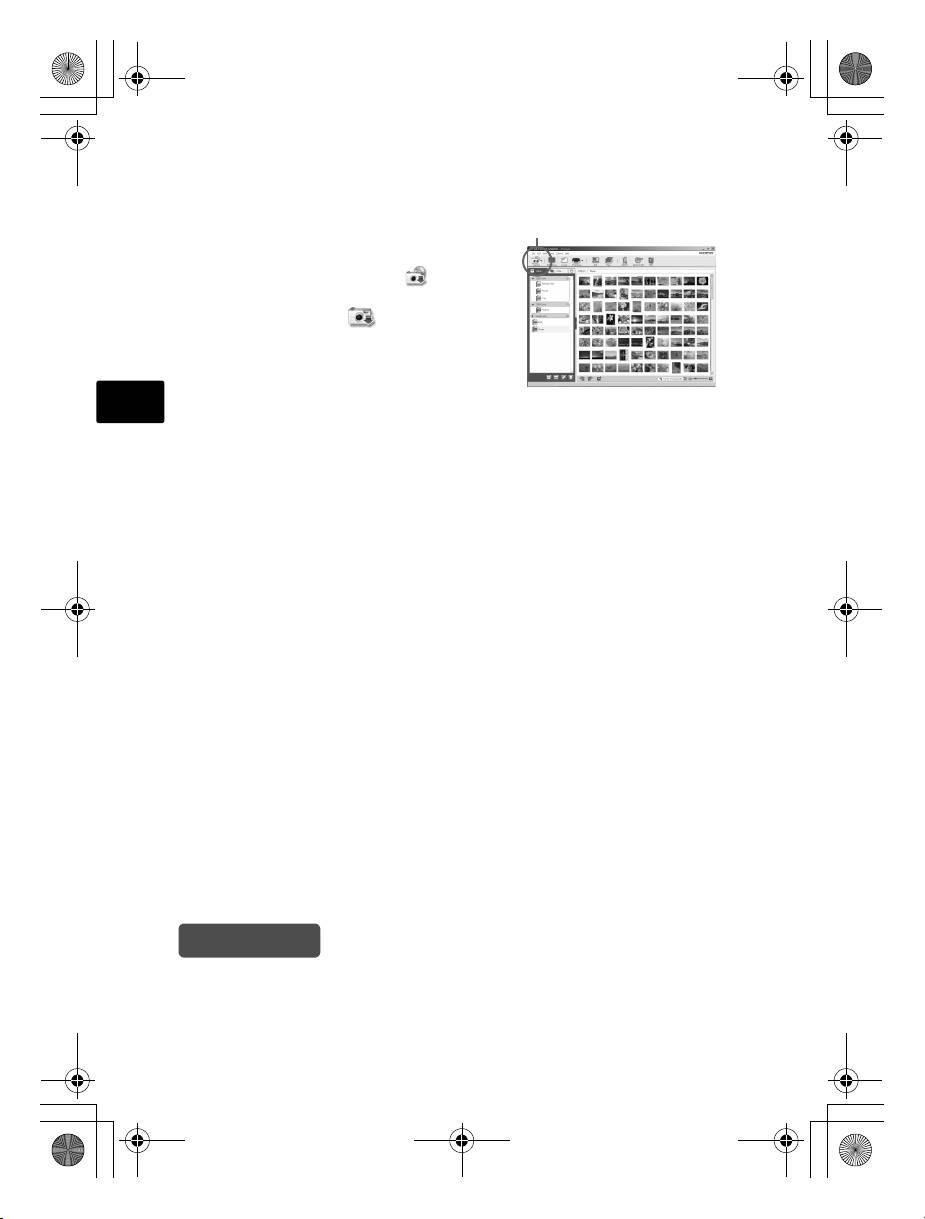
1 With the camera now connected,
“Transfer Images” button
open OLYMPUS Master.
2 Click “Transfer Images” on
the browse window, and then click
“From Camera” .
3 Simply follow the on-screen
instructions.
En
Tips
• For more detailed information regarding camera setup and usage, please refer
to the camera’s “Advanced Manual” provided on CD-ROM.
• For additional assistance, refer to the “Help” file in the OLYMPUS Master
software.
18
Оглавление
- Table of Contents
- Gather these items (box contents)
- Prepare the battery
- Turn the camera on
- Set date and time
- Select a language
- Take a picture
- View pictures
- Basic operation
- Menus and settings
- Connecting the camera
- Transfer images
- OLYMPUS Master Software
- Specifications
- Safety precautions
- Содержание
- Выньте из коробки эти предметы
- Подготовьте аккумулятор
- Включите фотокамеру
- Установите дату и время
- Выберите язык
- Съемка
- Просмотр снимков
- Основные операции
- Меню и настройки
- Подсоединение фотокамеры
- Перенос изображений
- Программное обеспечение OLYMPUS Master
- Технические характеристики
- Меры предосторожности
