
Pioneer MVH-350BT: Message Cause Action USB storage device/iPod Bluetooth device
Message Cause Action USB storage device/iPod Bluetooth device: Pioneer MVH-350BT
Table of contents
- About this unit About this manual In case of trouble
- Head unit Display indication Set up menu
- Tuner Basic operations Frequently used menu operations
- Switching the display Function settings PTY list Using PTY functions
- USB storage device Switching the display Operations using special buttons iPod Basic operations Basic operations Selecting and playing files/ tracks from the name list Switching the display Function settings
- Operations using special buttons Browsing for a song Operating this unit’s iPod function from your iPod Function settings Playing songs related to the currently playing song
- Connection menu operation Using Bluetooth wireless technology Using Bluetooth telephone
- Phone menu operation
- Function and operation Function settings Switching the display Bluetooth Audio Setting up for Bluetooth audio Operations using special buttons Audio adjustments
- System menu
- Switching the dimmer setting
- Connections Using an AUX source If an unwanted display appears System menu
- Power cord Installation DIN front/rear mount DIN Front-mount
- Installing the microphone When installing the microphone on the sun visor When installing the microphone DIN Rear-mount on the steering column
- Troubleshooting Error messages Adjusting the microphone angle
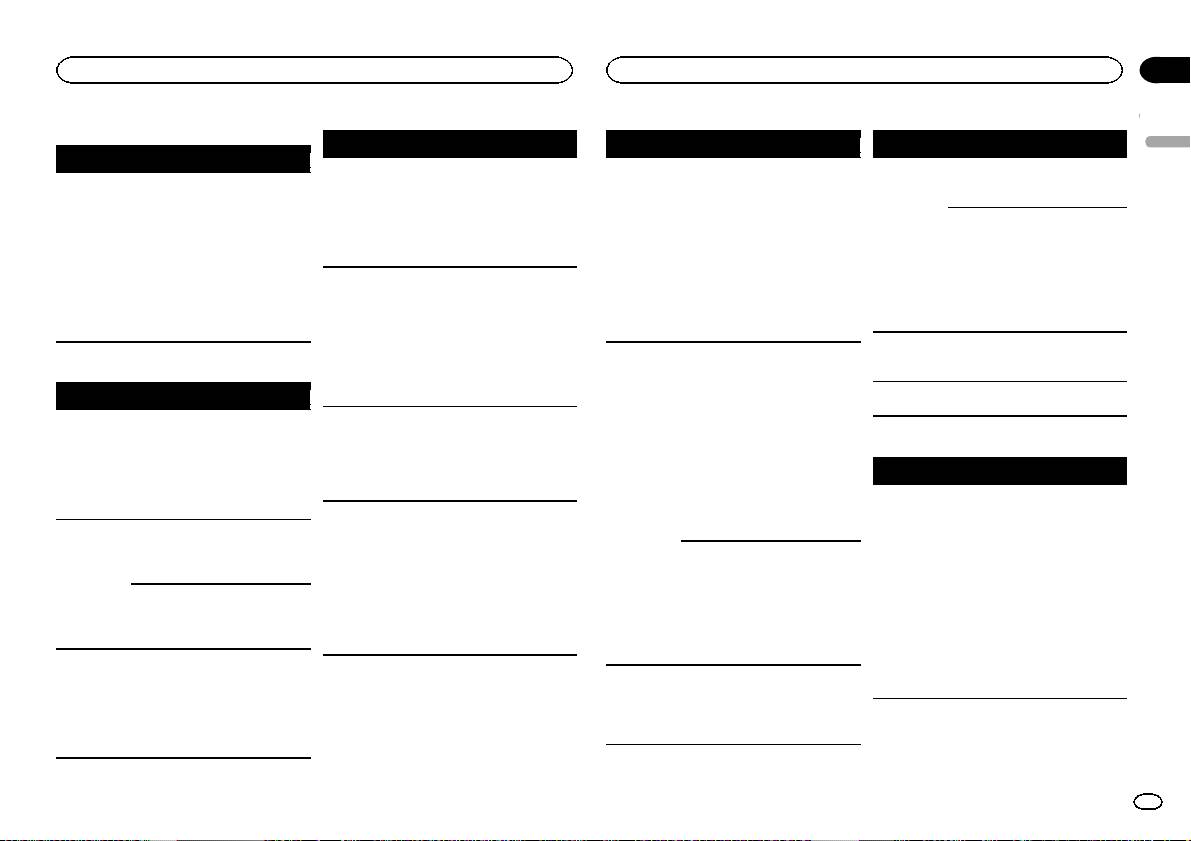
- Message Cause Action USB storage device/iPod Bluetooth device
- Handling guidelines Compressed audio compatibility (USB) iPod compatibility
- Bluetooth profiles Russian character chart
- Specifications
Appendix
Additional information
Additional information
Common
Message Cause Action
Message Cause Action
Message Cause Action
English
Message Cause Action
PROTECT All the files in
Transfer audio
CHECK USB The iPod oper-
Make sure the
ERROR-16 The iPod firm-
Update the iPod
AMP ERROR Unit fails to op-
Check the speak-
the USB storage
files not em-
ates correctly
connection cable
ware version is
version.
erate or speaker
er connection. If
device are em-
bedded with
but does not
for the iPod has
old.
connection is
the message fails
bedded with
Windows Media
charge.
not shorted out
iPod failure. Disconnect the
incorrect; pro-
to disappear even
Windows Media
DRM 9/10 to the
(e.g., not caught
cable from the
tective circuit is
after the engine is
DRM 9/10.
USB storage de-
in metal objects).
iPod. Once the
activated.
switched off/on,
vice and connect.
After checking,
iPod’s main
contact your deal-
turn the ignition
N/A USB The USB device
! Connect a USB
menu is dis-
er or an author-
switch OFF and
connected to is
Mass Storage
played, reconnect
ized Pioneer
back ON, or dis-
not supported
Class compliant
the iPod and reset
Service Station
connect the iPod
by this unit.
device.
it.
for assistance.
and reconnect.
! Disconnect
STOP There are no
Select a list that
your device and
ERROR-19 Communication
Perform one of
songs in the
contains songs.
replace it with a
failed.
the following op-
USB storage device/iPod
current list.
compatible USB
erations.
NOT FOUND No related
Transfer songs to
Message Cause Action
storage device.
–Turn the ignition
songs.
the iPod.
switch OFF and
CHECK USB The USB con-
Check that the
FORMAT
Sometimes
Wait until the
back ON.
nector or USB
USB connector or
READ
there is a delay
message disap-
–Disconnect the
cable has short-
USB cable is not
between the
pears and you
Bluetooth device
USB storage de-
circuited.
caught in some-
start of playback
hear sound.
vice.
Message Cause Action
thing or dam-
and when you
–Change to a dif-
aged.
start to hear any
ERROR-10 The power failed
Turn the ignition
ferent source.
sound.
CHECK USB The connected
Disconnect the
for the
switch OFF and
Then, return to
USB storage de-
USB storage de-
Bluetooth mod-
then to ACC or
NO AUDIO There are no
Transfer the audio
the USB source.
vice consumes
vice and do not
ule of this unit.
ON.
songs.
files to the USB
iPod failure. Disconnect the
more than maxi-
use it. Turn the
If the error mes-
storage device
cable from the
mum allowable
ignition switch to
sage is still dis-
and connect.
iPod. Once the
current.
OFF, then to ACC
played after
The connected
Follow the USB
iPod’s main
or ON and then
performing the
USB storage de-
storage device in-
menu is dis-
connect only
above action,
vice has secur-
structions to dis-
played, reconnect
compliant USB
please contact
ity enabled.
able the security.
the iPod and reset
storage devices.
your dealer or an
SKIPPED The connected
Play an audio file
it.
authorized
USB storage de-
not embedded
ERROR-23 USB storage de-
USB storage de-
Pioneer Service
vice contains
with Windows
vice was not for-
vice should be for-
Station.
files embedded
Media DRM 9/10.
matted with
matted with
with Windows
FAT12, FAT16 or
FAT12, FAT16 or
Mediaä DRM 9/
FAT32.
FAT32.
10.
En
17
