
Pioneer X-SMC00BT-W: Specify the folder to play Switch the display contents
Specify the folder to play Switch the display contents: Pioneer X-SMC00BT-W
Table of contents
- CAUTION Operating Environment
- Information for users on collection and disposal of old equipment and used batteries Radio wave caution POWER-CORD CAUTION
- Contents
- Chapter 1: Before you start What’s in the box Loading the batteries in the remote control
- Using the remote control
- Chapter 2: Part names and functions Remote control
- Hang from the wall to use
- Front panel
- Top panel/Rear panel
- Change the interchangeable panel
- Chapter 3: Connections Plugging in Connecting antenna
- Chapter 4: Getting started To turn the power on General control
- Sound controls Setting the wake-up timer
- Calling the wake-up timer Using Headphones Using the sleep timer
- Chapter 5: iPod/iPhone/iPad mini playback Connecting your iPod/iPhone Confirming what iPod/iPhone/iPad mini models are supported
- Playing iPod/iPhone/iPad mini
- Chapter 6: Disc playback Playing discs or files
- Advanced CD or MP3/WMA disc playback
- Disc playback06 Programmed play (CD or MP3/WMA) About downloading MP3/WMA About folder playback order
- Specify the folder to play Switch the display contents
- Chapter 7: USB playback Playing USB storage devices
- Specify the folder to play Playing in the desired order (Programmed Play)
- Chapter 8: Using the tuner Listening to the radio broadcasts
- Using the Radio Data System (RDS) Searching for RDS programs An introduction to RDS
- Information provided by RDS Notes for RDS operation Using the Auto Station Program Memory (ASPM)
- Chapter 9: Other connections Connecting auxiliary components
- Chapter 10: Bluetooth Audio playback Music playback using Bluetooth wireless Pairing with the unit (Initial registration) technology
- Listen to music on the unit from a Radio wave caution Bluetooth capable device Scope of operation
- Radio wave reflections Precautions regarding connections to products supported by this unit
- Chapter 11: Additional information Troubleshooting General problem Problem Check Remedy
- Problem Check Remedy When a USB storage device is connected Problem Check Remedy
- Problem Check Remedy When an iPod/iPhone/iPad mini is connected Problem Remedy
- Playable discs and formats Cautions on use
- Handling discs
- About iPod/iPhone Restoring all the settings to the defaults
- Specifications
Disc playback 06
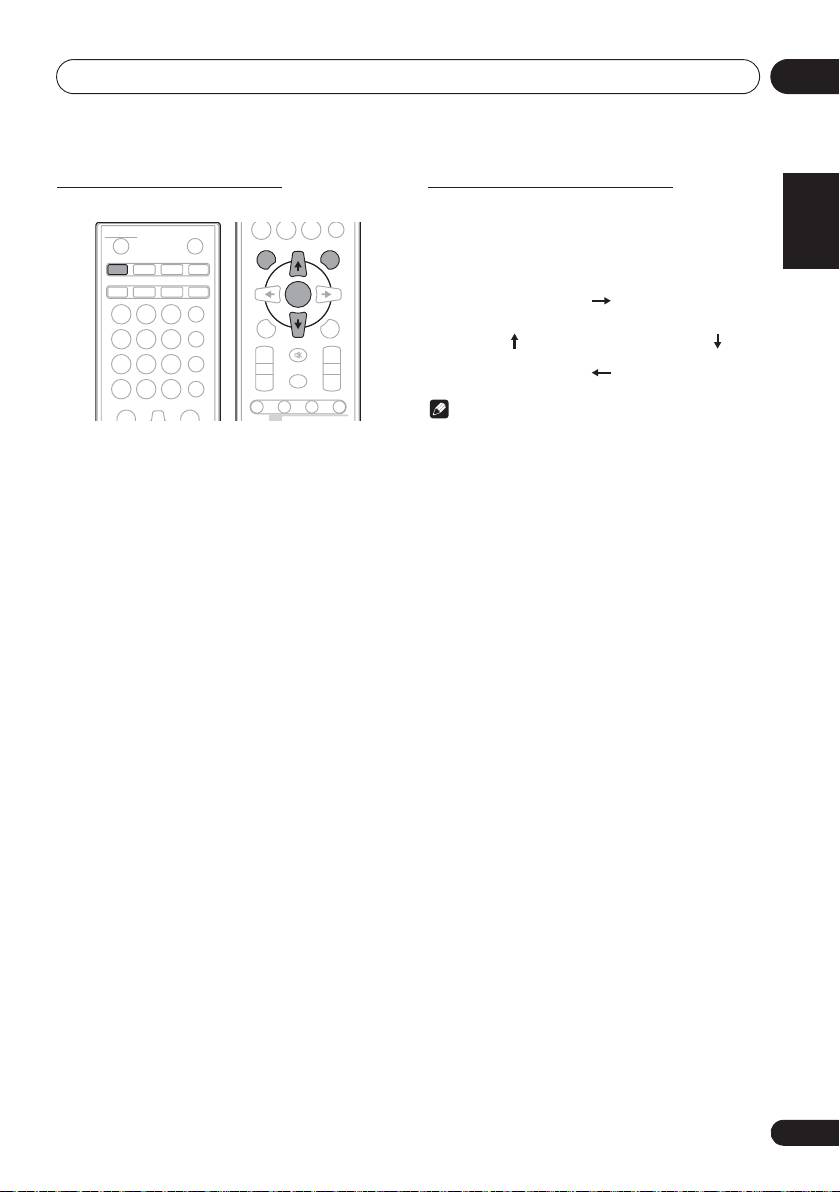
Specify the folder to play
Switch the display contents
English Français Español
To specify the folder to play, perform the following steps.
1 Press
DISPLAY
.
If the title, artist and album name has been written to the file,
that information will be displayed. (The unit can only display
alphanumeric characters. Non-alphanumeric character are
displayed as ”*”.)
Note
• “Copyright protected WMA files” or “Unsupported files”
1 Press
CD
, and load an MP3/WMA disc.
cannot be played back. In these case the files will be
skipped automatically.
2 Press FOLDER, and press
FG
to select
• There may be cases where no information can be
desired playback folder.
displayed.
• Displaying title, artist and album name is only supported
3 Press ENTER.
for MP3 files.
Playback will start from the first song of the selected folder.
• Even if it is stopped, it is possible to press FG, to select
a folder.
21
En
STANDBY/ON
OPEN/CLOSE
0
DISPLAY FOLDER
TUNE+
CD USB TUNER AUDIO IN
iPod
BT AUDIO
CLOCK/TIMER
SLEEP
ENTER
EQUALIZER
MEMORY
123
MENU
/PROGRAM
P. BA S S
456
PRESET VOLUME
TUNE–
BASS/TREBLE
+
+
789
MUTE
CLEAR REPEAT
RANDOM
–
–
0
DIMMER
DISPLAY FOLDER
TUNE+
ST/MONO ASPM PTY DISPLAY
RDS
Number of track, playback
Title/Artist/Album display
time display
Number of folder/track
File type display
display
;60&B6<;(B(QERRN࣮࣌ࢪ㸰㸮㸯㸱ᖺ㸯᭶㸰㸯᪥ࠉ᭶᭙᪥ࠉ༗ᚋ㸳㸯㸴ศ
