
Pioneer X-HM20-K: Timer and sleep operation (Remote Headphones control only) (continued)
Timer and sleep operation (Remote Headphones control only) (continued): Pioneer X-HM20-K
Table of contents
- Operating Environment VENTILATION CAUTION
- Condensation
- ENGLISH Introduction Accessories CONTENTS
- Precautions Controls and indicators
- Controls and indicators (continued) n Remote control n Display
- System connections
- System connections (continued) Remote control
- General control Setting the clock (Remote control only)
- Setting the clock (Remote control only) (continued) n iPad connection (USB Terminal) Listening to the iPod, iPhone or iPad (X-HM20 only)
- Listening to the iPod, iPhone or iPad (X-HM20 only) (continued)
- Listening to the iPod, iPhone or iPad (X-HM20 only) (continued)
- Listening to a CD or MP3/WMA disc
- Advanced CD or MP3/WMA disc playback
- Advanced CD or MP3/WMA disc MP3/WMA folder mode (only for MP3/ playback (continued) WMA files)
- MP3/WMA folder mode (only for MP3/ Listening to USB mass storage WMA files) (continued) device/MP3 player
- Listening to USB mass storage device/MP3 player (continued)
- Listening to the radio
- Using the Radio Data System (RDS)
- Using the Radio Data System (RDS) (continued)
- Using the Radio Data System (RDS) Timer and sleep operation (Remote (continued) control only)
- Timer and sleep operation (Remote control only) (continued)
- Timer and sleep operation (Remote Headphones control only) (continued)
- Troubleshooting chart
- Troubleshooting chart (Continued)
- Specifications
- Notice
Timer and sleep operation (Remote
Headphones
control only) (continued)
n Sleep operation
The radio, compact disc, iPod, USB and Line In can all be
turned off automatically.
1
Play back the desired sound source.
2 Press the SLEEP button.
3 Within 5 seconds, press the Numeric button to set the
time (1 minute - 99 minutes)
4 “SLEEP” will appear.
l Do not turn the volume on to full at switch on and listen
5 The unit will enter the power stand-by mode
to music at moderate levels. Excessive sound pressure
automatically after the preset time has elapsed. The
from earphones and headphones can cause hearing
loss.
volume will be turned down 1 minute before the sleep
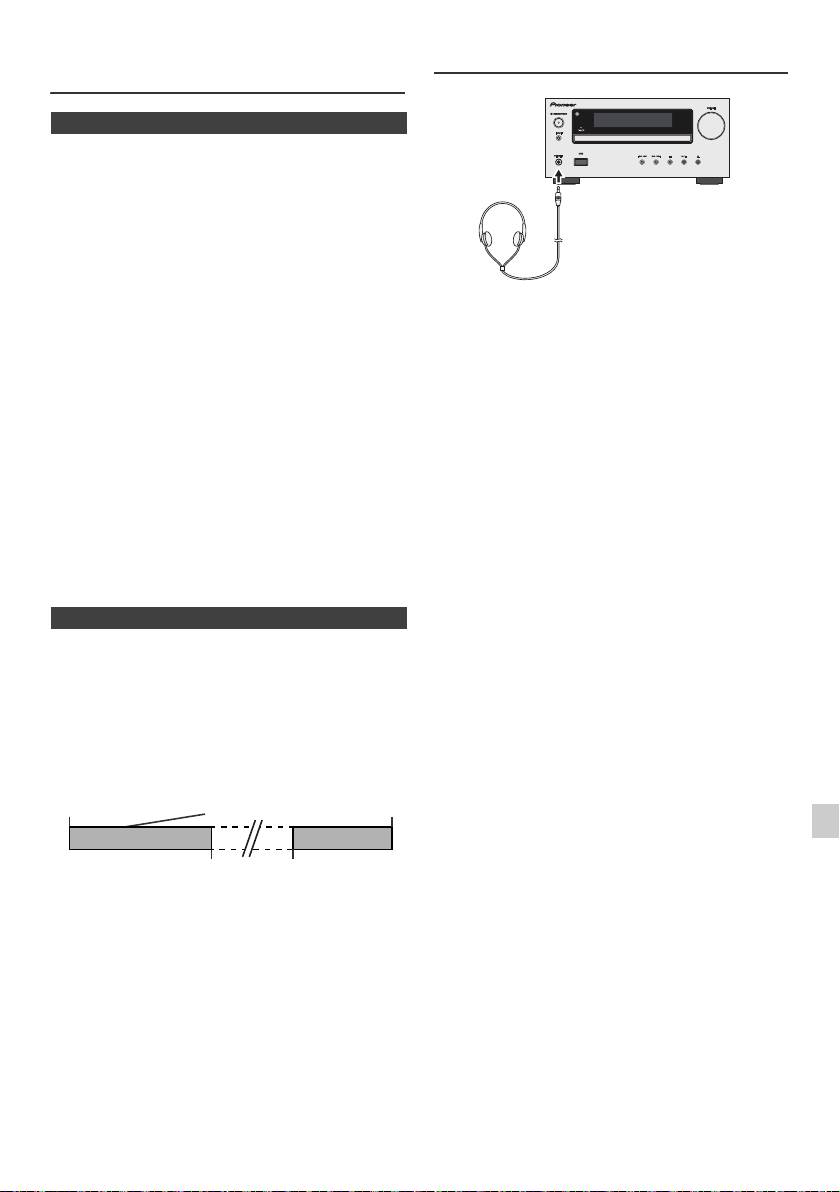
l Before plugging in or unplugging the headphone,
operation finishes.
reduce the volume.
l Be sure your headphone has a 3.5 mm diameter plug
To confirm the remaining sleep time:
and impedance between 16 and 50 ohms. The
recommended impedance is 32 ohms.
1 Whilst “SLEEP” is indicated, press the SLEEP button.
l Plugging in the headphone disconnects the speakers
automatically. Adjust the volume using the VOLUME
To cancel the sleep operation:
control.
Press the STANDBY/ON button whilst “SLEEP” is
l X-HM20 only: Audio from the iPod/iPhone cannot be
heard via the headphones connected to the unit. “HP
indicated. To cancel the sleep operation without setting the
INVALID” will be displayed if you connect the
unit to the stand-by mode, proceed as follows.
headphones when the iPod/iPhone function is
selected.
1 Whilst “SLEEP” is indicated, press the SLEEP button.
2 Within 5 seconds, press the “0” button twice until
“SLEEP 00” appears.
n To use timer and sleep operation together
Sleep and timer playback:
For example, you can fall asleep listening to the radio and
wake up to CD in the next morning.
1
Set the sleep time (see above, steps 1 - 5).
2 Whilst the sleep timer is set, set the timer playback
(steps 2 - 9, page 22).
1
2
3
4
5
6
7
8
9
En-23
11/5/25 X-HM10_20_En.fm
Sleep timer
Timer playback
End
setting
setting
time
Desired time1-99 minutes
Sleep operation will
Timer playback
automatically stop
start time
