
Pioneer X-CM31-J: Advanced CD or MP3/WMA disc playback
Advanced CD or MP3/WMA disc playback: Pioneer X-CM31-J
Table of contents
- IMPORTANT VENTILATION CAUTION Operating Environment
- Information for users on collection and disposal of old equipment and used batteries POWER-CORD CAUTION
- Contents
- Chapter 1: Before you start What’s in the box Loading the batteries in the remote control
- Chapter 2: Part names and functions Remote control
- Part names and functions 02 Speaker system
- Front panel
- Top panel
- Chapter 3: Connections Connecting a TV Speaker connection
- Connecting antennas Plugging in
- Chapter 4: Getting started To turn the power on General control Setting the clock
- Sound controls Setting the wake-up timer
- Using Headphones Using the sleep timer
- Chapter 5: iPod/iPhone/iPad playback Confirming what iPod/iPhone/iPad models are supported Connecting your iPod/iPhone/iPad
- Connecting iPod/iPhone to the top Connecting iPod/iPhone/iPad using supplied stand
- Watching iPod/iPhone videos on your TV Playing iPad Playing iPod/iPhone
- Chapter 6: Disc playback Playing discs or files
- Advanced CD or MP3/WMA disc playback
- Programmed play (CD or MP3/WMA) About downloading MP3/WMA About folder playback order
- Specify the folder to play Switch the display contents
- Chapter 7: USB playback Playing USB storage devices
- Playing in the desired order (Programmed Play)
- Chapter 8: Using the tuner Listening to the radio broadcasts
- To recall a memorised station Using the Radio Data System (RDS)
- Information provided by RDS Using the Auto Station program Memory (ASPM)
- Chapter 9: Other connections Connecting auxiliary components
- Chapter 10: Additional information Troubleshooting General problem Problem Check Remedy
- When a USB storage device is connected Problem Check Remedy When an iPod/iPhone/iPad is connected Problem Remedy
- Playable discs and formats Cautions on use
- Additional information 10 Handling discs
- About iPod/iPhone/iPad
- Specifications
Disc playback 06
19
En
English Français Español
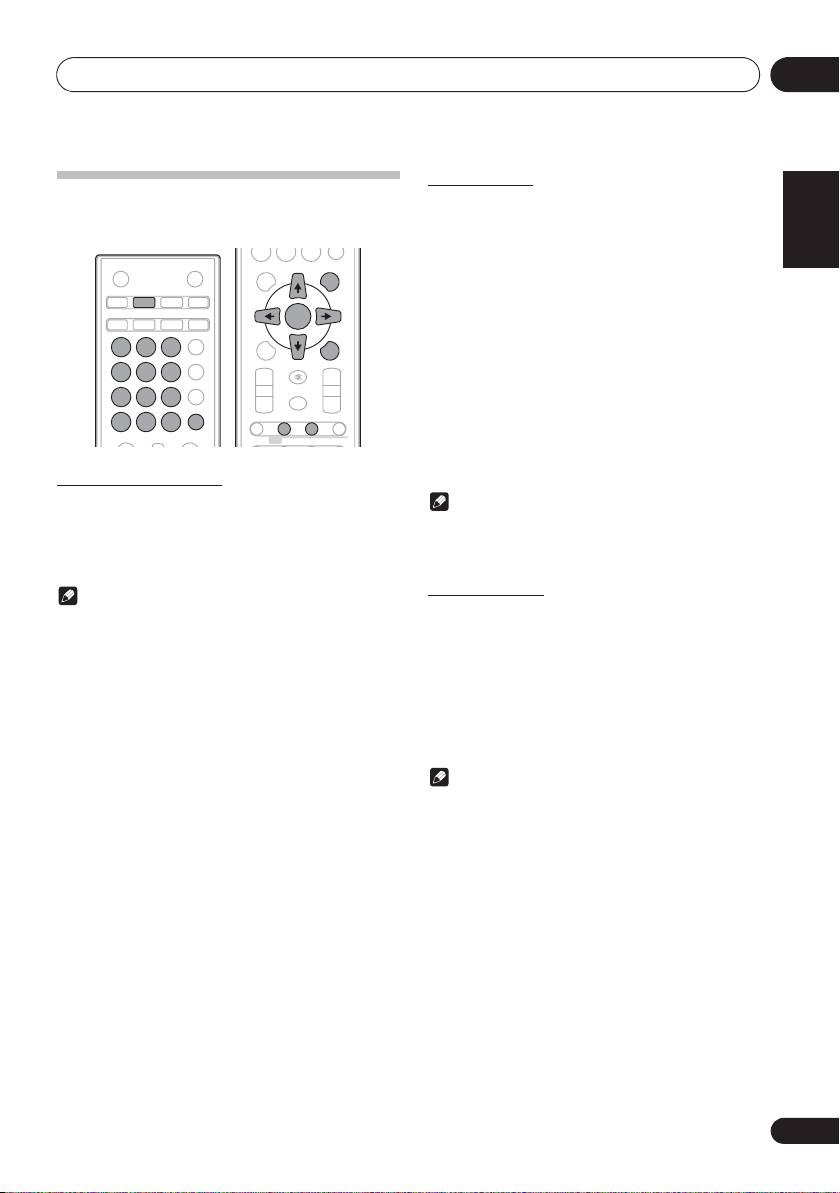
Repeat play
Advanced CD or MP3/WMA disc
Repeat play can play one track, all tracks or a programmed
sequence continuously.
playback
To repeat one track:
Press REPEAT repeatedly until “RPT ONE” appears. Press
ENTER.
To repeat all tracks:
Press REPEAT repeatedly until “RPT ALL” appears. Press
ENTER.
To repeat desired tracks:
Perform steps 1 - 5 in “Programmed play” section on next
page and then press REPEAT repeatedly until “RPT ALL”
appears. Press ENTER.
To cancel repeat play:
Press REPEAT repeatedly until “RPT OFF” appears. Press
ENTER.
Direct track search
By using the numeric buttons, the desired tracks on the
Note
current disc can be played.
• After performing repeat play, be sure to press #.
Use the numeric buttons on the remote control to
Otherwise, the disc will play continuously.
select the desired track whilst playing the selected
• During repeat play, random play is not possible.
disc.
Random play
Note
The tracks on the disc can be played in random order
• A track number higher than the number of tracks on the
automatically.
disc cannot be selected.
To random play all tracks:
To stop playback:
Press RANDOM repeatedly until “RDM ON” appears. Press
Press #.
ENTER.
To cancel random play:
Press RANDOM repeatedly until “RDM OFF” appears. Press
ENTER.
Note
• If you press the , during random play, you can move
to the track selected next by the random operation. On
the other hand, the + does not allow you to move to
the previous track. The beginning of the track being
played will be located.
• In random play, the unit will select and play tracks
automatically. (You cannot select the order of the
tracks.)
• During random play, repeat play is not possible.
0
STANDBY/ON
OPEN/CLOSE
DISPLAY FOLDER
TUNE+
iPod CD USB TUNER
AUDIO IN/LINE
TV OUT
CLOCK/TIMER
SLEEP
ENTER
MEMORY
EQUALIZER
MENU
/PROGRAM
123
P.BASS
PRESET VOLUME
TUNE–
4 5 6
+
+
BASS/TREBLE
MUTE
7 89
–
–
CLEAR REPEAT
RANDOM
DIMMER
0
DISPLAY FOLDER
TUNE+
ST/MONO ASPM PTY DISPLAY
RDS
;&0B6<;(B(QERRN࣮࣌ࢪ㸰㸮㸯㸱ᖺ㸲᭶㸶᪥ࠉ᭶᭙᪥ࠉ༗๓㸯㸯㸲㸷ศ
