
Sony SPK-HC: Maintenance
Maintenance: Sony SPK-HC
Table of contents
- Table of contents Features and Precautions
- Precautions on Use Water Leakage
- Precautions on Use (continued)
- Maintenance
- Preparing
- Selecting the Camera Mounting Shoe
- Preparing (continued) Installing the Video Camera Recorder 1 Attach the camera mounting shoe. 2 Release the buckles. 3 Coat the front glass with anti-fogging lens solution. 4 Remove foreign materials.
- 5 Connect the plugs to the each jacks of the video camera recorder. When using DCR-HC40/HC30/HC20/HC18/HC16
- Preparing (continued)
- 6 Installing the video camera recorder. 7 Close the rear body.
- Preparing (continued) Preparing the Sports Pack 1 Adjust the grip strap. 2 Attach the shoulder strap.
- Using the Sports Pack Shooting Moving Pictures 1 When recording on a cassette tape or a disc, turn the POWER switch to “CAMERA” (1). When recording on “Memory Stick,” turn the POWER switch to “MEMORY” (2). 2 Press START/STOP button to start recording.
- Using the Sports Pack (continued)
- Recording a Still Picture A. When in MEMORY mode B. When in CAMERA mode
- Using the Sports Pack (continued) Playing Back with the Remote Commander 1 Turn the POWER switch to “VCR.” 2 Press N PLAY on the remote.
- Removing the Video Camera Recorder 1 Turn the POWER switch to “OFF.” 2 Release the buckles, and open the rear body. 3 Pull out the camera mounting shoe.
- Using the Sports Pack (continued) 4 Stop taking out the video camera recorder at the point where the remote plug and the microphone plug come out from the sports pack. Then, disconnect the plugs from the video camera recorder.
- 5 Detach the camera mounting shoe.
- Identifying parts
- Troubleshooting
- Specifications
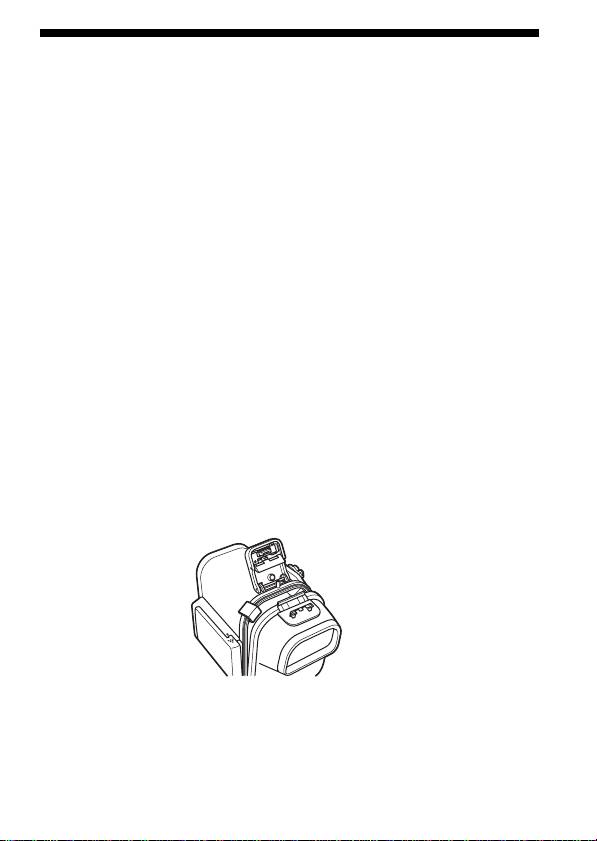
Maintenance
After Recording
After recording in a location subject to sea breezes, wash the sports pack
with fresh water with the buckles fastened thoroughly, then wipe with a
soft dry cloth. It is recommended that you submerge the sports pack in
fresh water for about 30 minutes. If it is left with salt on it, metal portions
may be damaged or rust may form and cause water leakage.
•If you get suntan lotion or other greasy substances on your sports pack,
wash it off with tepid water.
•Clean the inside of the pack with a soft dry cloth. Do not wash the inside
of the pack.
•Do not use any type of solvent such as alcohol, benzine or thinner for
cleaning, as this might damage the finish.
Anti-fogging lens solution
Coat the surface of the glass with the supplied anti-fogging lens solution.
This is effective in preventing from fogging.
How to use the anti-fogging lens solution
Apply 2 or 3 drops of the liquid to the front glass and the glass of the eye
cup and wipe evenly to spread the liquid out by using the swabs, a soft
cloth or tissue paper.
When storing the sports pack
•Attach the spacer supplied with your sports pack to prevent wear of the
waterproof gasket.
•Close the pack without fastening the buckles to prevent wear of the
waterproof gasket.
•Prevent dust from collecting on the waterproof gasket.
•Avoid storing the sports pack in a cold, very hot or humid place, or
together with naphthalene or camphor, as these conditions might
damage the unit.
5-GB
