
Sony CPD-120AS: Functions of Controls
Functions of Controls: Sony CPD-120AS
Table of contents
- Owner’s Record
- Table of Contents
- Introduction Plug and play
- Precautions Maintenance Transportation
- Warning on Power Connection
- Functions of Controls
- Functions of Controls
- Functions of Controls
- Getting Started Installation p Step 1: Connect the computer
- p CPD-120AS p CPD-220AS
- p Step 2: Connect the power cord p Step 3: Turn on the display and computer. p Step 4: If necessary...
- Using Your Display Preset and user modes
- Using the tilt-swivel
- Damper wire
- Adjustments Adjusting volume
- Adjusting the picture contrast
- Adjusting the picture brightness
- Adjusting the picture centering
- Adjusting the picture size
- Adjusting the picture rotation
- Adjusting the pincushion
- Setting the color temperature
- Resetting
- Available Features Selecting Graphic Picture Enhancement (GPE)
- Selecting Bass Boost
- Power Saving Function
- Specifications
- Troubleshooting
- Troubleshooting
- Troubleshooting
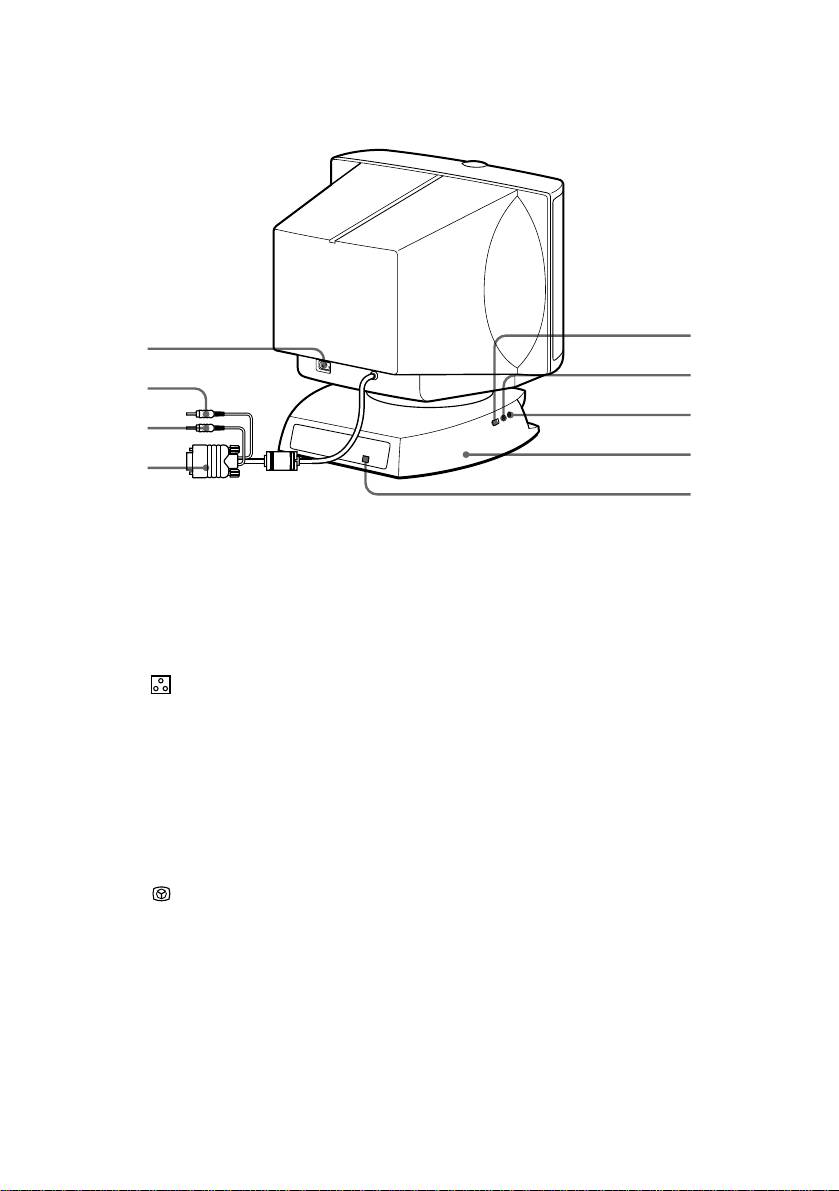
p CPD-220AS
@º
!§
@¡
!¶
@™
!•
@£
!ª
@¢
1
Microphone
The internal microphone is turned off when an
external microphone is connected.
2
Main speaker
—
3
Display
Displays OSD when adjusting.
4
Å Size button
Adjusts picture size (page 20).
5
d Geometry button
Adjusts pincushion and rotation (pages 21, 22).
6
Color
Adjusts color temperature (page 23).
temperature button
? Reset switch
Resets adjustments to factory setting (page 24).
7
¤ Mute button and
Mutes sound (page 17).
8
indicator
≥ Volume/Bass
Adjusts speaker volume or selects bass boost
9
boost button
mode (page 26).
S Centering
Adjusts picture centering (page 19).
!º
button
Brightness/GPE
Adjusts picture brightness or selects GPE mode
!¡
button
(page 25).
. Volume –/+
Adjusts speaker volume (page 16).
!™
buttons
The default setting of the volume level is 30 %.
> –/+ Contrast
Adjusts picture contrast (page 17).
!£
button
!¢
u Power switch
Turns on and off the display.
and indicator
!∞
Sub woofer
—
GB
Functions of Controls
8
