
Sony BRAVIA KDL-26S2000: PC Input Signal Reference Chart
PC Input Signal Reference Chart: Sony BRAVIA KDL-26S2000
Table of contents
- WARNING Introduction Notice for Digital TV function
- Table of Contents
- Start-up Guide 1: Checking the 2: Connecting an aerial/ accessories VCR
- 3: Bundling the cables 5: Selecting the language and country/ region 4: Preventing the TV from toppling over
- 6: Auto-tuning the TV
- Safety information
- GB
- GB
- Precautions
- Overview of the remote
- Overview of the TV buttons and indicators
- Watching TV
- To access Text Picture Freeze To change the screen mode manually to suit the broadcast Using the Tools menu
- Checking the Digital Electronic Programme Guide To Do this
- To Do this
- Using the Favourite list * To Do this
- Viewing pictures from connected equipment
- Navigating through menus Menu Description
- Picture menu
- Noise Reduction Advanced Settings
- Sound menu
- Dual Sound
- Screen menu
- Set-up menu
- All Reset
- PC Settings menu
- Analogue Set-up menu (Analogue mode only)
- Manual Programme Preset
- Digital Set-up menu Digital Tuning
- Digital Set-up
- Connecting optional equipment Connecting to the TV (side)
- Connecting to the TV (rear)
- Using the Tools menu in PC input mode
- Specifications
- PC Input Signal Reference Chart
- Troubleshooting Picture Problem Cause/Remedy
- Sound Channels General
- Index
Sound Output
Optional Accessories
10 W + 10 W
• Wall-Mount Bracket
SU-WL51 (for KDL-46S2000/KDL-46S2010/KDL-
Supplied Accessories
40S2000/KDL-40S2010)
Refer to “1: Checking the accessories” on page 4.
SU-WL31 (for KDL-32S2000/KDL-32S2010/KDL-
32S2020/KDL-26S2000/KDL-26S2010/KDL-26S2020)
Design and specifications are subject to change
without notice.
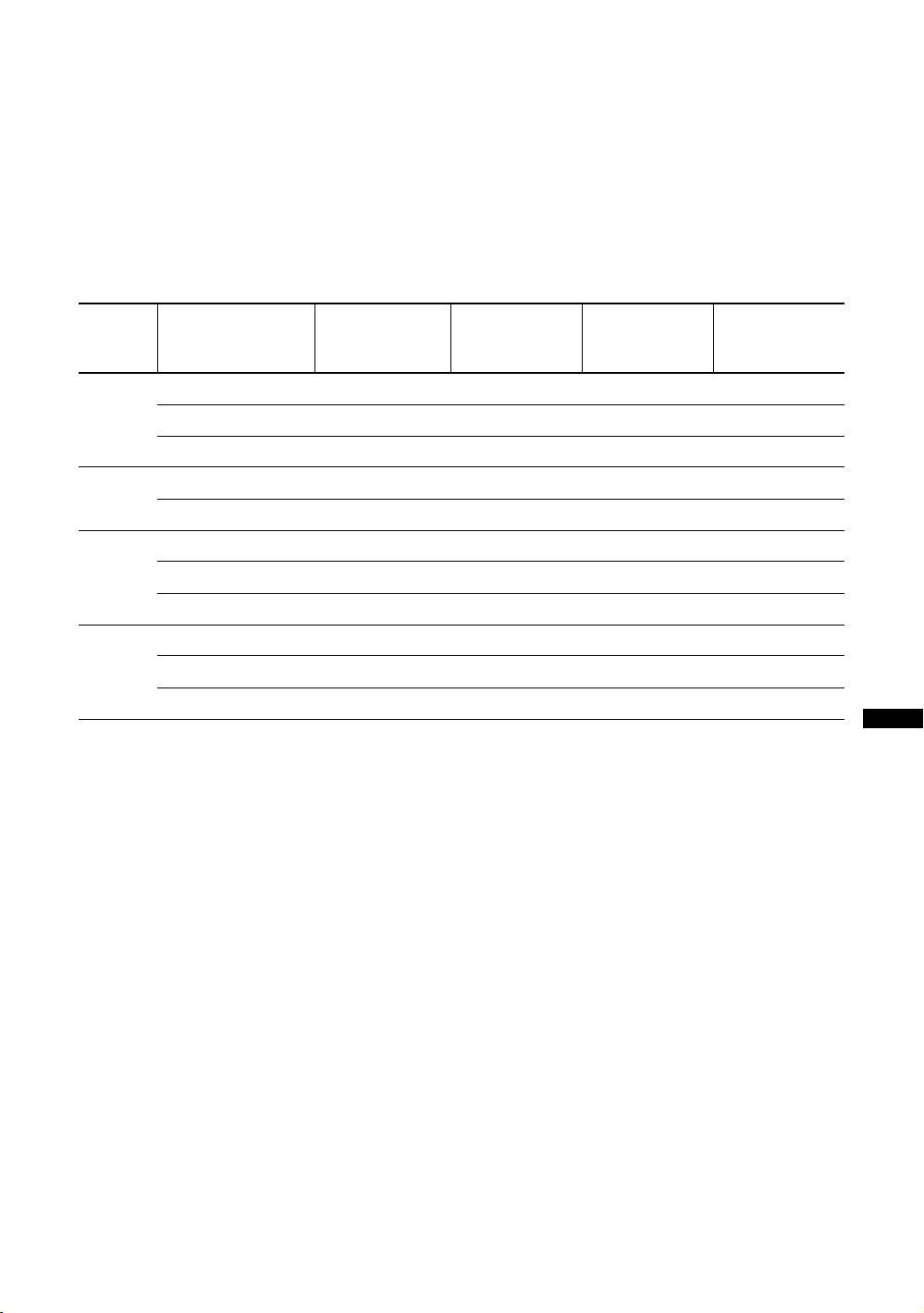
PC Input Signal Reference Chart
Horizontal
Vertical
Signals Horizontal (Pixel) Vertical (Line)
frequency
Standard
frequency (Hz)
(kHz)
VGA 640 480 31.5 60 VGA
640 480 37.5 75 VESA
720 400 31.5 70 VGA-T
SVGA 800 600 37.9 60 VESA Guidelines
800 600 46.9 75 VESA
XGA 1024 768 48.4 60 VESA Guidelines
1024 768 56.5 70 VESA
1024 768 60 75 VESA
WXGA 1280 768 47.4 60 VESA
1280 768 47.8 60 VESA
1360 768 47.7 60 VESA
• This TV’s PC input does not support Sync on Green or Composite Sync.
Additional Information
• This TV’s PC input does not support interlaced signals.
• This TV’s PC input supports the boldfaced signals in the above chart with a 60 Hz vertical frequency.
• For the best picture quality, it is recommended to use signals with a 60 Hz vertical frequency from a personal computer. In plug
and play, signals with a 60 Hz vertical frequency will be selected automatically.
GB
37
