
Sony BRAVIA KDL-26S2000: Checking the Digital Electronic Programme Guide To Do this
Checking the Digital Electronic Programme Guide To Do this: Sony BRAVIA KDL-26S2000
Table of contents
- WARNING Introduction Notice for Digital TV function
- Table of Contents
- Start-up Guide 1: Checking the 2: Connecting an aerial/ accessories VCR
- 3: Bundling the cables 5: Selecting the language and country/ region 4: Preventing the TV from toppling over
- 6: Auto-tuning the TV
- Safety information
- GB
- GB
- Precautions
- Overview of the remote
- Overview of the TV buttons and indicators
- Watching TV
- To access Text Picture Freeze To change the screen mode manually to suit the broadcast Using the Tools menu
- Checking the Digital Electronic Programme Guide To Do this
- To Do this
- Using the Favourite list * To Do this
- Viewing pictures from connected equipment
- Navigating through menus Menu Description
- Picture menu
- Noise Reduction Advanced Settings
- Sound menu
- Dual Sound
- Screen menu
- Set-up menu
- All Reset
- PC Settings menu
- Analogue Set-up menu (Analogue mode only)
- Manual Programme Preset
- Digital Set-up menu Digital Tuning
- Digital Set-up
- Connecting optional equipment Connecting to the TV (side)
- Connecting to the TV (rear)
- Using the Tools menu in PC input mode
- Specifications
- PC Input Signal Reference Chart
- Troubleshooting Picture Problem Cause/Remedy
- Sound Channels General
- Index
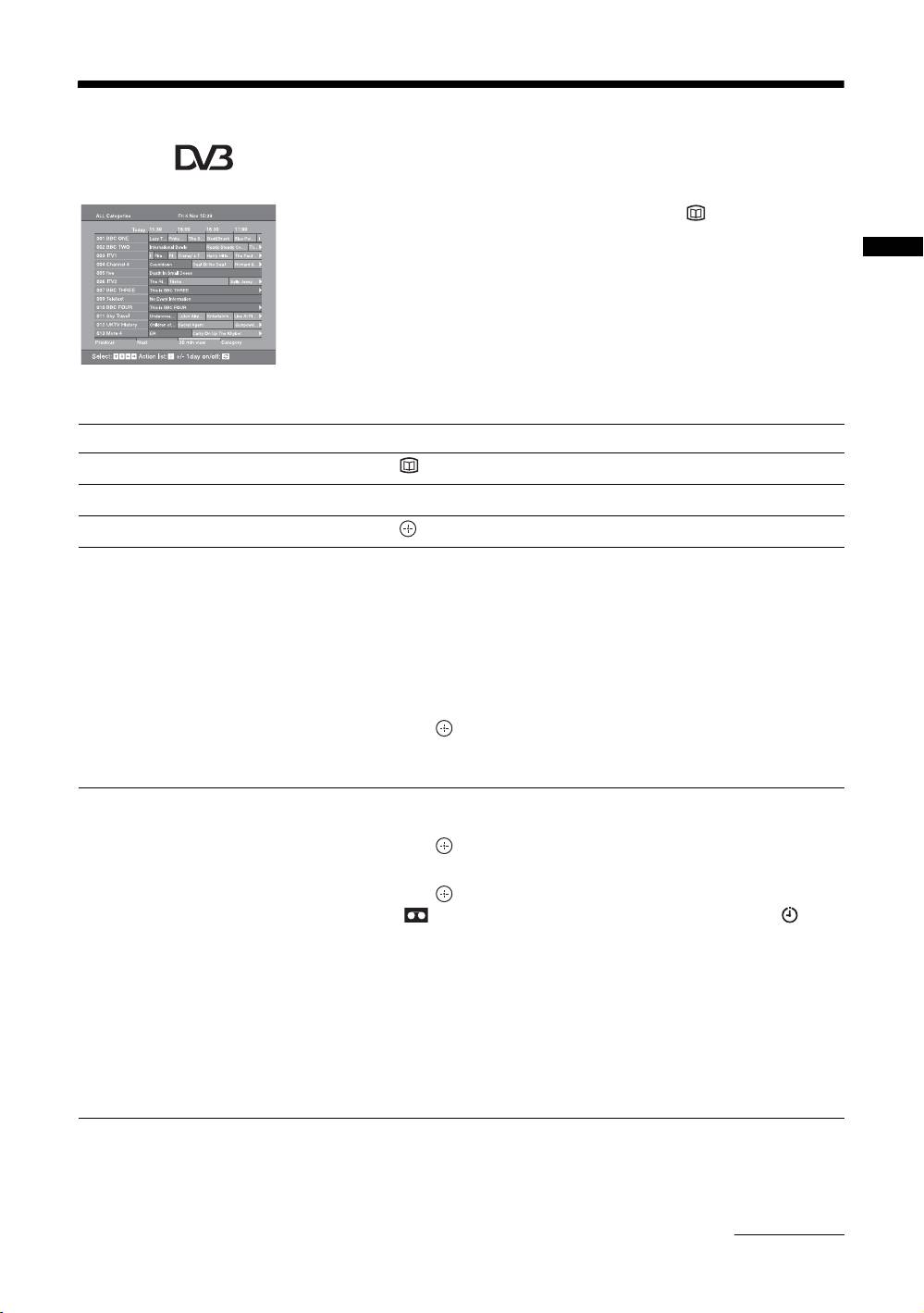
Checking the Digital Electronic Programme Guide
(EPG) *
1 In digital mode, press to display the
Digital Electronic Programme Guide
(EPG).
Watching TV
2 Perform the desired operation, as shown in
the following table.
Note
Programme information will only be displayed if the TV
station is transmitting it.
Digital Electronic Programme Guide (EPG)
* Please note that this function may not be available in some countries.
To Do this
Turn off the EPG Press .
Move through the EPG Press
F/f/G/g.
Watch a current programme Press while the current programme is selected.
Sort the programme information by
1 Press the blue button.
category – Category list
2 Press
F/f/G/g to select a category. The category name is
displayed on the side.
The categories available include:
“Favourite”: Contains all the channels that have been stored in the
Favourite list (page 17).
“All Categories”: Contains all available channels.
“News”: Contains all news channels.
3 Press .
The Digital Electronic Programme Guide (EPG) now only displays the
current programmes from the category selected.
Set a programme to be recorded – Timer
1 Press F/f/G/g to select the future programme you want to
REC
record.
2 Press .
3 Press
F/f to select “Timer REC”.
4 Press to set the TV and your VCR timers.
A symbol appears by that programme’s information. The
indicator on the TV (front) lights up.
Notes
• You can set VCR timer recording on the TV only for Smartlink compatible
VCRs. If your VCR is not Smartlink compatible, a message will be displayed to
remind you to set your VCR timer.
• Once a recording has begun, you can switch the TV to standby mode, but do not
switch off the TV completely or the recording may be cancelled.
• If an age restriction for programmes has been selected, a message asking for pin
code will appear on the screen. For more details refer to “Parental Lock” on
page 32.
Continued
GB
15
