
Sony TDM-MP10: Overview
Overview: Sony TDM-MP10
Table of contents
- WARNING
- Compatible Sony Ericsson mobile phones
- Table of Contents
- Overview
- 1: Checking supplied items 2: List of parts locations
- 3: Installing the TDM-MP10 To connect/disconnect the unit
- To adjust the unit’s To put the mobile phone connector position into the unit’s connector
- Controlling the mobile phone Performing basic operations
- Additional Information Troubleshooting
- Precautions On safety On placement On heat buildup
- Cleaning the unit Specifications General
Overview
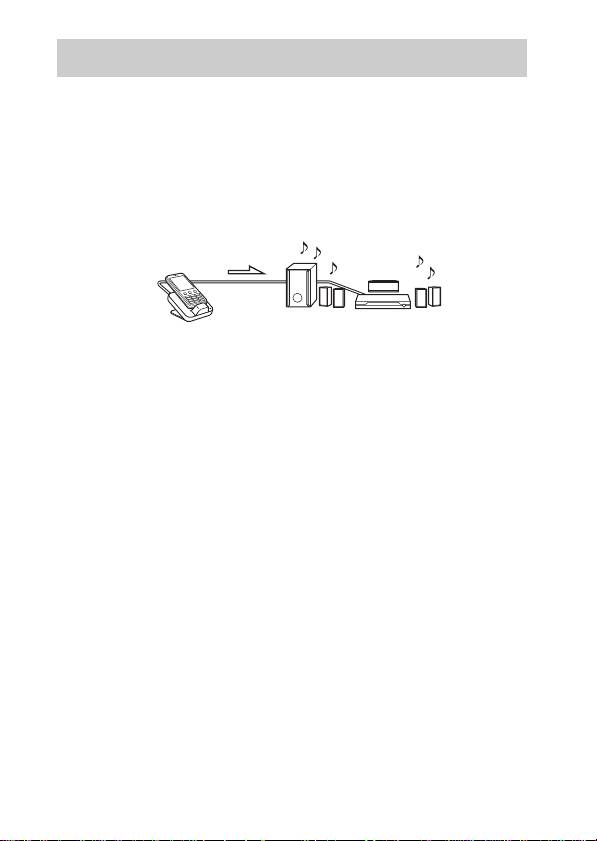
You can enjoy Sony Ericsson mobile phone audio content by connecting
this unit to an AV system with a DIGITAL MEDIA PORT interface (Sony
DAV series, etc.).
• You can operate your mobile phone by its control buttons, the control
buttons of the AV system, and the remote supplied with the AV system
(page 10).
• You can also use this unit as a battery charger (page 9).
mobile phone and
AV system (Sony DAV
TDM-MP10
series, STR series, etc.)
Notes
• DIGITAL MEDIA PORT is occasionally abbreviated as DMPORT.
• TDM-MP10 does not support video output. Even if your mobile phone has video/
photo capability, you cannot view video or photo contents on the TV or other video
devices.
• You cannot listen to FM radio on your mobile phone using the TDM-MP10, even
if the mobile phone has an FM radio feature.
• Make sure to turn off the Bluetooth™ function of the mobile phone before placing
the mobile phone on the TDM-MP10.
GB
5
