
Sony CPD-E200E: Enlarging or reducing the picture Adjusting the color of the picture (ZOOM) (COLOR) Adjusting the shape of the picture (GEOM) Adjusting the convergence (CONV)
Enlarging or reducing the picture Adjusting the color of the picture (ZOOM) (COLOR) Adjusting the shape of the picture (GEOM) Adjusting the convergence (CONV): Sony CPD-E200E
Table of contents
- Owner’s Record
- Table of Contents
- Precautions
- Identifying parts and controls
- Setup Step 1:Connect your monitor to your computer Step 2:Connect the power cord
- Step 3:Turn on the monitor and Selecting the on-screen menu computer language (LANG)
- Customizing Your Monitor Navigating the menu
- Adjusting the brightness and contrast Adjusting the centering of the picture (CENTER) Adjusting the size of the picture (SIZE)
- Enlarging or reducing the picture Adjusting the color of the picture (ZOOM) (COLOR) Adjusting the shape of the picture (GEOM) Adjusting the convergence (CONV)
- Additional settings (OPTION)
- Helpful hints and information Resetting the adjustments
- Technical Features Troubleshooting
- Trouble symptoms and remedies Symptom Check these items
- Symptom Check these items
- Self-diagnosis function Specifications
D:\###sagyou\0622-yama\386765711CPDE200EAEP\01GB03BAS-AEP.fm
masterpage:Left
Enlarging or reducing the picture
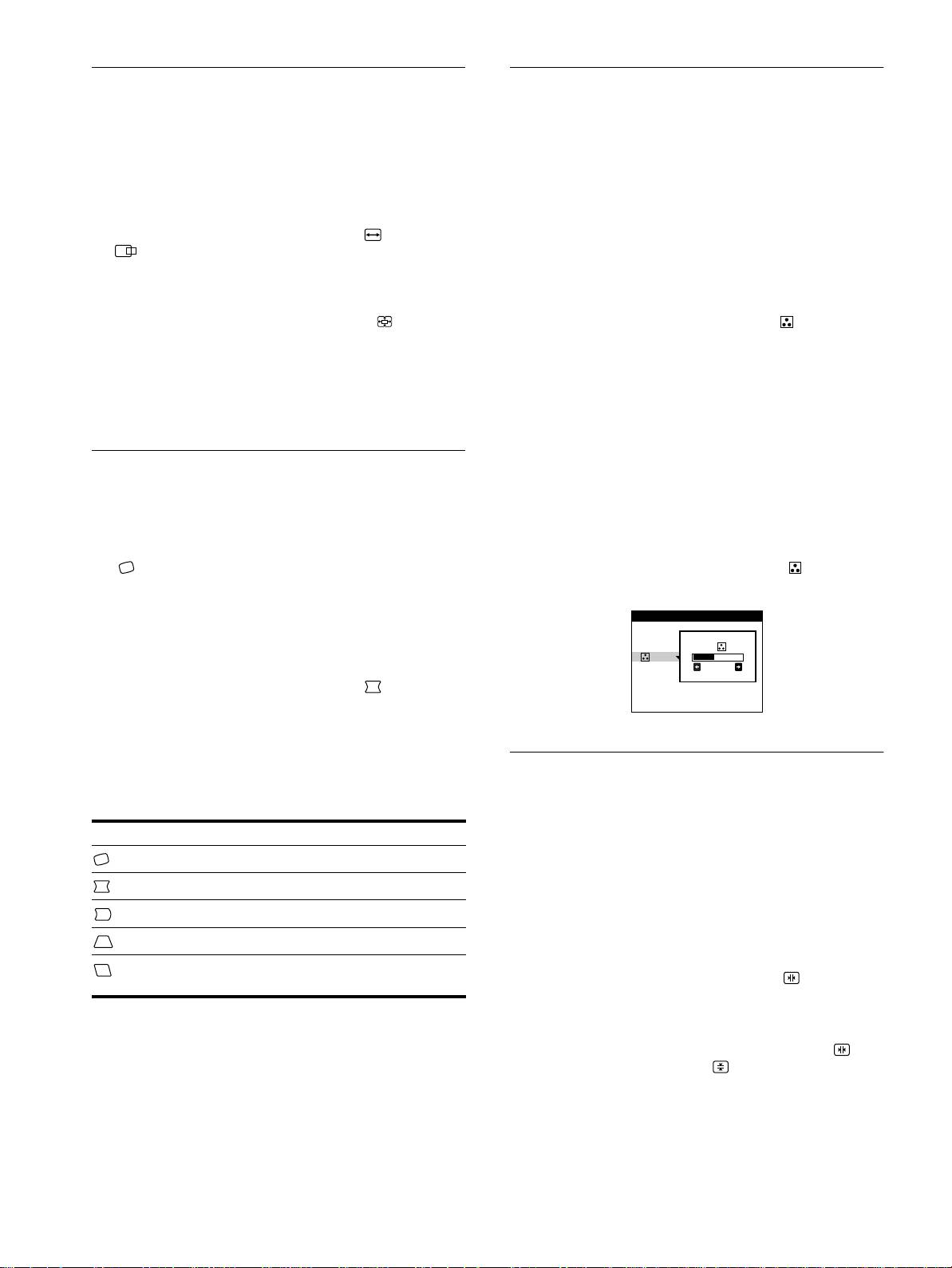
Adjusting the color of the picture
(ZOOM)
(COLOR)
This setting is stored in memory for the current input signal.
The COLOR settings allow you to adjust the picture’s color
temperature by changing the color level of the white color field.
1
Press the center of the control button.
Colors appear reddish if the temperature is low, and bluish if the
The main MENU appears on the screen.
temperature is high. This adjustment is useful for matching the
monitor’s colors to a printed picture’s colors.
2
Move the control button to highlight SIZE or
This setting is stored in memory for all input signals.
CENTER and press the center of the control
button again.
1
Press the center of the control button.
The SIZE/CENTER menu appears on the screen.
The main MENU appears on the screen.
3
Move the control button
m
/
M
to select (zoom),
2
Move the control button to highlight COLOR and
and move
<
/
,
to enlarge or reduce the picture.
press the center of the control button again.
The COLOR menu appears on the screen.
Notes
• Adjustment stops when either the horizontal or vertical size reaches its
3
Move the control button
m
/
M
to select a color
maximum or minimum value.
temperature.
• The horizontal adjustment value is not displayed in the menu.
The preset color temperatures are 5000K and 9300K. Since
the default setting is 9300K, the whites will change from a
bluish hue to a reddish hue as the temperature is lowered to
Adjusting the shape of the picture
5000K.
(GEOM)
4
If necessary, fine tune the color temperature.
The GEOM settings allow you to adjust the rotation and shape of
You can select your own color temperature between 9300K
the picture.
and 5000K.
The (rotation) setting is stored in memory for all input signals.
First move the control button
m
/
M
to select . Then move
All other settings are stored in memory for the current input
the control button
<
/
,
to adjust the color temperature.
signal.
1
Press the center of the control button.
The main MENU appears on the screen.
2
Move the control button to highlight GEOM and
press the center of the control button again.
The GEOMETRY menu appears on the screen.
3
First move the control button
m
/
M
to select the
Adjusting the convergence (CONV)
desired adjustment item. Then move the control
button
<
/
,
to make the adjustment.
The CONV settings allow you to adjust the quality of the picture
by controlling the convergence. The convergence refers to the
Select To
alignment of the red, green, and blue color signals.
rotate the picture
If you see red or blue shadows around letters or lines, adjust the
convergence.
expand or contract the picture sides
These settings are stored in memory for all input signals.
shift the picture sides to the left or right
1
Press the center of the control button.
adjust the picture width at the top of the screen
The main MENU appears on the screen.
shift the picture to the left or right at the top of the
2
Move the control button to highlight CONV and
screen
press the center of the control button again.
The CONVERGENCE menu appears on the screen.
3
First move the control button
m
/
M
to select for
horizontal adjustment, or for vertical
adjustment. Then move the control button
<
/
,
to
adjust the convergence.
10
3-867-657-11 (1)
CPD-E200E
COLOR
9300K
5000K
26
01GB01COV-AEP.book Page 10 Monday, June 21, 1999 7:09 PM
