
Sony ST-SB920: Tips for Better FM Reception Presetting Radio Stations
Tips for Better FM Reception Presetting Radio Stations: Sony ST-SB920
Table of contents
- Precautions
- TABLE OF CONTENTS Welcome! About This Manual
- Unpacking Hooking Up the System
- FM aerial hookups Amplifier hookups
- Selecting the German Display Changing the FM Reception Mode
- Receiving Preset Stations
- About the Menu Entry System Customizing the Display
- Receiving Broadcasts
- Tips for Better FM Reception Presetting Radio Stations
- Naming the Preset Stations
- Organizing the Preset Stations
- Troubleshooting Specifications
- Index
Advanced Tuner Operations
Tips for Better FM Reception
Presetting Radio Stations
This tuner has various functions designed for better
reception. First, try to receive stations with the
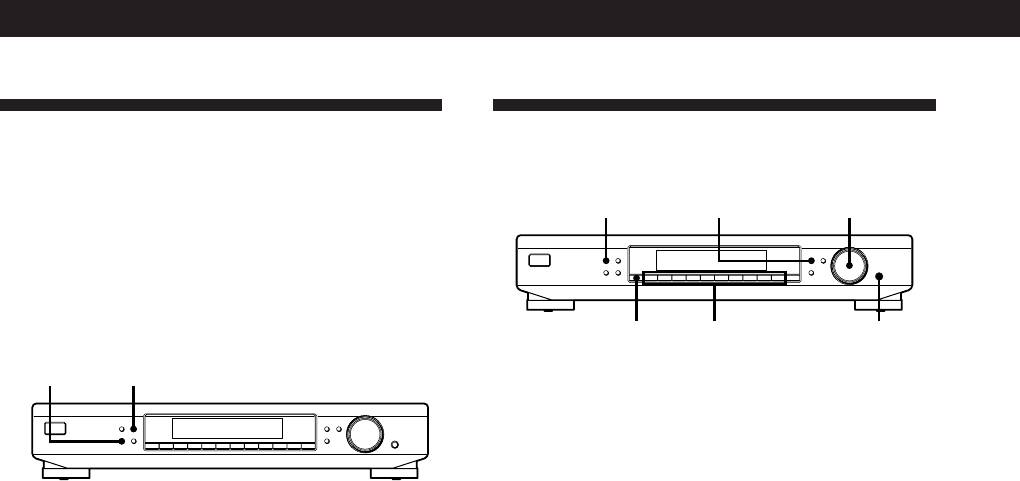
MEMORY MENU
TUNING / SELECT
standard settings. If the reception is not good, try
altering the reception quality to obtain a clear signal.
MEMORY
DISPLAY
MENU
TUNE MODE
TUNING / SELECT
FM MODE BAND
RETURN
ENTER
The tuner stores the FM mode, together with the
SHIFT DIRECT
0987654321
frequency when you make a station preset either
manually or automatically (see this page and page 11).
SHIFT
Numeric
ENTER
buttons
DISPLAYFM MODE
Storing stations manually
MEMORY
DISPLAY
MENU
TUNE MODE
TUNING / SELECT
FM MODE BAND
RETURN
ENTER
This section shows you how to store up to 40 of your
SHIFT DIRECT
0987654321
favorite FM or AM stations manually onto preset codes
made up of characters (A, B, C, or D) and numbers
(1-0), such as A7. You can store up to 10 stations on
each of the 4 different letters. You can use these letters
Setting the FM mode
to classify stations according to music category or
Press FM MODE a few times to choose the reception
station band.
mode, select either Auto stereo (no indication) or
MONO.
1 Tune in the FM or AM station you want to store.
• Auto stereo mode receives stereo broadcasts with
strong signals. Press FM MODE a few times so that
2 Press MEMORY.
“MONO” disappears.
“MEMORY” appears along with the lowest vacant
• “MONO” receives stations with weak signals.
code to indicate that the tuner is ready to store the
Stations will be received in monaural but with even
station.
less noise.
3 Press SHIFT repeatedly to select A, B, C, or D.
The letter you selected appears in the display.
Checking the signal strength
You can use the digital signal meter to check the signal
4 Press a numeric button (1 - 0).
strength of FM frequencies. The display range is from
The tuner stores the station at the preset code you
16 to 70 dB (1µV of radio frequency voltage = 0dB). To
specified.
obtain a signal to noise ratio sufficient for receiving a
stereo broadcast, we recommend a reading greater
5 Repeat steps 1 through 4 to store other stations.
than 50 dB. (You can also change the FM MODE while
using the signal meter to determine the best reception.)
z If you want to label the stations
Follow the procedure described in “Naming the Preset
1 Tune in an FM station.
Stations” on page 11.
2 Press DISPLAY repeatedly to display the digital
signal meter.
3 Rotate the FM aerial to obtain the strongest signal.
GB
10
