
Sony ST-SB920: Receiving Preset Stations
Receiving Preset Stations: Sony ST-SB920
Table of contents
- Precautions
- TABLE OF CONTENTS Welcome! About This Manual
- Unpacking Hooking Up the System
- FM aerial hookups Amplifier hookups
- Selecting the German Display Changing the FM Reception Mode
- Receiving Preset Stations
- About the Menu Entry System Customizing the Display
- Receiving Broadcasts
- Tips for Better FM Reception Presetting Radio Stations
- Naming the Preset Stations
- Organizing the Preset Stations
- Troubleshooting Specifications
- Index
Basic Operations
Basic Operations
Receiving Preset Stations
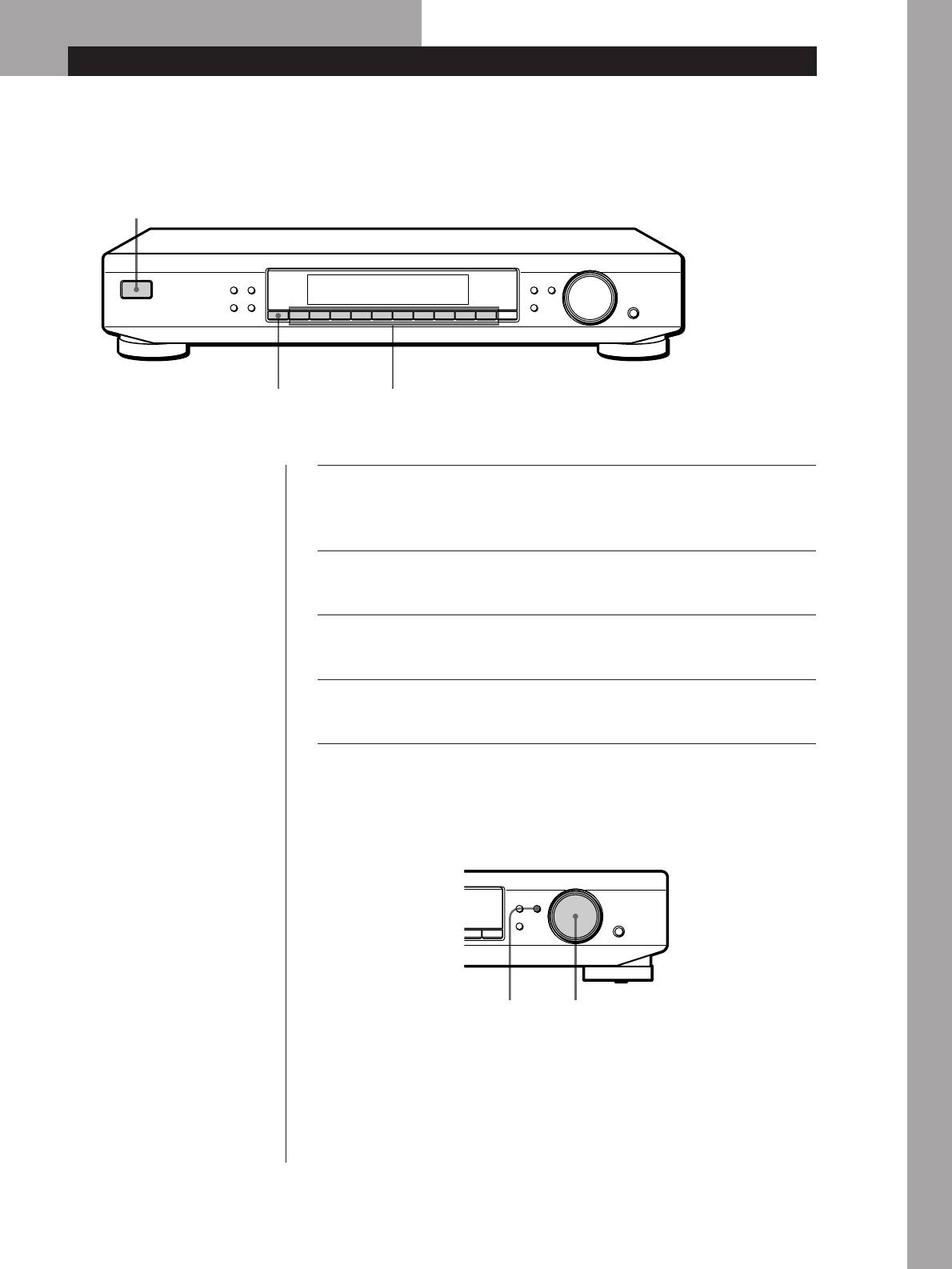
This section shows you how to receive preset stations.
3
MEMORY DISPLAY
MENU
TUNE MODE
TUNING / SELECT
FM MODE BAND
RETURN
ENTER
SHIFT DIRECT
0987654321
4
5
• To tune in a non-preset station,
Make sure you’ve hooked up the tuner and preset stations.
see “Receiving Broadcasts” on
1
page 9.
(See pages 4 and 5 for hookups and pages 10 and 11 for
presetting.)
Basic Operations
Turn on the amplifier and select the TUNER mode.
2
Press U to turn on the tuner.
3
Press SHIFT repeatedly to select A, B, C, or D.
4
Press the preset number you want (1 - 0).
5
To check broadcasts by scanning the preset stations
MENU
TUNE MODE
TUNING / SELECT
RETURN
ENTER
0
DIRECT
TUNE MODE TUNING / SELECT
1 Press TUNE MODE repeatedly so that “PRESET” appears in the display.
2 Turn TUNING/SELECT.
Each time you turn TUNING/SELECT, a preset station is received and
the settings (preset code, frequency, and station name, etc.) appear in the
display. The signal meter indicates the strength of the broadcast signal.
GB
7
