
Sony ST-SB920: Organizing the Preset Stations
Organizing the Preset Stations: Sony ST-SB920
Table of contents
- Precautions
- TABLE OF CONTENTS Welcome! About This Manual
- Unpacking Hooking Up the System
- FM aerial hookups Amplifier hookups
- Selecting the German Display Changing the FM Reception Mode
- Receiving Preset Stations
- About the Menu Entry System Customizing the Display
- Receiving Broadcasts
- Tips for Better FM Reception Presetting Radio Stations
- Naming the Preset Stations
- Organizing the Preset Stations
- Troubleshooting Specifications
- Index
Advanced Tuner Operations
Erasing preset stations
Organizing the Preset Stations
You can erase preset stations one by one.
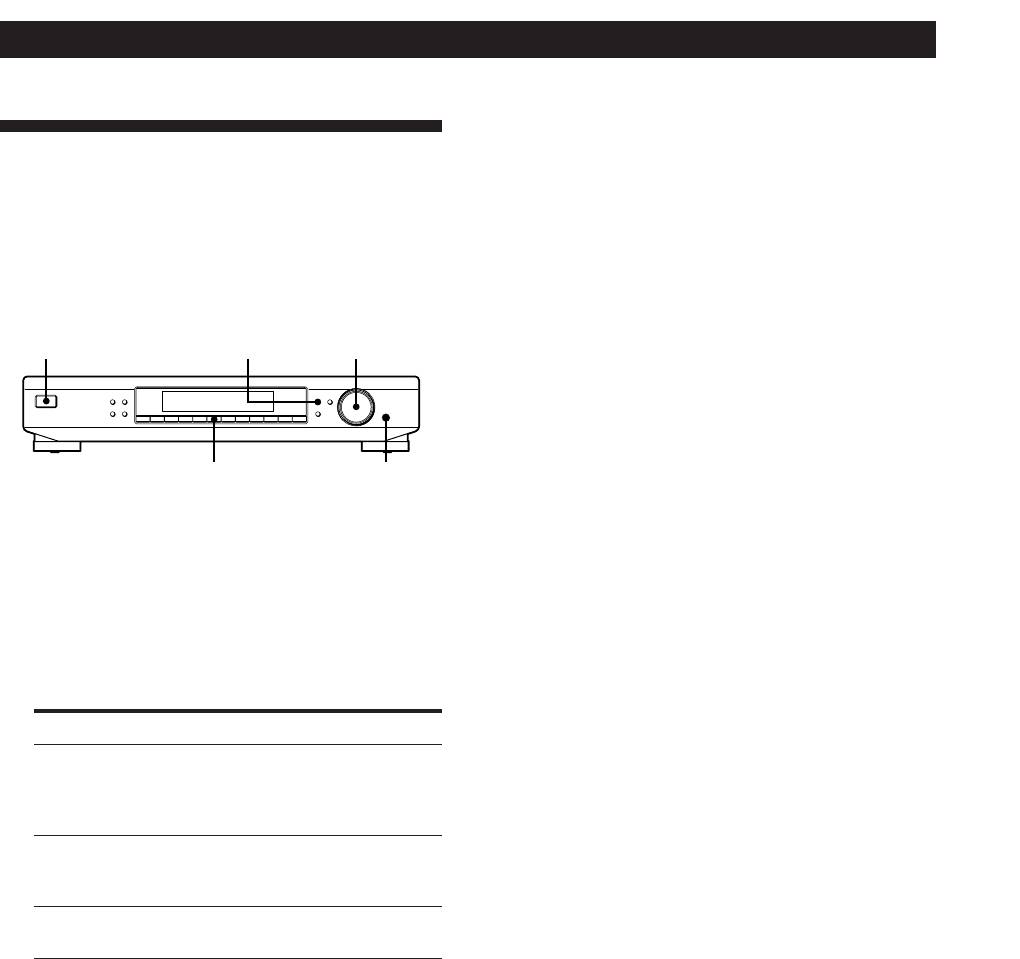
This tuner makes it easy to arrange preset stations in
1 Press MENU.
the order you prefer. You can arrange all the preset
stations automatically, according to alphabetical order,
2 Turn TUNING/SELECT until “CLEAR” appears
signal strength, or tuner band. You can even erase
and then press ENTER.
specific preset stations.
3 Turn TUNING/SELECT so that the preset code
MENUU
TUNING / SELECT
you want to erase appears in the display and
press ENTER.
MEMORY
DISPLAY
MENU
TUNE MODE
TUNING / SELECT
FM MODE BAND
RETURN
ENTER
The preset station you selected is erased from the
SHIFT DIRECT
0987654321
preset memory.
5
ENTER
Note
If you try to select an erased preset station using the SHIFT
1 Press MENU.
button and a numeric button, “65 MHz” (factory-set
frequency) will appear in the display.
2 Turn TUNING/SELECT until “SORT” appears in
the display and press ENTER.
z If you want to erase all the preset stations
“SELECT” appears in the display.
1 Turn off the tuner.
2 While pressing down the numeric button 5 and
3 Turn TUNING/SELECT to select one of the
MENU, press U to turn on the tuner.
following sorting methods:
Select To
ALPHABET sort preset stations in alphabetical order
according to their preset names.
Stations without preset names are arranged
by frequency, from low to high.
STRENGTH sort preset stations in order of their signal
strength (FM stations only).
AM stations are arranged by frequency.
BAND sort preset stations in order of their
frequency band (FM - AM).
4 Press ENTER.
The tuner sorts the stations, then returns to normal
tuning mode and receives preset station A1.
GB
12
