
Sony ST-SB920: Naming the Preset Stations
Naming the Preset Stations: Sony ST-SB920
Table of contents
- Precautions
- TABLE OF CONTENTS Welcome! About This Manual
- Unpacking Hooking Up the System
- FM aerial hookups Amplifier hookups
- Selecting the German Display Changing the FM Reception Mode
- Receiving Preset Stations
- About the Menu Entry System Customizing the Display
- Receiving Broadcasts
- Tips for Better FM Reception Presetting Radio Stations
- Naming the Preset Stations
- Organizing the Preset Stations
- Troubleshooting Specifications
- Index
Advanced Tuner Operations
Storing stations automatically (Auto
5 Repeat steps 3 and 4 until the station name you
Memory)
want appears in the display.
This section explains how to prestore all FM stations in
6 Press ENTER.
your broadcasting area in one operation.
The station name is memorized and the station’s
preset code flashes.
1 Press MENU.
7 Press ENTER again.
2 Turn TUNING/SELECT until “AUTO-MEM”
appears and then press ENTER.
Note
3 Turn TUNING/SELECT until “Y/N YES”
The display returns to normal display mode if you stop
assigning names for more than 8 seconds. If this happens,
appears and then press ENTER.
start again from the beginning.
The tuner scans for FM stations starting with the
lowest frequency. When a station is detected, it is
stored automatically into the tuner’s memory.
z To see the frequency of the displayed station name
Stored stations are assigned a two-character code
Press DISPLAY repeatedly.
starting with A1.
z You can label the station before presetting it
To cancel storing the stations
1 Tune in the station.
Press ENTER while the tuner is scanning for the
2 Do steps 1 to 5 above.
stations in step 3.
3 Press ENTER.
4 Press SHIFT and a numeric button to assign a preset
code to the station and then press ENTER.
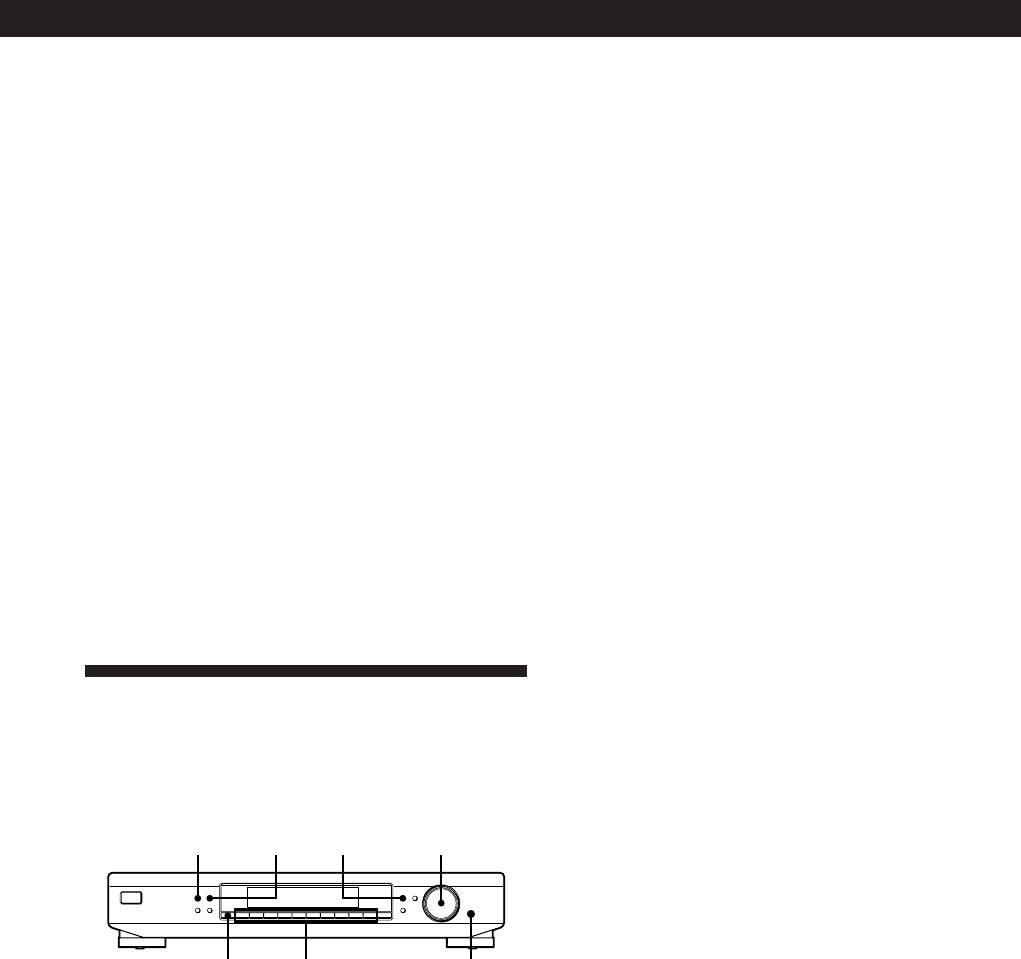
Naming the Preset Stations
You can assign a name up to 5 characters long to each
preset station. When the station is tuned in, the station
name will appear instead of the frequency.
MEMORY DISPLAY MENU
TUNING / SELECT
MEMORY DISPLAY
MENU
TUNE MODE
TUNING / SELECT
FM MODE BAND
RETURN
ENTER
SHIFT DIRECT
0987654321
SHIFT
Numeric
ENTER
buttons
1 Press MENU.
2 Turn TUNING/SELECT until “CHAR” appears
and then press ENTER.
3 Turn TUNING/SELECT to select a character.
4 When the character you want appears, press
MEMORY to move the cursor into position for the
next character.
If you make a mistake
Press MEMORY repeatedly until the character you
want to change flashes (every time you press
MEMORY, the next character flashes). Then turn
TUNING/SELECT to select a new character.
GB
11
