
Sony ST-SB920: About the Menu Entry System Customizing the Display
About the Menu Entry System Customizing the Display: Sony ST-SB920
Table of contents
- Precautions
- TABLE OF CONTENTS Welcome! About This Manual
- Unpacking Hooking Up the System
- FM aerial hookups Amplifier hookups
- Selecting the German Display Changing the FM Reception Mode
- Receiving Preset Stations
- About the Menu Entry System Customizing the Display
- Receiving Broadcasts
- Tips for Better FM Reception Presetting Radio Stations
- Naming the Preset Stations
- Organizing the Preset Stations
- Troubleshooting Specifications
- Index
Advanced Tuner OperationsAdvanced Tuner Operations
About the Menu Entry System
Customizing the Display
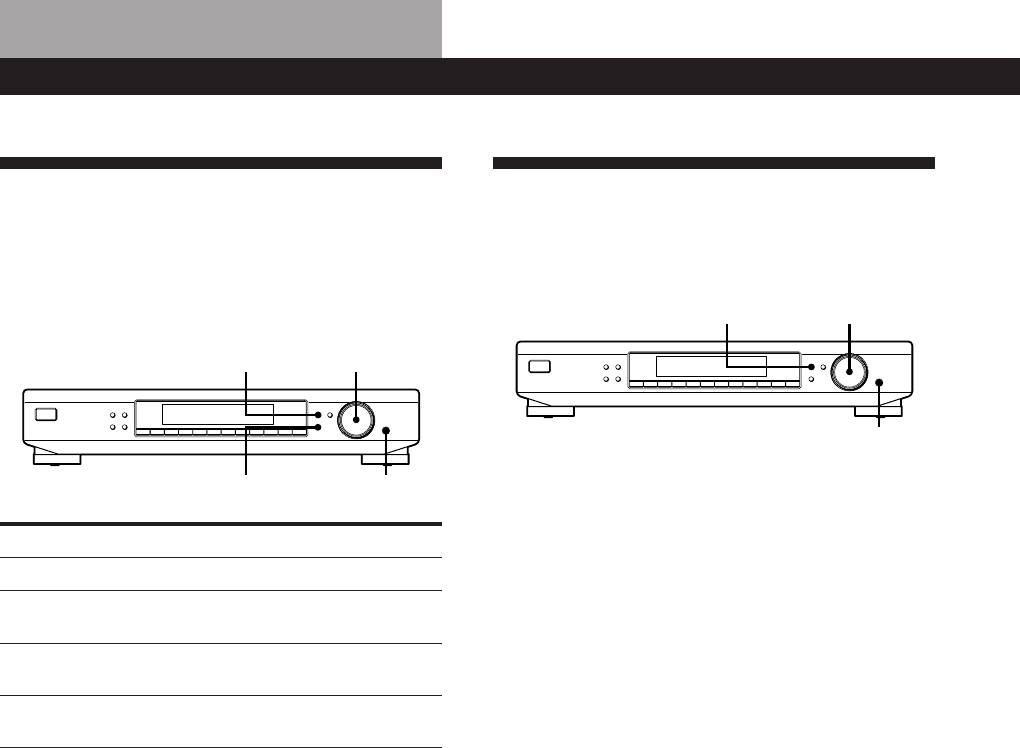
This tuner uses a menu entry system which allows you
You can select the appearance of the display from one
to operate various functions by following messages on
of the following four display modes.
the display. Use the following controls for menu
operation.
MENU
TUNING / SELECT
MENU
TUNING / SELECT
MEMORY
DISPLAY
MENU
TUNE MODE
TUNING / SELECT
FM MODE BAND
RETURN
ENTER
SHIFT DIRECT
0987654321
MEMORY
DISPLAY
MENU
TUNE MODE
TUNING / SELECT
FM MODE BAND
RETURN
ENTER
SHIFT DIRECT
0987654321
ENTER
RETURN
ENTER
1 Press MENU, then turn TUNING/SELECT until
“DISPMODE” appears in the display.
Use the To
2 Press ENTER.
MENU button enter the menu mode.
“SELECT” appears in the display.
TUNING/SELECT control display different items or
settings.
3 Turn TUNING/SELECT to select a display mode.
ENTER button select the currently displayed
item or setting.
Full Display/Full Brightness
RETURN button return to a previous stage in the
.
menu mode.
Full Display/Dimmed
.
Minimal Display/Full Brightness
.
Minimal Display/Dimmed
4 Press ENTER.
The setting remains in effect until you change it
again.
If you press one of the buttons on this unit, the
minimal display changes to the full display with
the selected brightness. After about 4 seconds, the
display returns to the display mode you selected.
GB
8
