
Sony CDX-M670 RU: Adjusting the sound characteristics Listening to each programme source in its registered DSO
Adjusting the sound characteristics Listening to each programme source in its registered DSO: Sony CDX-M670 RU
Table of contents
- Welcome !
- Table of Contents
- Location of controls Card remote commander RM-X111
- Main display panel Operation side
- Precautions
- Notes on CDs
- Notes on MDs
- Detaching the main display Getting Started window Resetting the unit
- Setting the clock
- CD/MD Playing a disc
- Display items Playing tracks repeatedly Playing tracks in random order
- Labelling a CD
- Locating a disc by name Selecting specific tracks for playback
- Radio Storing stations automatically
- Receiving the stored stations Storing only the desired stations
- Tuning in a station through a RDS list Overview of RDS
- Automatic retuning for best reception results
- Receiving traffic Presetting RDS stations with announcements AF and TA setting
- Tuning in stations by programme type
- Setting the clock DAB (optional) automatically Overview of DAB
- Basic operations of DAB
- Presetting DAB services Presetting DAB services automatically manually
- Tuning in DAB programme through a list
- Locating a DAB service by programme type (PTY) Switching multi-channel audio and DRC
- Tuning up for your best sound Setting the equalizer (EQ7)
- Setting the soundstage menu
- Adjusting the sound characteristics Listening to each programme source in its registered DSO
- Selecting the listening Adjusting the balance position (CDX-M770 only) (BAL) Adjusting the bass (CDX- M670, MDX-M690 only)
- Adjusting the treble (CDX- Adjusting the front and rear M670, MDX-M690 only) volume (CDX-M770 only) Adjusting the balance (FAD) (CDX-M670, MDX-M690 only)
- Adjusting the volume of the subwoofer(s) Other adjustable items (CDX- M670, MDX-M690 only)
- Other Functions Using the rotary commander
- Quickly attenuating the sound Selecting the spectrum analyzer
- Changing the sound and display settings
- Labelling a Motion Display Connecting auxiliary audio equipment (CDX-M770 only)
- Additional Information Maintenance
- Removing the unit
- Specifications
- Troubleshooting CD/MD playback General Radio reception
- DSP functions (CDX-M770 only) RDS
- Error displays/Messages
If the sound from the tweeter is too
shrill (CDX-M770)
Adjusting the sound
characteristics
1 While the unit is operating, press
(MENU).
You can adjust the sound characteristics.
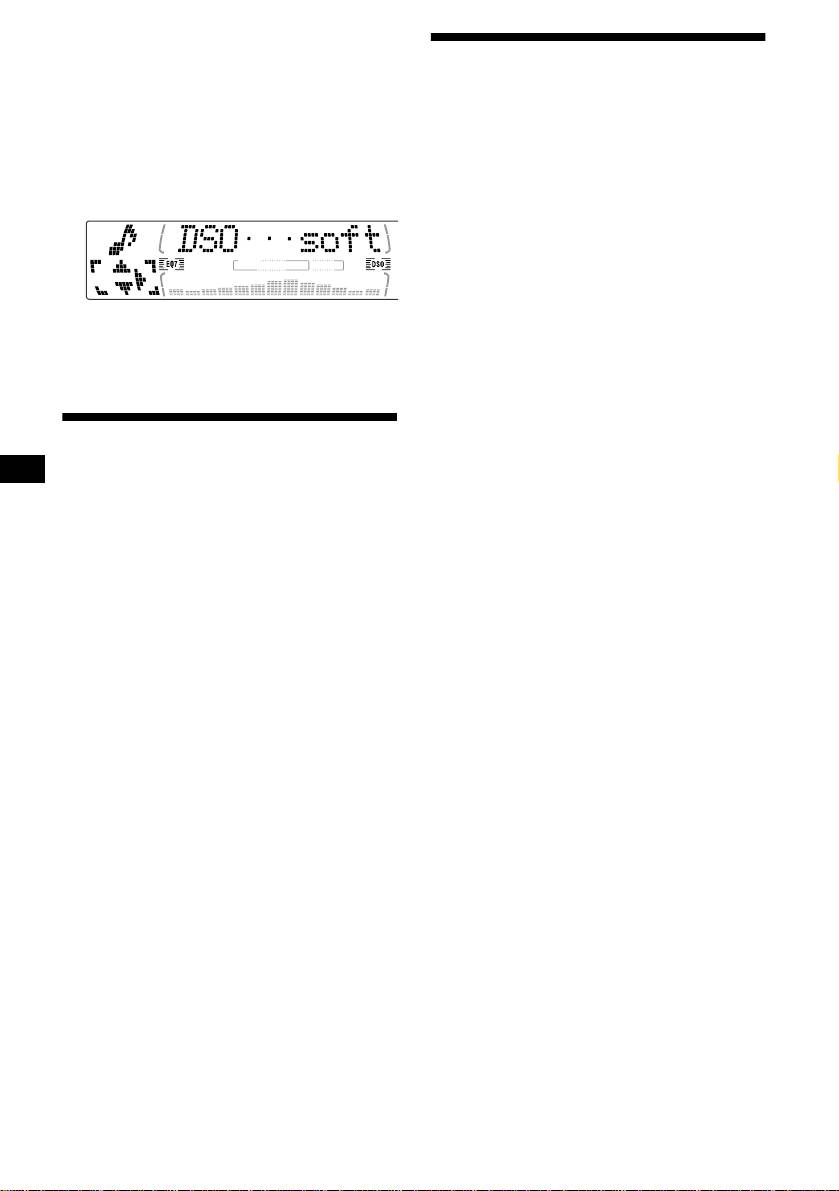
2 Press M or m repeatedly until “DSO
The bass and treble levels and subwoofer volume
norm” appears.
can be stored independently for each source.
3 Press , to select “DSO soft.”
1 Select the item you want to adjust by
pressing (SOUND) repeatedly.
Each time you press (SOUND), the item
changes as follows:
(CDX-M770)
POS (position) t BAL (left-right)
t F (front volume) t R (rear volume)
4 Press (MENU).
t SUB (subwoofer volume)
To restore the sound, select “DSO norm.”
(CDX-M670, MDX-M690)
BAS (bass)
t TRE (treble)
t BAL (left-right) t FAD (front-rear)
t SUB (subwoofer volume)
Listening to each programme
2 Adjust the selected item by pressing
source in its registered DSO
< or ,.
When adjusting with the rotary commander,
— Source Sound Memory (SSM)
press (SOUND) and rotate the VOL control.
Each time you return to the same source, you can
Note
hear the same DSO menu and equalizer curve
Adjust within 3 seconds after selecting the item.
registered for that source, even after changing the
programme source or turning the unit off and
then on again.
28
