
Sony BRAVIA KDL-26P25: Using the Favourite list
Using the Favourite list: Sony BRAVIA KDL-26P25
Table of contents
- Trademark information Introduction Notice for Digital TV function
- Table of Contents
- Start-up Guide 1: Checking the 2: Connecting an aerial/ accessories VCR
- 3: Bundling the cables 4: Preventing the TV from toppling over 5: Selecting the language and country/region
- 6: Auto-tuning the TV
- Safety information
- GB
- GB
- Precautions Disposal of the TV set
- Overview of the remote
- Overview of the TV buttons and indicators Watching TV
- Additional operations To access Text Picture Freeze PIP in PC Mode (Picture in Picture)
- Checking the Digital Electronic Programme Guide (EPG)
- Using the Favourite list
- Navigating through menus
- Picture Adjustment menu
- Sound Adjustment menu
- Features menu
- Set-up menu
- Sound Offset Manual Programme Preset
- Digital Set-up menu
- Using Optional Equipment Connecting optional equipment Connecting to the TV (side)
- Connecting to the TV (rear)
- Viewing pictures from connected equipment
- Additional Information Specifications
- Troubleshooting Picture Problem Cause/Remedy
- Problem Cause/Remedy Sound Channels General
010COV.book Page 15 Friday, January 19, 2007 9:53 AM
Tip
You can also display the Digital Electronic Programme Guide (EPG) by selecting “Digital EPG” in the “MENU”.
Notes
• You can set VCR timer recording on the TV only for SMARTLINK compatible VCRs. If your VCR is not SMARTLINK
compatible, a message will be displayed to remind you to set your VCR timer.
• Once a recording has begun, you can switch the TV to standby mode, but do not switch off the TV completely or the recording
may be cancelled.
• If an age restriction for programmes has been selected, a message asking for pin code will appear on the screen. For more details
refer to “Parental Lock” on page 22.
Watching TV
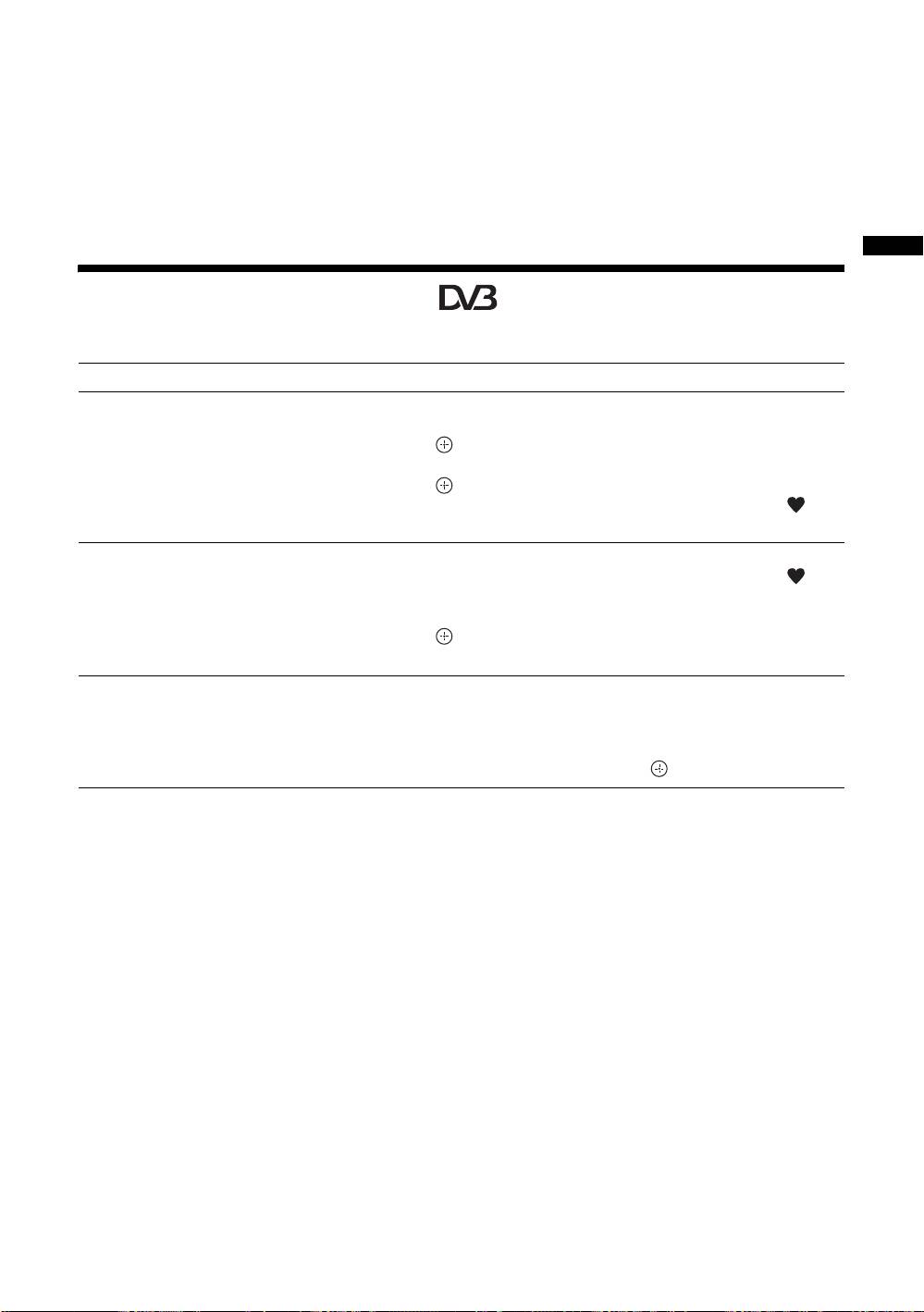
Using the Favourite list
The Favourite feature allows you to select programs from a list of up to 8 channels you specify.
To Do this
Create your Favourite list for the first time A message appears asking if you want to add channels to the Favourite list
when you select “Digital Favourites” in the “MENU” for the first time.
1 Press to select “Yes”.
2 Press
F/f to select the channel you want to add.
3 Press .
Channels that are stored in the Favourite list are indicated by a
symbol.
Add or remove channels in the Favourite
1 Press the blue button.
list
Channels that are stored in the Favourite list are indicated by a
symbol.
2 Press F/f to select the channel you want to add or remove.
3 Press .
4 Press the blue button to return to the Favourite list.
Remove all channels from the Favourite list
1 Press the blue button.
2 Press the yellow button.
A display appears to confirm that you want to delete all channels from the
Favourite list.
3 Press G to select “Yes”, then press to confirm.
GB
15
KDL-40/32/26U2000
2-693-044-41(0)
