
Sony BRAVIA KDL-26P25: Checking the Digital Electronic Programme Guide (EPG)
Checking the Digital Electronic Programme Guide (EPG): Sony BRAVIA KDL-26P25
Table of contents
- Trademark information Introduction Notice for Digital TV function
- Table of Contents
- Start-up Guide 1: Checking the 2: Connecting an aerial/ accessories VCR
- 3: Bundling the cables 4: Preventing the TV from toppling over 5: Selecting the language and country/region
- 6: Auto-tuning the TV
- Safety information
- GB
- GB
- Precautions Disposal of the TV set
- Overview of the remote
- Overview of the TV buttons and indicators Watching TV
- Additional operations To access Text Picture Freeze PIP in PC Mode (Picture in Picture)
- Checking the Digital Electronic Programme Guide (EPG)
- Using the Favourite list
- Navigating through menus
- Picture Adjustment menu
- Sound Adjustment menu
- Features menu
- Set-up menu
- Sound Offset Manual Programme Preset
- Digital Set-up menu
- Using Optional Equipment Connecting optional equipment Connecting to the TV (side)
- Connecting to the TV (rear)
- Viewing pictures from connected equipment
- Additional Information Specifications
- Troubleshooting Picture Problem Cause/Remedy
- Problem Cause/Remedy Sound Channels General
010COV.book Page 14 Friday, January 19, 2007 9:53 AM
Checking the Digital Electronic Programme Guide
(EPG)
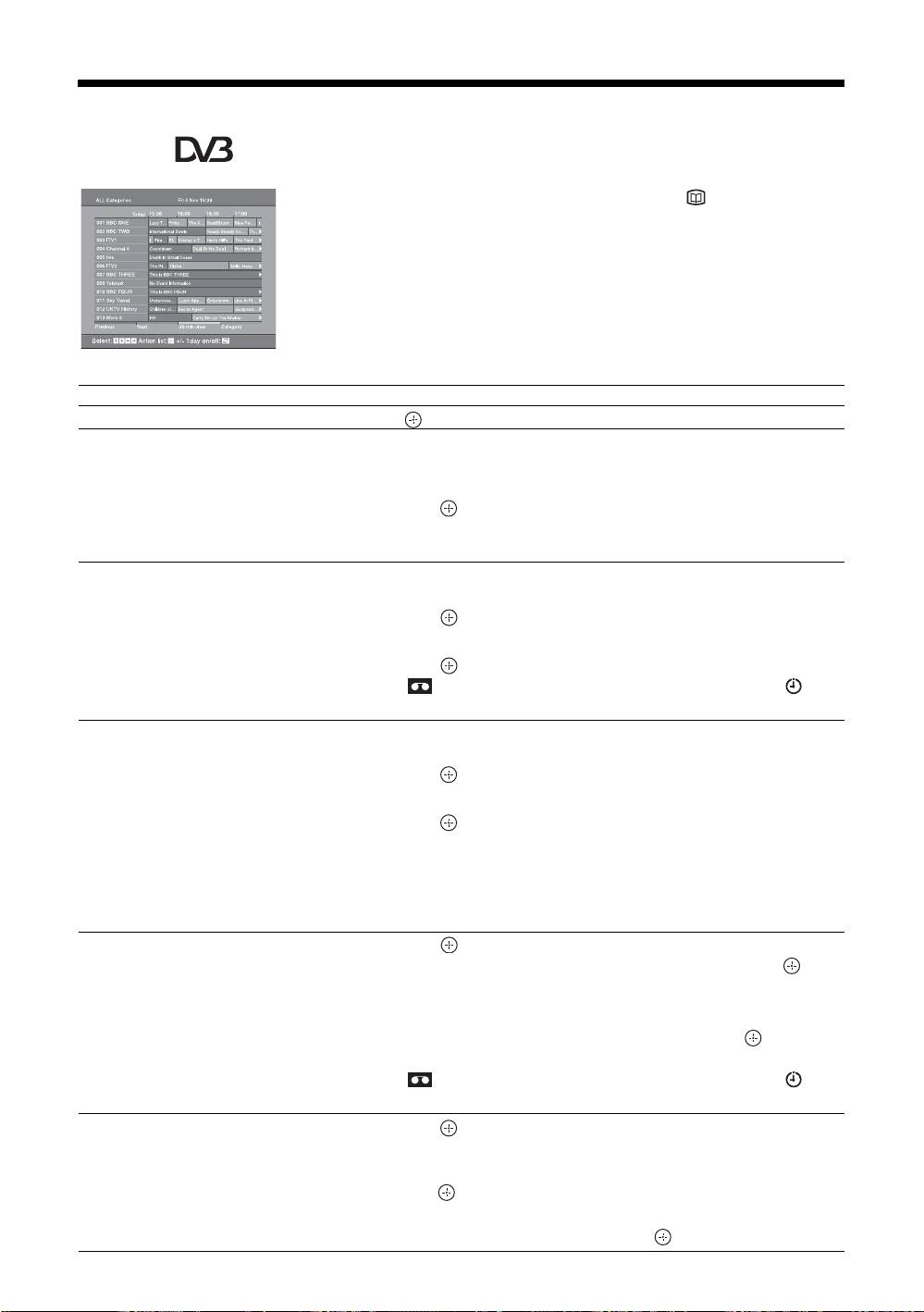
1 In digital mode, press to display the
Digital Electronic Programme Guide
(EPG).
2 Perform the desired operation, as shown in
the following table.
Note
Programme information will only be displayed if the TV
station is transmitting it.
To Do this
Watch a current programme Press while the current programme is selected.
Sort the programme information by
1 Press the blue button.
category – Category list
2 Press
F/f/G/g to select a category. The category name is
displayed on the side.
3 Press .
The Digital Electronic Programme Guide (EPG) now only displays the
current programmes from the category selected.
Set a programme to be recorded – Timer
1 Press F/f/G/g to select the future programme you want to
REC
record.
2 Press .
3 Press
F/f to select “Timer REC”.
4 Press to set the TV and your VCR timers.
A symbol appears by that programme’s information. The
indicator on the TV (front) lights up.
Set a programme to be displayed
1 Press F/f/G/g to select the future programme you want to
automatically on the screen when it starts
display.
– Reminder
2 Press .
3 Press
F/f to select “Reminder”.
4 Press to automatically display the selected programme
when the programme starts.
A c symbol appears by that programme’s information.
Note
If you switch the TV to standby mode, it will automatically turn itself on
when the programme is about to start.
Set the time and date of a programme you
1 Press .
want to record – Manual timer REC
2 Press
F/f to select “Manual timer REC”, then press .
3 Press
F/f to select the date, then press g.
4 Set the start and stop time in the same way as in step 3.
5 Press
F/f to select the programme, then press to set the
TV and your VCR timers.
A symbol appears by that programme’s information. The
indicator on the TV (front) lights up.
Cancel a recording/reminder – Timer list
1 Press .
2 Press
F/f to select “Timer list”.
3 Press
F/f to select the programme you want to cancel, then
press .
A display appears to confirm that you want to cancel the programme.
4 Press g to select “Yes”, then press to confirm.
GB
14
KDL-40/32/26U2000
2-693-044-41(0)
